Features that set you up for success
Unbounce comes jam-packed with features that allow you to build, experiment, and optimize all in
one place. Sign up for a free trial of Unbounce’s AI-powered landing page creation and optimization platform today to access unique tools like A/B testing, AI optimization, AI copywriting, and more.


Landing page builder
Use our landing page builder to create stunning landing pages for desktop and mobile without writing a single line of code.
Drag-and-drop
Add, remove, or customize any part of your landing pages with just a few clicks. Anyone can use the page builder, no design or development skills required.
100+ templates
Start building landing pages in minutes by choosing from our gallery of 100+ high-converting templates—or make your own design from scratch.
Page duplication
Have a winning formula? Save time by duplicating and editing your most successful landing pages for new campaigns.
Custom scripts
Need added functionality? Unbounce lets you add custom JavaScript, CSS, and HTML to any page.
Copy and paste
After you’ve customized the look of text or forms, simply copy and paste these elements from one landing page to another—no need to recreate from scratch.
Script Manager
Have your custom scripts apply universally across multiple landing pages using Unbounce’s Script Manager.
Custom mobile pages
You can control every element on your mobile page, which can be completely different from desktop. This helps tailor your mobile view for conversions.
Direct domain publishing
Publish your Unbounce landing pages to any custom domain or URL and seamlessly integrate with your existing campaigns or URL structure.
Free Unsplash images
Access more than 850,000 free, professional-grade images from thousands of photographers—right inside the landing page builder.
Speed boost
Under the hood, every Unbounce page is designed to follow Google's best practices for web performance and speed (so you don't have to think about it).
Google Fonts
Helvetica is far from your only option. Choose from over 950 Google typefaces to match your brand’s signature look.
Themeforest marketplace
Themeforest designers push the boundaries of what’s possible with Unbounce. Access and download 240+ fully customizable templates from Themeforest’s site.
Auto image optimizer
Images are automatically optimized to balance quality and file size to make your pages load faster. You can fine-tune your settings for full control.
SVG images
Add high-quality SVG graphics that won’t slow your pages down. SVG logos offer tiny file sizes that scale to any screen dimension.
Embedded videos
Sometimes words and still images just don’t cut it. Drag and drop engaging, informative videos anywhere onto your landing pages.
Video backgrounds
Immediately capture your visitors’ attention with stunning full-background video clips that autoplay in page sections.
Parallax scrolling
Create an immersive visitor experience and the illusion of depth by using parallax scrolling to enhance your landing pages.
Lightbox popups
Declutter your pages and display extra text and images using visitor-triggered lightboxes. This helps you avoid linking off your page and keeps visitors focused on your call to action.
Two-step forms
Let your visitors signal when they’re ready to convert with a two-step opt-in form. Using a lightbox, the form appears on click.
Form confirmations
Customize your form confirmation message and design to offer a value-add, or simply to say thank you.
Content gating
Gate your content behind a form to capture and nurture leads. Link to any content type—ebooks, whitepapers, infographics, and more.
Dynamic Text Replacement
Boost relevance—and the likelihood for conversion—by matching landing page text (like your headline) to your visitors' exact search terms.
Real-time dashboard
Use your dashboard to check how your pages and tests are performing. Want even more tracking? You can easily connect Google Analytics with your Unbounce account.
Popups and sticky bars
Add popups and sticky bars to any page on your website in just a few minutes. Trigger customized offers and target the visitors who are most likely to convert.
Drag-and-drop
Add, remove, or customize any part of your landing pages with just a few clicks. Anyone can use the page builder, no design or development skills required.
Dynamic Text Replacement
Boost relevance—and the likelihood for conversion—by automatically matching the copy in your popups and sticky bars to your visitors' exact search terms.
Two-step forms
Turn any button, image, or link on your website or blog into a popup form. Keep your visitors focused on conversion with a form that appears on click.
Action triggers
Launch popups and sticky bars when visitors arrive on a page, abandon a page, click an element, scroll down, or whenever you want.
URL targeting
Run popups and sticky bars on any page or group of pages within your site’s domain. Target by full URL, URL “contains” rules, or UTM codes.
Offer frequency
Choose how often visitors will see a popup or sticky bar (like once per visitor, every second visit, return visits only, or whenever you want).
Offer scheduling
Schedule your sticky bars or popups to start and stop according to your seasonal campaign plan or promotions.
Location targeting
Get your local offers in front of nearby visitors by creating popups and sticky bars targeted at specific countries, regions, or cities.
Referral targeting
Create segmented offers for visitors based on their traffic source like Facebook, Google Ads, or organic search.
Cookie targeting
Use cookies to show a popup or sticky bar based on visitors' browsing history, conversion status, previous actions, and more.
A/B testing
Our A/B testing tool lets you build, launch, and analyze experiments for landing pages,
popups, and sticky bars on your own.
One-click A/B testing
Unbounce’s no-code A/B testing tool is built for marketers with no time to ask for help (no designers or devs needed) so you can own experiments from start to finish.
Manual traffic allocation
Everything doesn’t have to be 50/50. Split traffic across your page variants however you like, whether it’s 60/40 or 10/30/50.
Natively integrated testing
Create a great visitor experience without UX disruptions (like page loading delays or flickers) with server-side loading.
Reporting dashboard
With confidence intervals and real-time reporting, you can clearly identify the winning version of your landing page.
AI optimization
With Smart Traffic, you can use AI to automatically send visitors to the page where they’re most likely to
convert and get an average of 30% more conversions.
Dynamic traffic routing
Use a data science-tested set of high-converting attributes to route your visitors based on location, timezone, device type, browser, and OS.
Time-to-learn
Smart Traffic starts learning about your page and visitor attributes immediately—infinitely faster than any human could.
Conversion mapping
Automatically identify conversion patterns based on who’s converting on which landing page variants. Start optimizing for better results in as few as 50 visits.
Audience insights
Learn how to get even more conversions with actionable insights from Smart Traffic. Discover new channel and audience opportunities without guesswork.
AI copywriting
Your built-in AI copywriting assistant. Rewrite, expand, or refine your landing page copy directly in the Unbounce builder—and see how every word fits your design as you go.
Expand
Turn a short thought into a complete paragraph. Unbounce’s AI copywriting assistant helps you build on your ideas and keeps your writing momentum going.
Next sentence
Keep your copy flowing, one line at a time. AI suggests next sentences that build on what you’ve written—so you can create copy that reads smoothly from start to finish.
Summarize
Tighten up long sections without losing your message. Unbounce’s AI copywriting assistant helps you condense and clarify your copy—perfect for mobile layouts or tighter design blocks.
Rewrite
Get fresh takes on your existing copy. Unbounce’s AI copywriting assistant helps you generate alternatives—so you can test and find the message that truly clicks.
Integrations
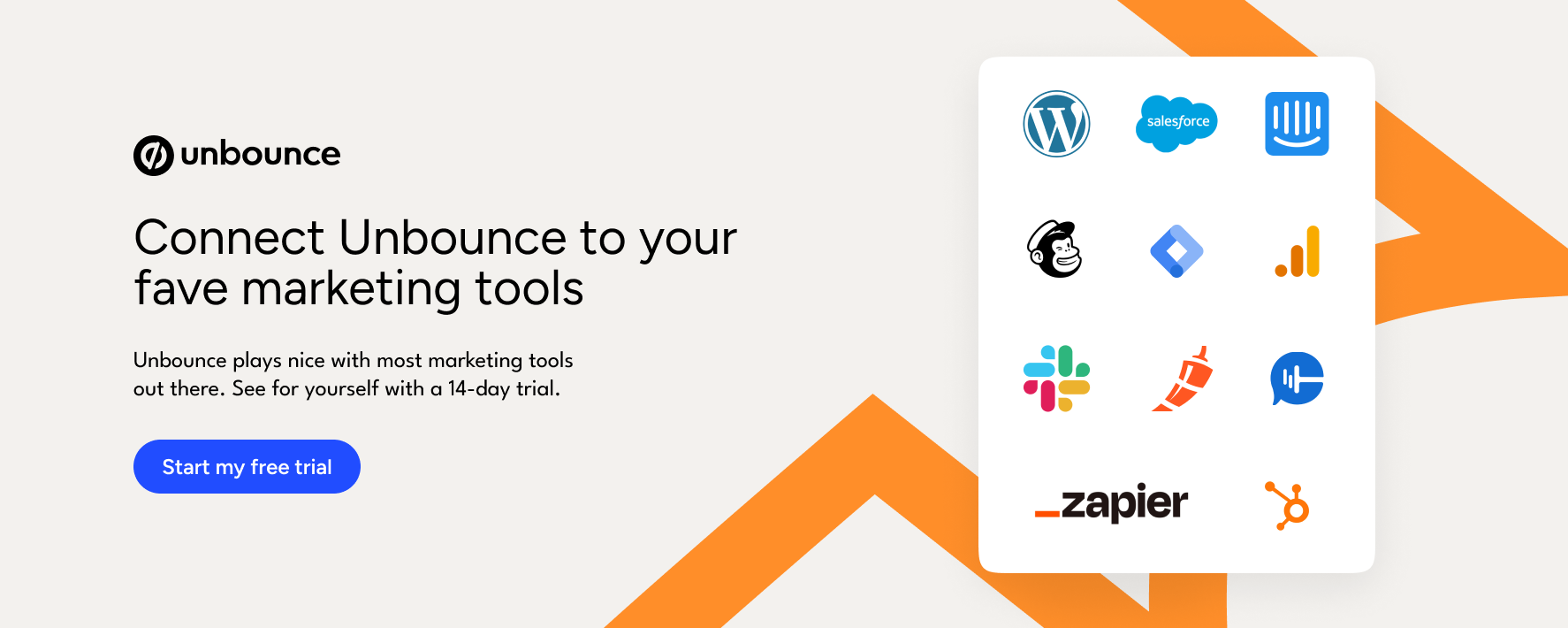
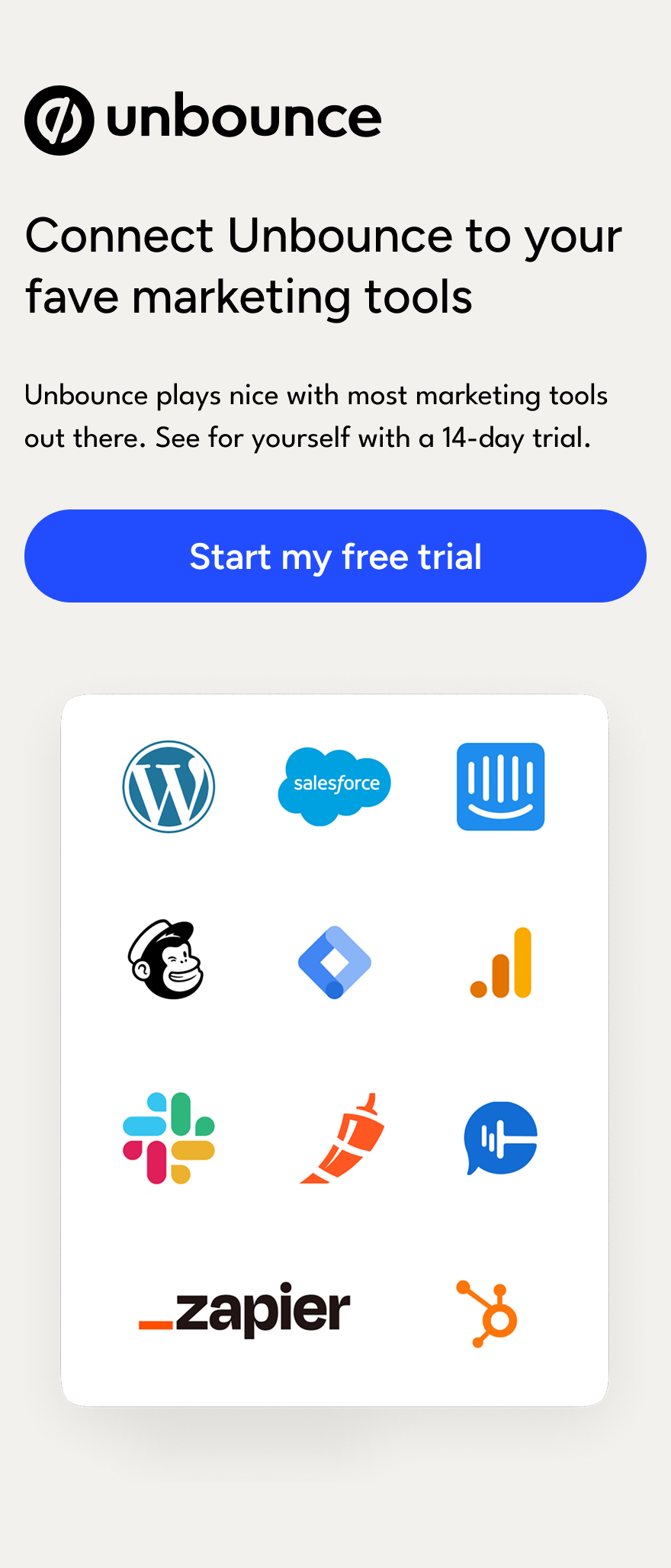
Save time and automate tasks by integrating with the rest of your tech stack. Unbounce offers
dozens of integrations and lets you connect to thousands of other tools using Zapier.
Google Analytics
Quickly link your Google Analytics account with our Script Manager. Just add your tracking ID and start monitoring your traffic and events (like button clicks and form fills).
Zapier integrations
Using Zapier, you can send leads and data from your landing pages to 1,000+ supported apps via "Zaps."
Webhook integrations
Create your own custom integrations by sending Unbounce form submissions to any server with webhooks.
Direct lead integrations
Automatically send leads to your CRM and marketing automation tools like Salesforce, HubSpot, Mailchimp, and more—all without leaving the builder.
Lead notifications
Send a real-time email notification to your team or clients every time a new lead comes in. Emails can be easily customized to match your brand.
Script Manager
Need more than Google Analytics? Easily add and manage tracking like Facebook Pixels across all of your pages with Script Manager.
Third-party embedding
Unbounce supports custom code so you can easily add third-party tools like Chili Piper, HotJar, and more.
Support and account management
For agencies or big teams, Unbounce makes it simple to stay organized. Manage multiple clients, users, or campaigns from a single account. Set permissions for each user and easily duplicate your work between accounts.
Support coverage
Hands-on, award-winning support is available via phone and live chat from 6am-6pm PST on weekdays and via email 24/7.
Client management
Efficiently manage multiple clients from a single account, and stay organized by keeping details from each account separate.
Single sign-on (SSO)
No more juggling passwords. With single sign-on (SSO), your usernames and permissions are all managed from one place.
Unlimited users
The more, the merrier. Add as many users as you need from your agency, team, or otherwise.
Permissions management
You can send previews of your pages to your team or clients with multi-user permissions. Manage access with roles like Admin, Author, or Viewer.
IP filters
Keep your reporting data clean by excluding certain IP addresses. IP filters allow you to test and visit campaigns from anywhere without polluting your tracking.
Audit logs
Gain oversight of a whole team’s actions in the builder with a complete record of user activity in your account. You can also export reports for easy review.
Version control
Preferred a previous version of your page? You can easily revert back to a page from the past anytime.
Archive and transfer
Have idle campaigns? Archive them without deleting anything. Have a client who’s ready to take the reins? Transfer their account with zero headaches.
Cross-account duplication
Easily copy landing pages between your accounts so you can reuse your own design and other assets for multiple clients.
Leads export
If you’re working with multiple clients, you can organize and export leads for each one individually. Export your leads to CSV from single or multiple pages.
Free hosting
Your Unbounce plan covers everything. Expect no additional fees for hosting your landing pages, popups, and sticky bars.
Performance and security
At Unbounce, we take your security and performance very seriously with industry-leading safety features and protocols.
Worldwide data centers
Thanks to five data centers across the world, your landing pages are speedy in every country you’re targeting with your campaigns.
Privacy by design
From forms to transactions, everything Unbounce does is designed to keep your data secure and the privacy of your business, leads, and visitors intact.
Two-factor authentication (2FA)
Make your login process secure by requiring secondary authentication on a trusted device in addition to a password.
Automatic SSL
encryption
All landing pages display a green padlock in their browser window (next to an HTTPS URL) assuring your visitors that their data is secure.
Fast content
delivery
Using Amazon’s CloudFront, the Unbounce Content Delivery Network (CDN) allows your landing pages, popups, sticky bars, and images to load quickly from any location.
Network
protection
Unbounce uses Cloudflare for enhanced security, ensuring all web traffic flows through a stack of security protections before reaching your landing pages and content.
Compliance with data privacy /protection regulations
Unbounce complies with worldwide data privacy and security standards, including GDPR, CCPA/CPRA, CASL, and PCI-DSS.
Get full feature access today
Start your free trial to get access to Unbounce features. Our landing page builder, popups,
sticky bars, and AI copywriting are available on all plans.