LANDING PAGEs for lead generation
Drive more leads with landing pages
Grow your business faster with more qualified marketing leads and less wasted ad spend. Unbounce helps capture visitor information through easy-to-launch forms for books, webinars, and more—converting more visitors into customers, no matter your campaign.
Start building for free
You can’t fill your funnel with leads if there’s a leak at the top
Any marketer will tell you that leads drop off as they go through the funnel—which is why you always need more.
Use landing pages to quickly build, optimize, and learn from your campaigns so the leads keep flowing.

Is your website too overwhelming?
Your website leaks leads like it’s made of swiss cheese. (Ugh.) With so many distractions, visitors are constantly clicking away before you get them in your funnel.

Are your forms too generic?
Capturing leads on a website takes a one-size-fits-all approach that doesn’t speak to specific visitors, segments, or offers. This means you end up with low-quality leads by default.

Is your team moving too slow?
Active lead gen campaigns require you to move fast as a marketer. This can be a challenge when you’re having to go through busy developers or designers to build every new page.
-
“I needed a tool that would be easy not just for myself, but also for my clients… Like for
someone who could barely copy and paste or turn on a computer—but here we are
creating Unbounce landing pages!”

-
“Unbounce is so easy and fast. The fact that it allows anyone on my team within hours to
jump in and get started is truly incredible. And sometimes the best thing is you don’t
have to think twice about it.”




Build lead gen landing pages to bring in more business
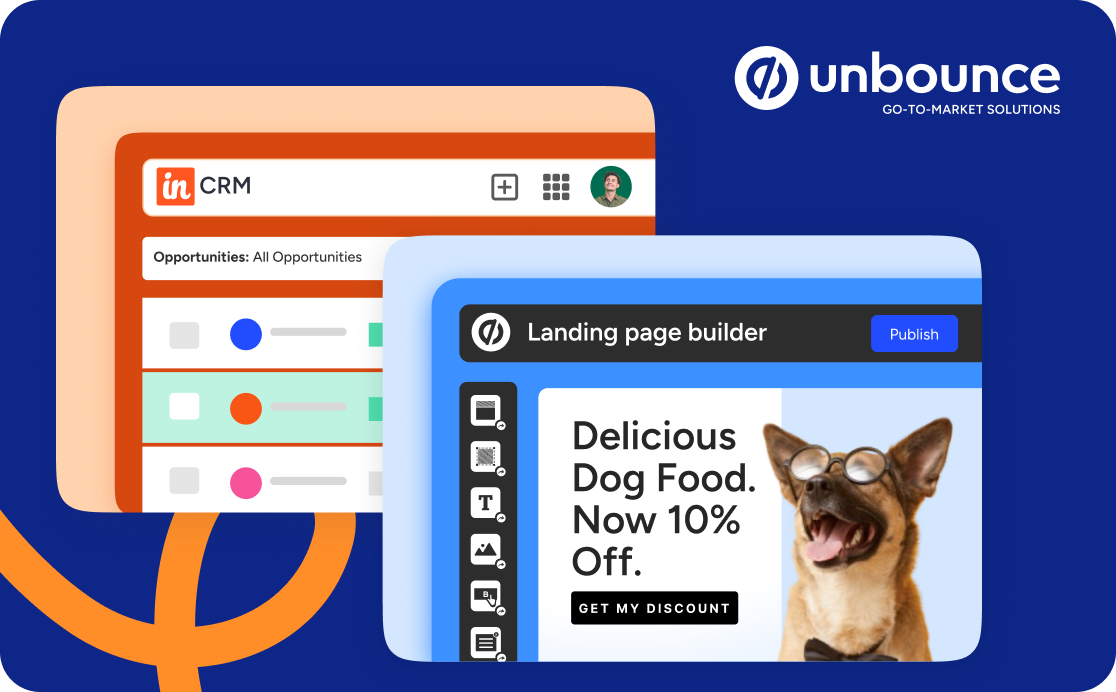
Grow your email list, fill your sales pipeline, and attract new customers. Use the drag-and-drop Unbounce Builder to create high-converting landing pages in a snap.
You don’t need to rely on anyone else to start driving more leads. Drag an image here, drop some text there—boom, you’ve got yourself a lead gen landing page.
Create multiple variants, and automagically route visitors where they’re most likely to convert. Smart Traffic gives an average conversion lift of 30% and starts optimizing in as few as 50 visits.
Learn moreYou don’t have to start from scratch. Get inspired and make changes quickly with free templates for ebooks, ecourses, webinars, and other lead gen magnets.
Learn more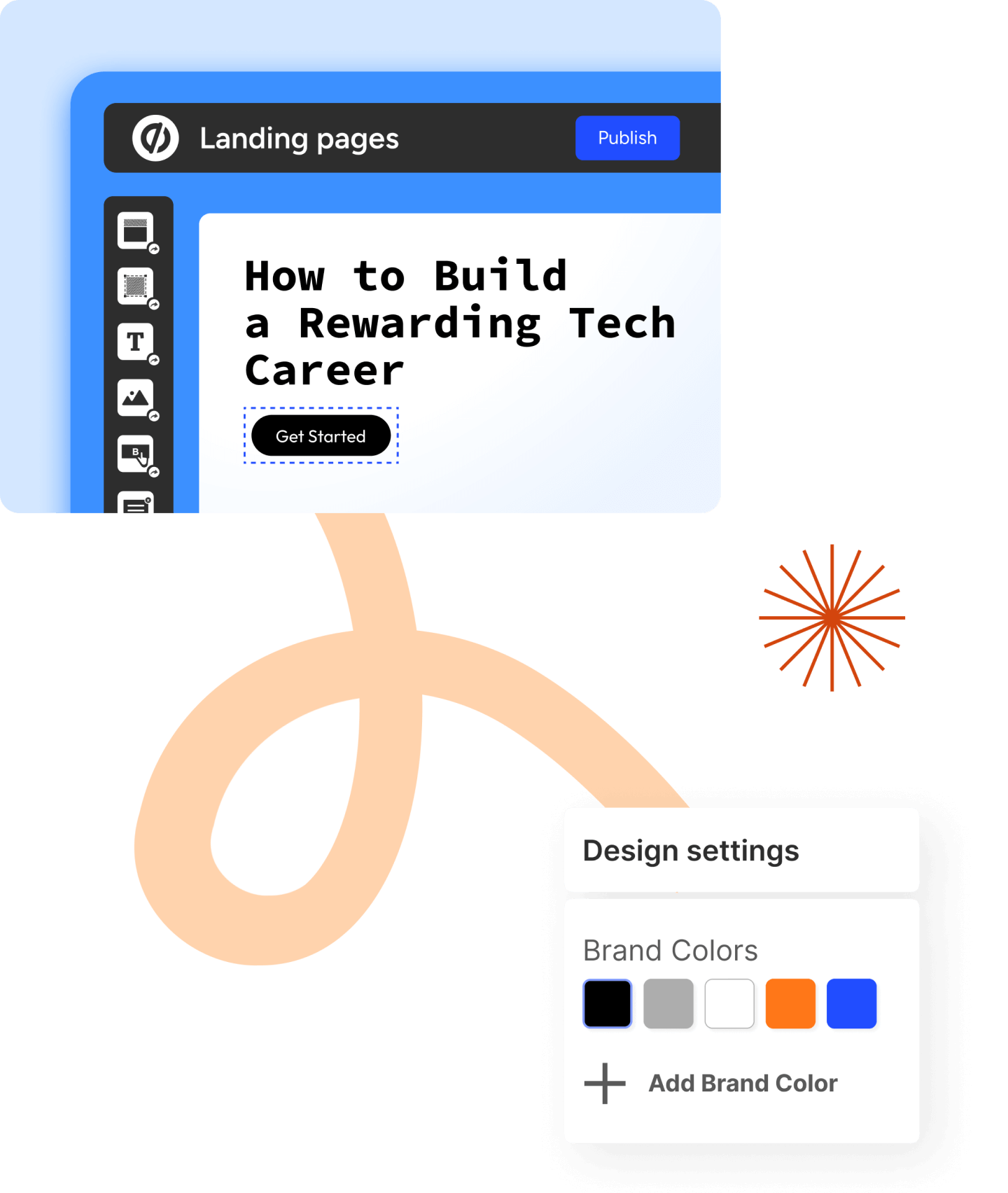
Your lead generators are just starting to power up
Help your lead magnets and campaigns reach their full potential with Unbounce landing pages. Start
building today with your free trial.
Let your lead gen forms do the heavy lifting
The most important part of any lead gen landing page is the form. Here’s how Unbounce makes it easier for you to get up and running.
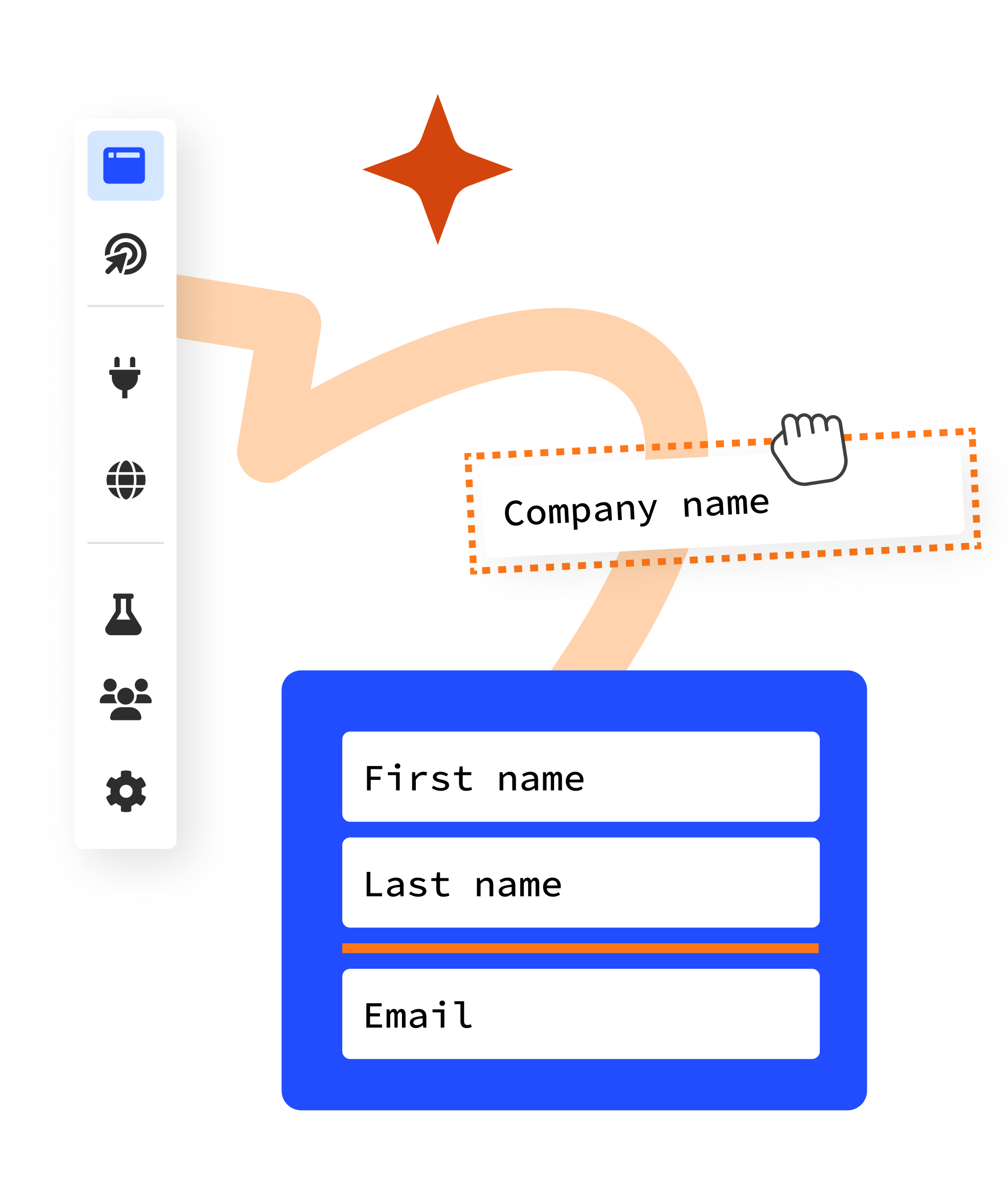
Customize your forms to fit your needs—whether you need one, two, or 20 form fields. You can even capture leads in an exit popup to double your chances of converting.
Choose where to send your brand new leads: your website, a juicy piece of content, or another custom landing page designed to carry them further down the funnel.
Keep track of your leads at every stage of the funnel
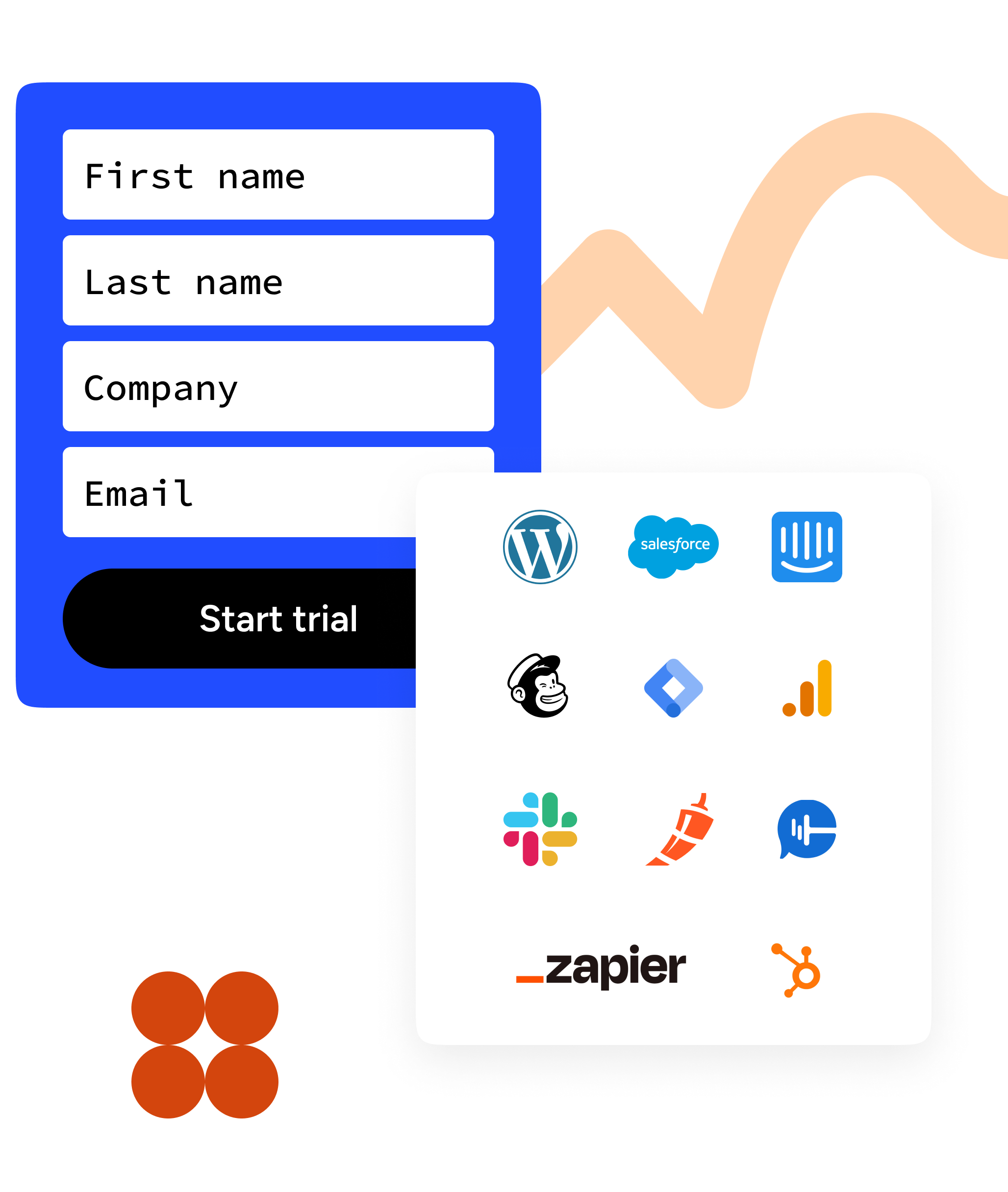
Never lose another lead. Unbounce connects seamlessly with the rest of your tech stack so you can account for every lead.
Flow your leads in real-time to tools like Marketo, HubSpot, or Salesforce. Use one of our integrations or send leads just about anywhere using Zapier or Webhooks.
Learn moreLeads coming in hot? Customize an automatic email that’ll instantly notify your sales rep or client so they can follow up ASAP.
Find out how Later captured over 100,000 qualified leads
The Instagram scheduler and marketing platform used Unbounce to capture leads at a whopping 60% conversion rate.
Read their story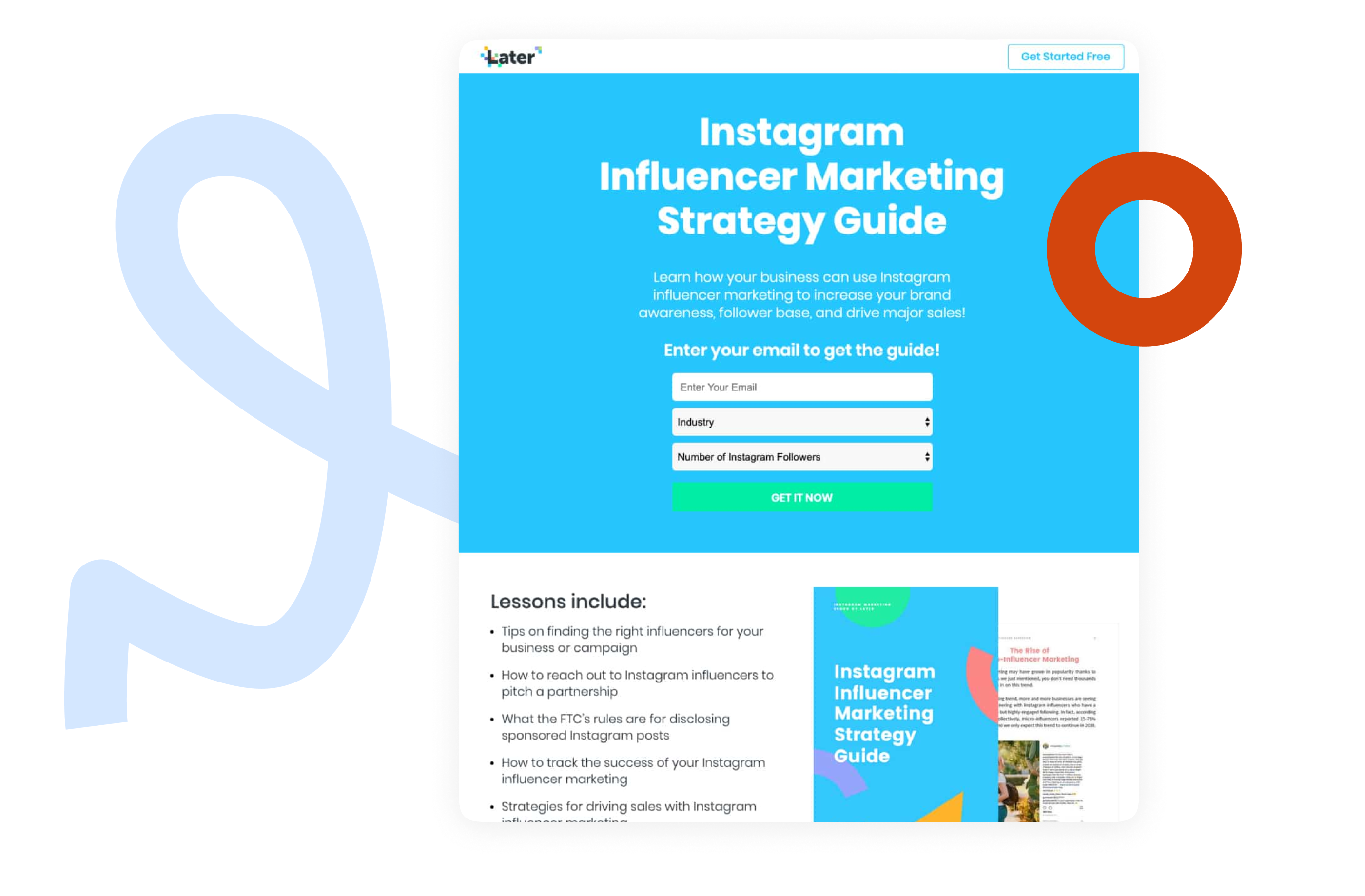
Ready for landing pages to take the lead?
Get an interactive tour of the Unbounce builder (no signup needed) before kicking off your 14-day
trial.
Empower your go-to-market team to grow faster
Unbounce’s go-to-market solutions prioritize ease of use and scalability so you can capture, convert, and cultivate customers without getting bogged down by complex processes and manual tasks.
Explore all GTM solutions