UNBOUNCE MCP SERVER NEW
Unlock your landing page process with Unbounce’s MCP
Now you have even more ways to break through one of marketing’s biggest bottlenecks: landing pages. Connect Unbounce’s MCP to AI assistants like Claude and ChatGPT to build, test, optimize, and manage your landing page library without leaving the AI tools you already use.
Start building for free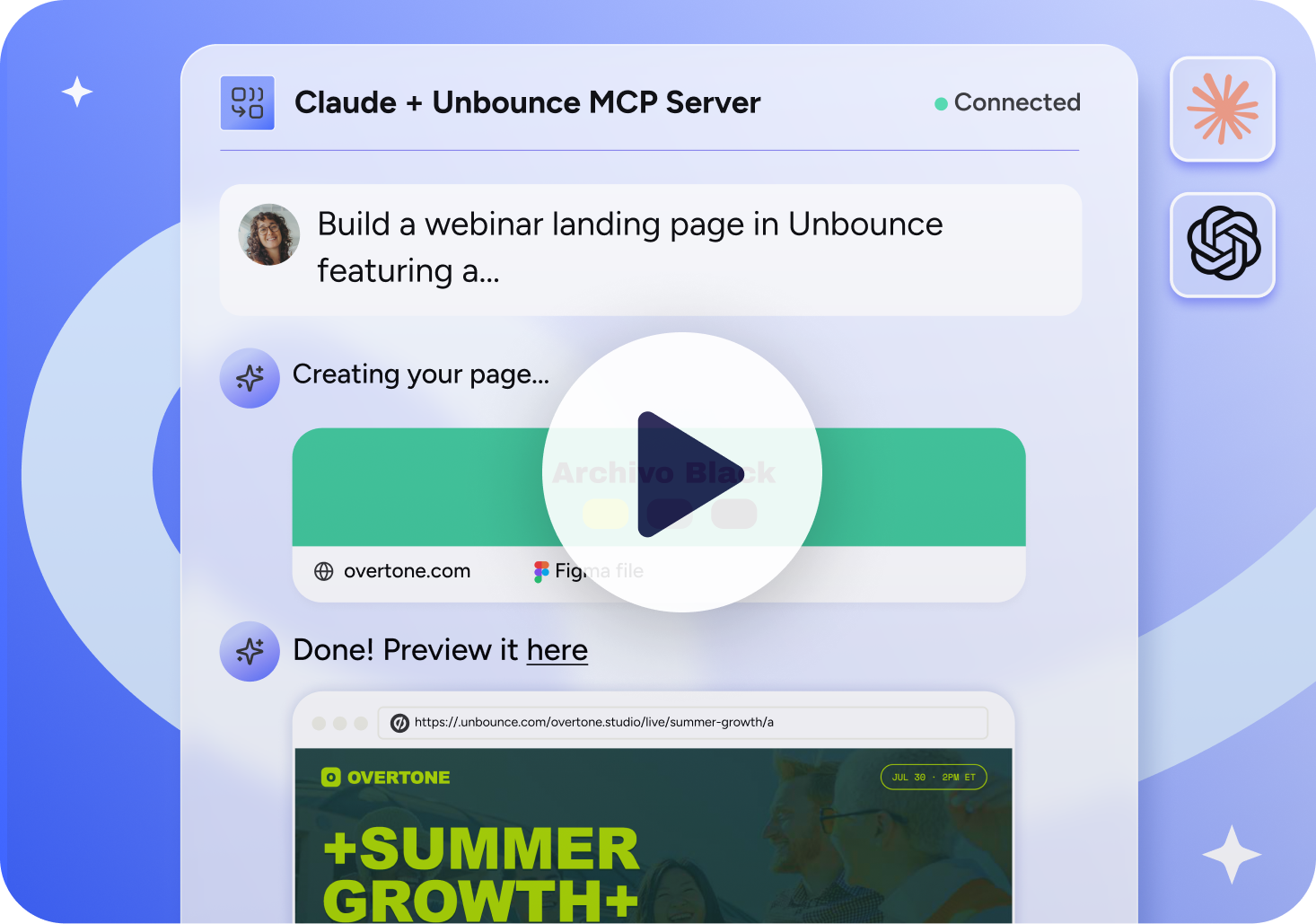
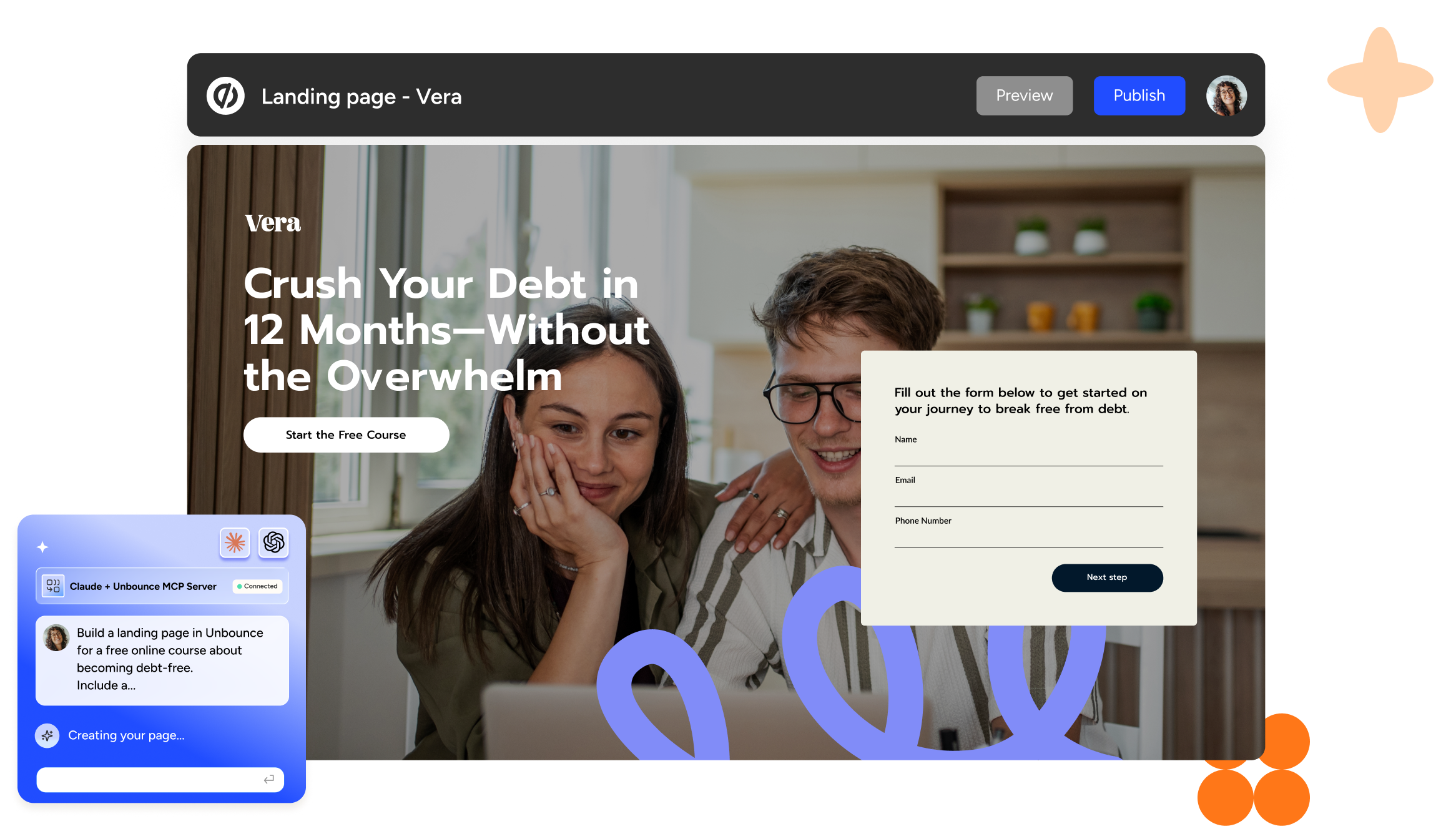
Prompt your landing pages to life
Build landing pages faster with AI-powered workflows that help you move past common design, development, and production bottlenecks.
Included with every Unbounce plan
Use the Unbounce MCP to build, optimize, and manage landing pages from Claude and ChatGPT at no additional cost.
Start building for freePut landing page insights within reach
Reporting, testing, and optimization can get pushed aside when time or technical expertise is limited. Skip the manual setup and use a few prompts to launch tests, optimize traffic, and pull the performance data you need.

Build responsive pages from the start
Every page you build with the Unbounce MCP server is responsive across desktop and mobile, so you can spend less time adjusting layouts for different devices.

Run tests and optimize traffic
Set up and launch A/B tests, split traffic across variants, and deploy the winner. You can also turn on Smart Traffic to run AI-powered traffic optimization.

Ask for the performance data you need
Quickly pull conversion rate and lead volume reports to monitor performance and decide what to improve next.
Make landing page management effortless
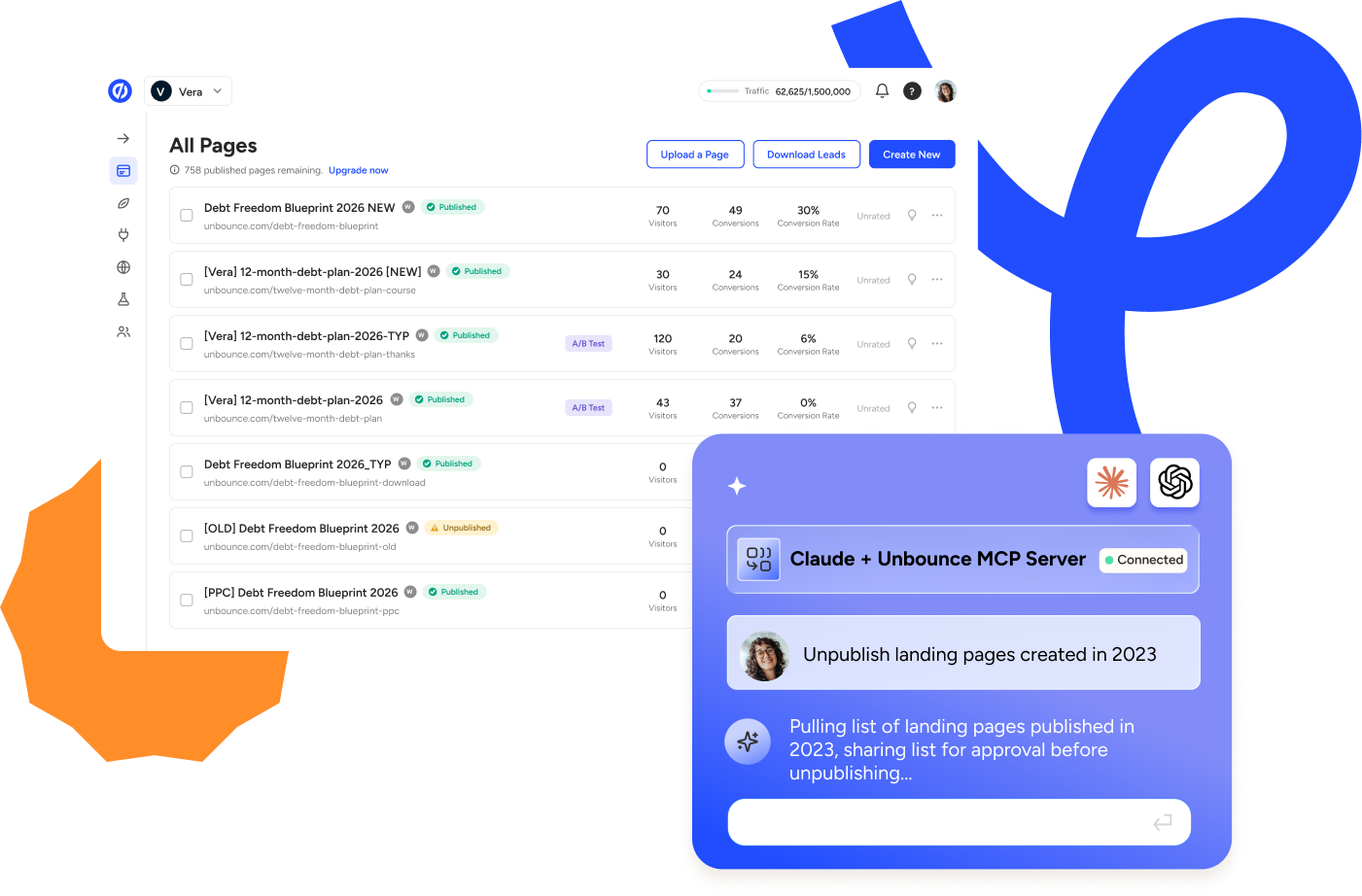
Ask quick questions like “How many leads has this landing page generated?” and manage your account by organizing pages into groups, unpublishing outdated pages, deleting duplicate drafts, or restyling MCP-created pages.
Bring more of your landing page process into your AI assistant

Build landing pages
Generate a landing page from a brief, copy doc, or the brand guidelines and design systems saved in your AI assistant. Host the MCP-created page HTML on Unbounce.

Edit landing pages
Convert an existing Unbounce page into an MCP-readable format to edit it or use its layout for a new page. Update colors, fonts, buttons, footer copy, and other elements from your AI assistant.

Add interactive elements
Add testimonial carousels, collapsible navigation, FAQs, and custom sections to your MCP-created landing pages without relying on a designer or developer.

Build Figma designs
Connect Figma and Unbounce to Claude or ChatGPT to turn your existing designs into live landing pages faster.

Build and style forms
Add Unbounce forms to your MCP-created pages by requesting the fields, CTA, and styling you need.

Review page performance
Generate conversion rate and lead volume reports, then ask questions about your data to identify trends and decide what to improve next.

Manage A/B tests
Create variants, allocate traffic, start or stop tests, and deploy winning variants. A/B testing is available on the Experiment plan and higher.

Optimize traffic
Turn on Smart Traffic from your AI assistant to automatically send visitors to the landing page variant most likely to convert. Smart Traffic is available on the Optimize plan and higher.

Manage pages
Manage your page library from your AI assistant. Organize pages into groups, unpublish or delete them, and update URLs, metadata, and Open Graph data.
Build your landing page process in Claude and ChatGPT
Connect Unbounce to the AI assistants you already use and build, optimize, and publish your next landing page with prompts. Included with every Unbounce plan.
Start building for freeFAQs
The Unbounce MCP server connects Unbounce to Claude or ChatGPT, so you can build, edit, publish, and analyze landing pages without opening the builder. Turn a Figma design into a live page, start an A/B test, or pull landing page reports.
The Unbounce MCP server works with Claude and ChatGPT. For the best results, download the desktop app and use Claude Cowork, ChatGPT Work, or Claude Code for more technical workflows.
The Unbounce MCP server lets you build responsive landing pages from a content brief, Figma template, existing Unbounce landing page, or from scratch. You can reference the skills, brand guidelines, design systems, and other context already available in your Claude or ChatGPT account to guide the page’s copy and visual design. Add interactive elements like testimonial carousels, collapsible navigation, FAQs, forms, and custom sections without relying on a designer or developer. Host the MCP-created page HTML on Unbounce.
To edit an existing Unbounce page, ask Claude or ChatGPT via the MCP to convert your page into an MCP-readable format. Update colors, fonts, buttons, footer copy, and other elements from your AI assistant. Please note that the MCP server can only read and edit MCP-readable landing pages, not pages created within Unbounce’s builder.
You can also run A/B tests, turn on Smart Traffic, organize and manage pages, generate custom reports with conversion rates, lead volume, and traffic source data, and more.
Yes. With Unbounce’s MCP server, you can ask AI assistants like Claude and ChatGPT to create new variants, set up an A/B test, and adjust traffic allocation between variants.
Access to Unbounce’s MCP server is included in all plans—starter, build, experiment, optimize, concierge, and agency. You’ll also get access to the server when you start a free trial of Unbounce.
Nope. Using the Unbounce MCP server does not require technical, design, or coding experience. Connect Claude or ChatGPT to your Unbounce account in just a few clicks using this setup guide, then ask for what you need in plain language.
Download the Claude or ChatGPT desktop app (recommended), add the Unbounce MCP server in your AI assistant’s connector or plug-in settings, then sign in with your Unbounce account to authorize access. For further guidance and detailed instructions, refer to this setup guide.
Yes. When you connect Claude or ChatGPT to both the Figma and Unbounce MCP servers, you can share your Figma design and ask your AI assistant to turn your design into a landing page, which will be hosted as MCP-created page HTML on Unbounce. For the best results, download the desktop app and use Claude Code.
When you connect Claude or ChatGPT to Unbounce via the MCP Server, your AI assistant will access your landing pages and account information to help you build and manage pages.
Important: The MCP Server does NOT provide access to individual lead data or personally identifiable information (PII). Lead data has been removed from MCP to ensure compliance with CCPA, GDPR, and other privacy regulations.
What MCP Accesses:
- Landing page content (HTML, CSS, copy)
- Page configuration and metadata
- A/B test variants
- Aggregate analytics (traffic source, conversion rates, lead volume)
What MCP Does NOT Access:
- Individual lead data (names, emails, phone numbers, form submissions)
- Visitor PII
- IP addresses or visitor identifiers
Your Responsibilities:
Because MCP does not access lead data, you have NO additional compliance burden when using MCP. You can use MCP the same way you use the rest of Unbounce, with no new privacy policy updates or consent mechanisms required specifically for MCP.
- Your connection is secure. Authentication happens on Unbounce’s own sign-in screen via OAuth. The AI assistant never sees or stores your password.
- The Unbounce MCP server uses OAuth authentication and only acts within the permissions your account already has.
- Your account can only be accessed by you and your authorized team members.