7 best Framer alternatives for websites and landing pages (2026)
You asked Framer’s AI to redo a layout. Then you prompted it again for the hero copy. Then again for the pricing section, because the second version it generated still didn’t feel right.
Somewhere around the fifth revision, a different question shows up:
How much of my AI allowance did that just use?
Maybe that’s what has you looking at Framer alternatives. Or maybe it’s something else entirely. You might need to host the published site on your own infrastructure, move to a plan with more pages and users, or build campaign landing pages in a platform where testing is part of the workflow.
TABLE OF CONTENTS

Josh Gallant
Josh is the founder of Backstage SEO, an organic growth consulting firm that helps B2B SaaS companies capture demand from search. He’s a self-proclaimed spreadsheet nerd by day, volunteer soccer coach by night (and weekends), and wannabe fantasy football expert every fall.
» More blog posts by Josh Gallant
Here’s the honest part:
Framer is a capable tool. It gives you access to AI page generation, visual design on a canvas, a CMS, and native A/B testing. Some of its constraints, like plan limits, seats, or credits on lower-tier plans, go away when you upgrade, though the upgrade costs more. Others call for a different website builder, or for a separate tool that handles one specific job alongside the site you already have.
The limitation you’re actually trying to fix decides which tool fits.
In this guide, we’ll cover:
- What Framer already does well, and which cost, usage, and workflow limits might matter to your project
- 7 alternatives matched to different website and page jobs, with their capabilities, limits, and pricing
- When pairing your website builder with a dedicated landing page tool makes more sense than switching
- How Unbounce supports focused campaign landing pages while your website keeps doing its job
But first, let’s give Framer a fair hearing and see what it already offers.
What does Framer already offer?
Framer is a visual website builder with AI built into the canvas. You can describe what you want, get editable pages and sections back, and keep shaping them by hand or by asking for changes.
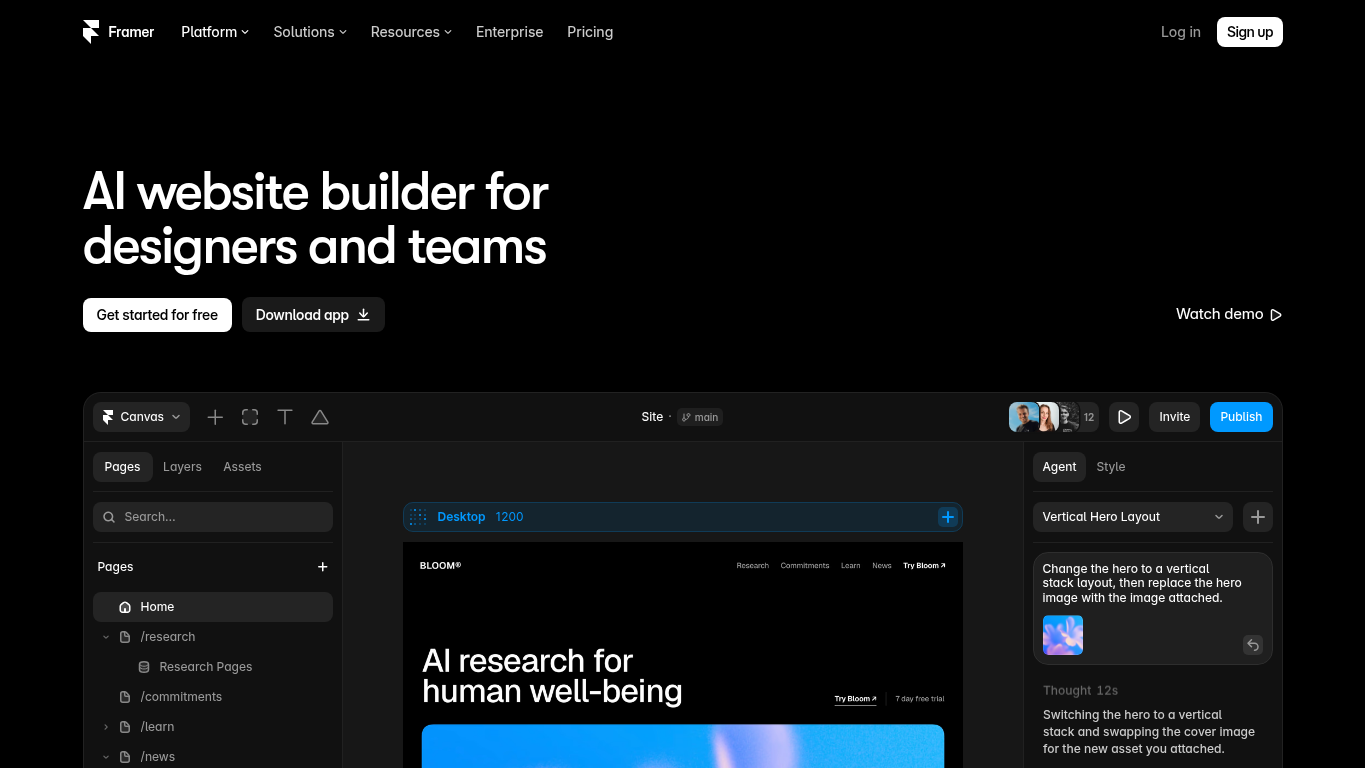
Here’s what the platform offers today:
- AI that creates editable pages, sections, copy, and visuals, which you can refine through conversation or directly on the canvas
- Responsive adjustments so layouts hold up across screen sizes
- A CMS for managing collections and the content inside them
- AI-generated code components for when you need custom behavior
- Pre-publish quality checks that flag contrast problems, typos, missing alt text, SEO gaps, and inconsistent styles
- Native A/B testing, available as a paid add-on from the $45/mo plan
That’s a strong baseline. If Framer’s design, content, and publishing tools already cover your project, and your plan covers the pages, editors, and AI credits you need, staying put is a perfectly sensible choice. Testing alone isn’t a reason to switch, either, since Framer can already run experiments.
One distinction matters before we go further:
Framer’s AI actions use credits. Manual edits on the canvas don’t.
The native Agent and other named AI actions draw on a credit allowance shared across your workspace.
Plans matter too. The free plan is for noncommercial use and includes 500 AI credits to try. Paid plans start at $15/mo on monthly billing ($10/mo billed yearly), with 1,000 credits a month. A free custom domain is only included with annual plans. The next plan up, at $45/mo ($30/mo billed yearly), raises that to 3,000 credits and makes A/B testing available as a paid add-on.
Each additional editor costs $30/mo ($20/mo billed yearly), and CMS collections and bandwidth also change from one plan to the next.
Which brings us to where those allowances and workflows can start to feel restrictive.
Which Framer limitations might lead you to look elsewhere?
Framer’s limits come down to AI credits, control over hosting, and how A/B testing is billed. Depending on which limitation you’re running into, there are different ways to work around it if you don’t want to switch platforms.
AI credits make heavy iteration less predictable
Complex, multi-step tasks use more AI credits than quick changes. Credits reset each billing cycle and don’t roll over. Once you run out, AI requests pause until your credits reset or you buy more.
If your process relies on repeated AI revisions, keep in mind that credit usage can vary significantly from task to task, making it difficult to stay within a fixed allowance. This makes costs less predictable than the plan price suggests. Page, CMS, bandwidth, and seat limits are separate, and a plan upgrade may cover those without a move.
You can’t export or self-host the published site
Framer doesn’t let you export a published website as HTML or static files. You can connect your own domain, but your site must be hosted on Framer. If you need to host your website on your own infrastructure or export its code to use elsewhere, you’ll need a different website builder.
A/B testing is a paid add-on billed per test event
Framer’s native no-code A/B testing runs through Convert, a paid add-on from the $45/mo plan. It’s billed on test events, so the cost rises with your testing volume. The test identifier also resets daily, so conversions only count on the day of the visit and don’t follow visitors across days or devices.
7 best Framer alternatives for teams building websites and pages
The table compares all 7 page builders on what each one is best suited for, its main distinction or trade-off, and where paid pricing starts.
| Provider | Best for | Main distinction or trade-off | Pricing |
|---|---|---|---|
| Unbounce | PPC campaigns and agency workflows | Dedicated landing pages with Dynamic Text Replacement and visitor routing that run alongside your website | Free 14-day trial, then from $29/mo, or $22/mo billed annually |
| Webflow | CMS-rich websites | Site design and structured publishing, with CMS on the qualifying paid site plan | Free plan, paid from $25/mo |
| Wix | Booking and ecommerce sites | Hosted site editing with booking and selling tools in the selected plan | Free plan, paid from $17/mo billed yearly |
| Squarespace | Portfolios and blogs | Visual content maintenance, though export doesn’t transfer the full site design | Free 14-day trial, paid from $25/mo |
| Lovable | Websites with custom app features | Interactive website features and GitHub continuation, with building and running both using credits | Free plan, paid from $25/mo |
| Dorik | Prompt-built business sites with CMS | AI multipage starts plus CMS publishing, with team access gated by plan | Free 7-day trial, paid from $29/mo |
| Carrd | Simple one-page sites | Compact responsive destinations, with domains and forms on qualifying paid access | Free plan, paid from $9/year |
Prices are for monthly billing, except Wix and Carrd, which list yearly billing only. Features and usage allowances vary by plan.
1. Unbounce: Best for PPC campaigns and agency workflows
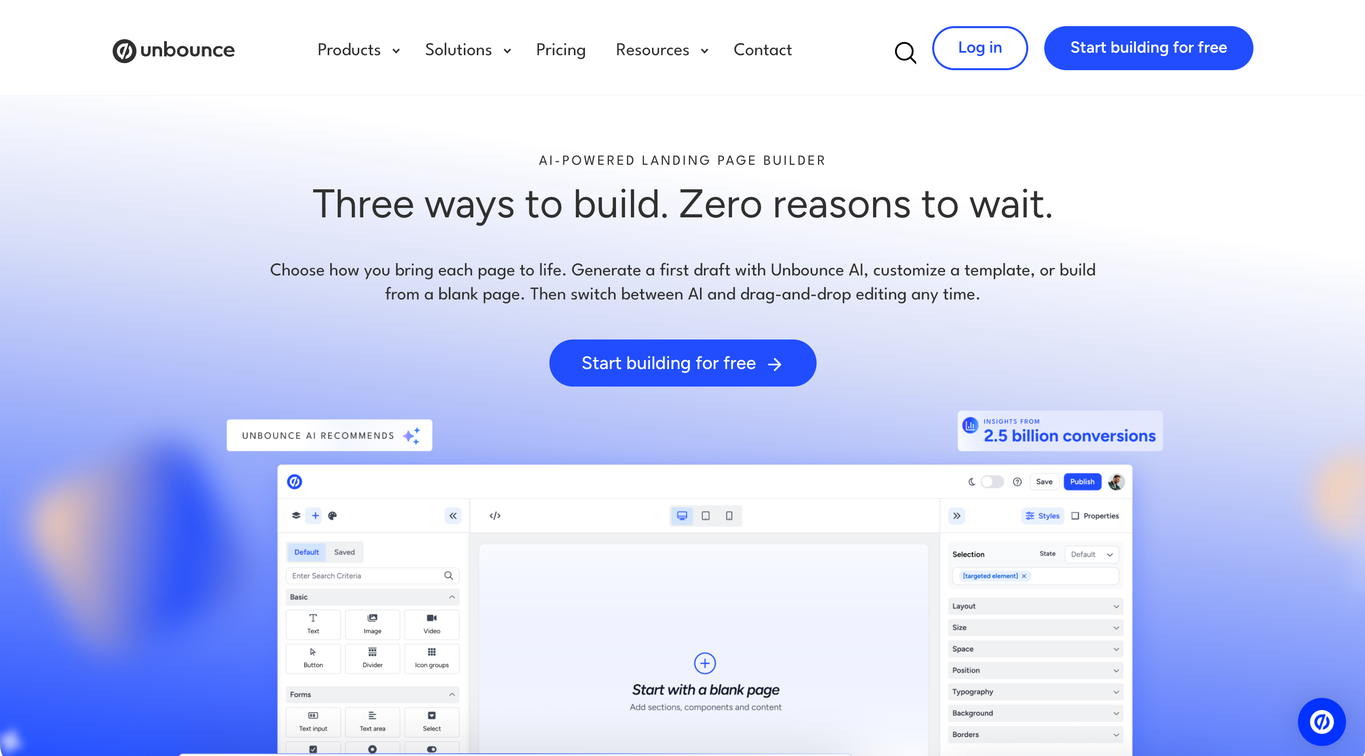
Unbounce is an AI-powered landing page builder for marketers and agencies that covers the campaign-page side of what you’d build in Framer. You can start a page from a prompt, a template, or a blank page, or build it from Claude or ChatGPT through the MCP server, then route each visitor to the variant that fits and match the page to the ad that brought them.
It’s a strong fit for agencies that need to create, customize, publish, and A/B test pages quickly across clients, PPC or not, and for in-house teams that need campaign-specific pages built to convert paid traffic.
Your website can stay where it is while your campaign pages run on Unbounce.
What can you do with Unbounce?
- Describe the campaign page you need in a prompt and get a mobile-responsive first version back in the hybrid landing page builder, ready to refine
- Build, publish, and manage campaign pages from AI assistants like Claude or ChatGPT through the Unbounce MCP server, the connection that lets your assistant work directly in your Unbounce account
- Use AI trained on insights from 2.5 billion landing page conversions, so every page you build with AI applies design, copy, and conversion best practices based on your industry and specific conversion goal
- Start from a template or a blank page instead, and switch between AI and drag-and-drop editing anytime as you refine the page
- Send each visitor to the page variant they’re most likely to convert on with AI traffic routing (Smart Traffic)
- Match page headlines and copy to the keyword or ad that brought each visitor using Dynamic Text Replacement, so the page picks up the message they clicked on
- Run A/B tests on page variants without code to see which version earns more conversions
- Handle repeat client work with permissions, page duplication, and reporting built for agencies
What are Unbounce’s limitations?
- A/B testing and Dynamic Text Replacement start on the $149/mo plan and Smart Traffic on the $249/mo plan, so the entry plans won’t cover a testing or routing workflow.
- With your website on Framer, Unbounce pages live on a subdomain you connect through DNS, such as campaign.example.com. Serving them at paths on your main domain, like example.com/offer, needs Unbounce’s WordPress plugin, which works only on WordPress sites.
- Unbounce is built for conversion-focused campaign pages, not for managing a full website or blog, so if publishing and organizing articles is central to your strategy, you’ll still need a separate CMS.
How does Unbounce’s pricing work?
Unbounce pricing starts at $29/mo, billed monthly, or $22/mo billed annually, for a small set of basic pages. If you’re producing campaign pages regularly, unlimited pages start at $99/mo. A/B testing and Dynamic Text Replacement start at $149/mo, and Smart Traffic starts at $249/mo.
You can try every feature free for 14 days, with no credit card required, and choose a plan once the trial ends. Trial accounts are limited to one user and can’t connect custom domains.
For agencies managing several clients and domains, the Agency self-serve plan is $349/mo, and covers 10 root domains, compared with 3 on Optimize.
The bottom line
Unbounce is a strong fit for marketers running high volumes of paid media campaigns who need to create, test, and optimize landing pages at scale. Build or edit with AI by prompting directly in the builder, or create pages through Claude or ChatGPT using the MCP server, and switch to manual building and editing whenever you need to.
For agencies, that means creating, customizing, and publishing pages quickly across clients, with page duplication, permissions, and reporting, whether or not those campaigns run on paid search.
For in-house teams, it means giving each paid campaign a page that matches its ad and its offer. Either way, your website can keep doing its job while Unbounce helps you launch and improve the pages your campaigns depend on.
2. Webflow: Best for CMS-rich websites
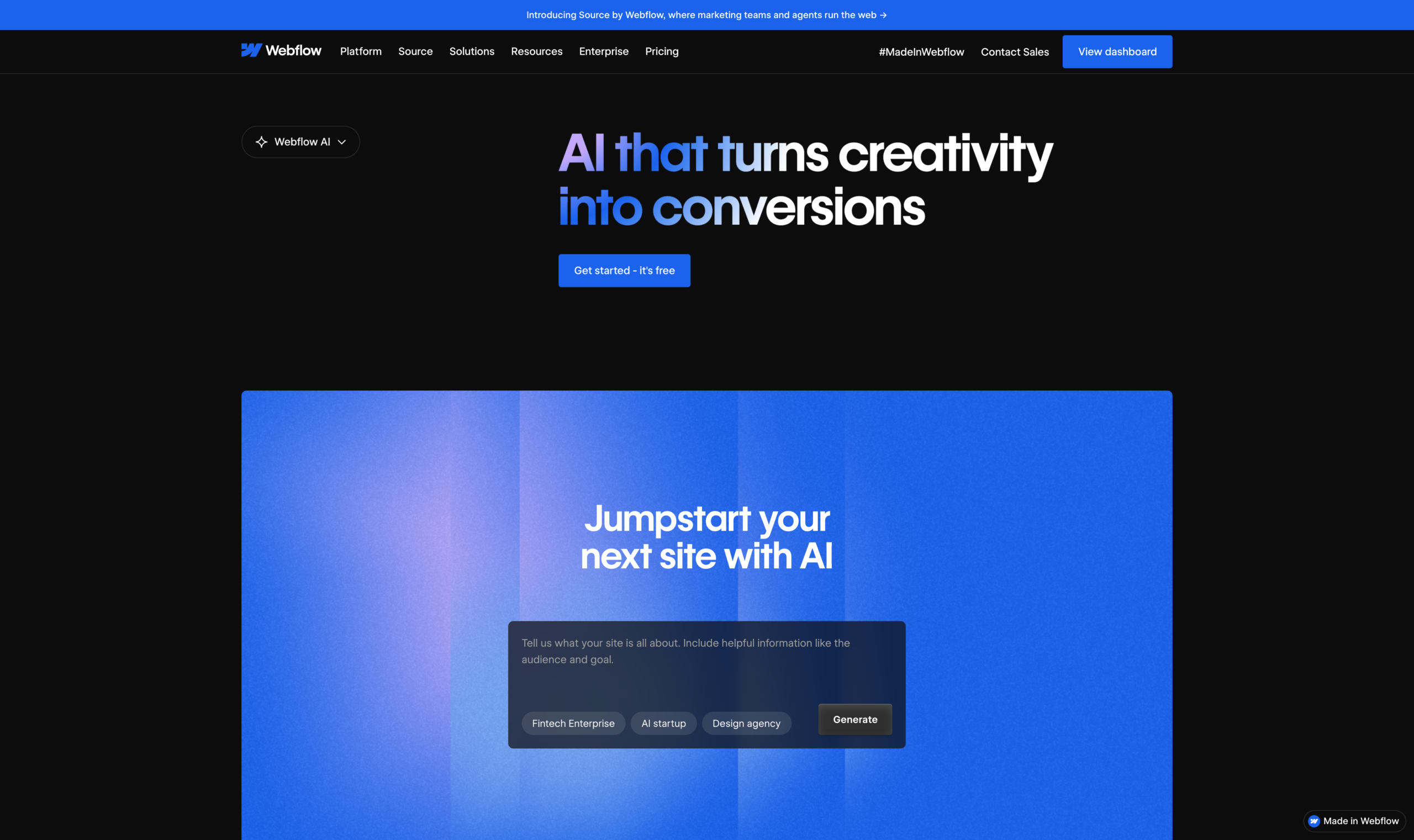
Webflow is a whole-site design and publishing platform for teams that want to rethink how they build and run a content-heavy website. Framer has a CMS too. Webflow’s strength is a different way to design pages and publish structured content across a growing site.
What can you do with Webflow?
- Create a site with AI to get a starting structure you can design from
- Refine page layouts and styling visually as the site evolves
- Publish structured CMS content, such as articles or listings, on a CMS-enabled site plan
- Collect form submissions on the hosted site, within your plan’s allowance
- Generate copy and code with AI and review SEO and answer engine optimization (AEO) suggestions, on plans that include Webflow’s AI tools
What are Webflow’s limitations?
- The free hosted site is limited to 2 static pages on a Webflow.io domain, so it’s only enough to test the workflow.
- The non-CMS paid site plan can’t publish CMS content, so a content-rich site needs the CMS-enabled plan from the start.
- The free plan caps form submissions at 50, which matters if the site is collecting inquiries or signups.
How does Webflow’s pricing work?
Webflow charges per site. A site without CMS costs $25/mo and a CMS-enabled site costs $39/mo on monthly billing, before applicable taxes, with yearly billing bringing those down to $15/mo and $25/mo. The CMS requirement is the number to plan around. If several people need to work in Webflow, Workspace and seat charges are billed separately from the site plan.
The bottom line
Webflow suits a team that’s moving its website to a different design and CMS workflow, especially when structured content is published week after week. Think of a resource library or a growing set of location pages that several people keep updated. If that’s the workflow you’re rebuilding around, Webflow gives you a capable place to design the site and run its content.
3. Wix: Best for booking and ecommerce sites
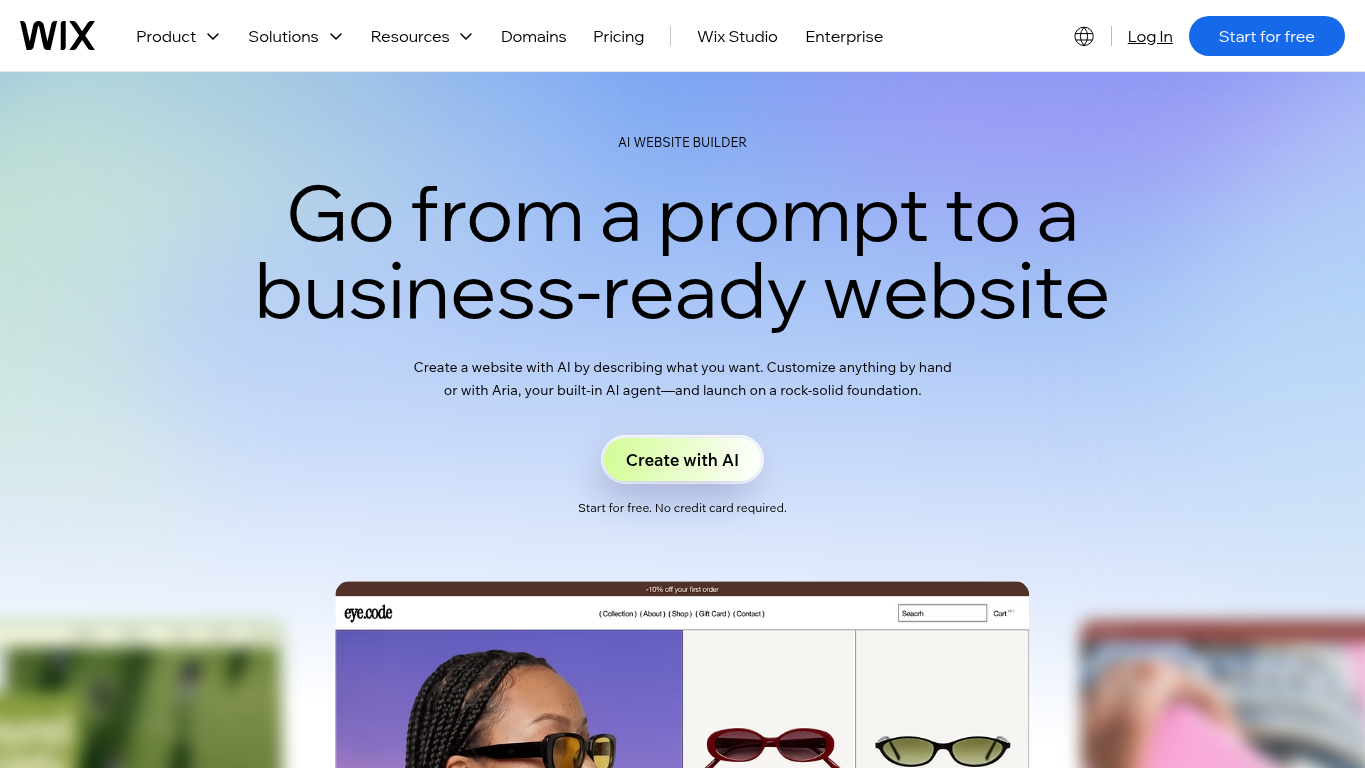
Wix is a hosted website builder that lets you create a full site with AI, keep editing it by hand or with its AI agent, and run bookings or online sales from the same place. It suits a website that has to take appointments, sell products, or accept payments.
What can you do with Wix?
- Create a full website from a single prompt, so you start with real pages to edit
- Refine the site by chatting with Aria, Wix’s AI agent, when you’d rather describe a change than make it
- Adjust any part of the site by hand in the drag-and-drop editor
- Publish with Wix hosting and connect a custom domain without Wix branding once you’re on a paid plan
- Accept payments, sell products, and schedule service bookings on the Core plan, which includes all three
What are Wix’s limitations?
- A custom domain and removing Wix branding both require a paid plan, so a free site isn’t ready to hand over as a branded business website.
- The entry paid plan allows 2 collaborators and 2 GB of storage, so a larger team or a media-heavy site will need a plan with more room.
How does Wix’s pricing work?
You can build a Wix site for free and move to a paid plan, from $17/mo, when you need a custom domain and no Wix branding. If payments, ecommerce, or scheduling are part of the job, the next plan up, from $29/mo, includes that business bundle. Wix lists both prices for yearly billing, paid upfront for the full year, and says other subscription periods are available if you’d rather not commit to a full year at once.
The bottom line
Wix fits a business whose website also has to run part of the operation. If you’re moving off Framer and need clients to book appointments, buy products, or pay online, and you want to set the site up with AI and keep editing it yourself, Wix puts those jobs in one hosted workflow.
4. Squarespace: Best for portfolios and blogs
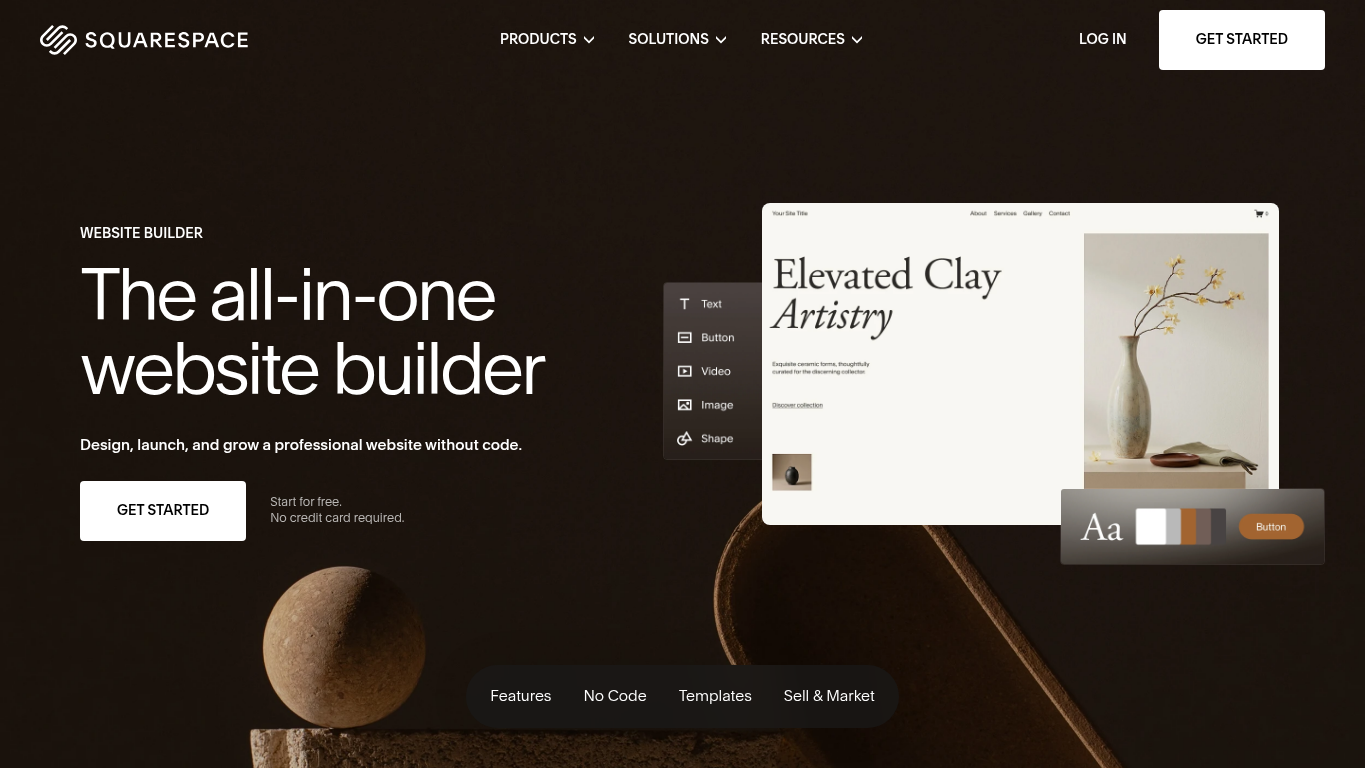
Squarespace is a hosted website builder for people who want to show their work, publish regularly, and keep the site looking polished without touching code. You can start from Blueprint AI or a template, then shape pages visually in its Fluid Engine editor while Squarespace handles hosting and content in one place.
What can you do with Squarespace?
- Start a personalized website with Blueprint AI or a template, depending on how much direction you want up front
- Rearrange layouts with Fluid Engine’s drag-and-drop editing, so you can place content blocks freely on the page
- Publish portfolio projects, blog posts, and other CMS content, then keep adding to them as your work grows
- Sell products or services on any paid plan, with commerce features that expand on higher tiers
- Launch on managed hosting with SSL and a connected domain, so there’s no server setup to handle
What are Squarespace’s limitations?
- Squarespace’s export is a WordPress-oriented XML file that works only for published public sites and leaves out portfolio pages, store pages, and design styles, so you can’t count on moving the full site later.
- The entry plan supports 2 contributors, so a larger team maintaining the portfolio or blog will need a higher-tier plan.
How does Squarespace’s pricing work?
Squarespace doesn’t have a free plan, but a 14-day trial with no card required lets you test the workflow first. Paid site plans start at $25/mo billed monthly, or $19/mo billed yearly, and every paid plan can sell products and services.
The entry plan allows 2 contributors. If more people maintain the site, the next plan up, from $39/mo billed monthly or $29/mo billed yearly, removes that cap. Commerce features and transaction terms also change by tier, and annual plans include the first year of domain registration on eligible domains.
The bottom line
Squarespace makes sense if you’re leaving Framer for a hosted home for your portfolio or blog that you can keep updating visually. Say you’re a photographer or writer adding new work every few weeks. You’d get templates, a visual editor, content tools, and selling options in one managed platform.
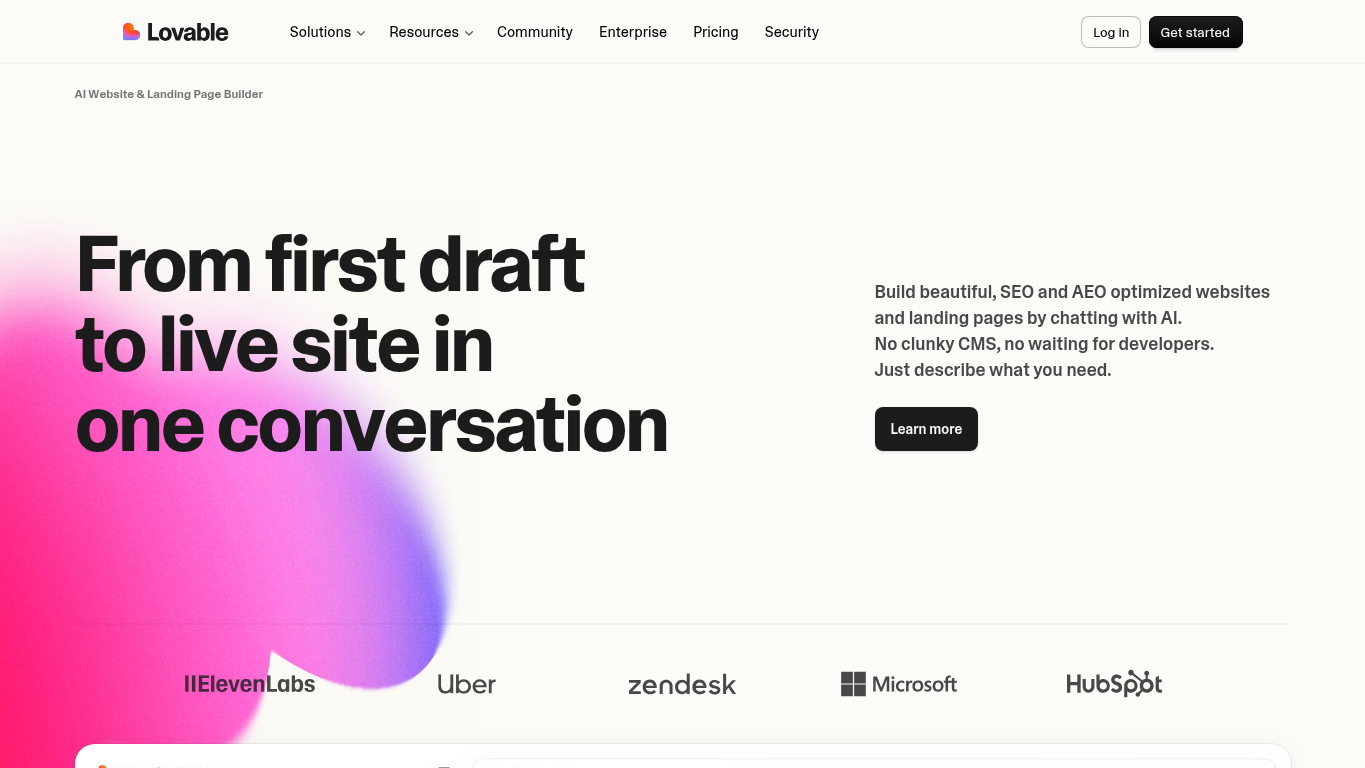
5. Lovable: Best for websites with custom app features
Lovable is an AI builder for websites that need custom interactive features, such as sign-in accounts, tailored forms, or payments. You build and refine the site through conversation and direct visual edits, and the code behind it can sync to GitHub, which makes it a code-backed workflow.
What can you do with Lovable?
- Start from a written prompt or a supported reference, such as a screenshot, Figma file, or Notion page, so the first version reflects what you already have
- Refine the site by chatting or by editing text, colors, and spacing directly on the page
- Build forms, user accounts, or payments into the site when the brief calls for them
- Sync the project with GitHub so developers can keep working on the code
- Publish on managed hosting with SSL, using a Lovable subdomain or your own custom domain on supported plans
What are Lovable’s limitations?
- Building, Cloud hosting, and in-app AI all draw from one workspace credit balance, so adding interactive features to a site also adds usage you’ll need to track.
- Significant traffic or a larger app can push running usage beyond your included credits, which means the cost of a live site can grow with its success.
How does Lovable’s pricing work?
Lovable has a free workspace, and paid plans start at $25/mo billed monthly, or $21/mo billed yearly. That entry-level paid plan adds custom domains, removes the Lovable badge, and includes 100 monthly credits, with rollover, top-ups, and expiry rules that depend on the plan.
The bottom line
Lovable fits a Framer user whose website now needs custom interactive behavior, like member logins, tailored forms, or payments, and a code-backed way to build it. You can shape the site through chat and direct visual edits, then hand the code to developers through GitHub when the project needs to keep growing.
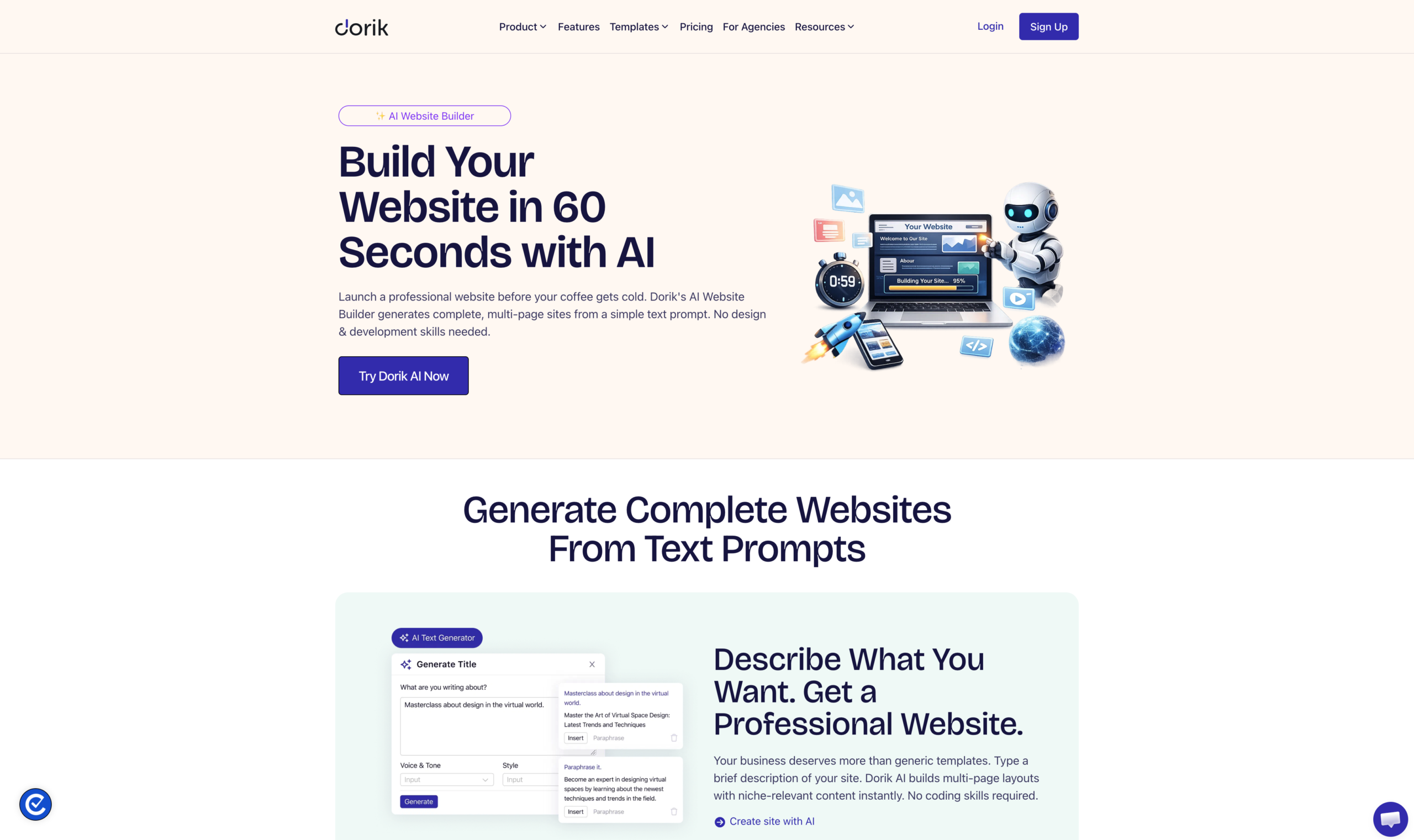
6. Dorik: Best for prompt-built business sites with CMS
Dorik is a website builder for businesses that need several pages and content they’ll keep publishing, starting from a text prompt or a template and continuing in a visual editor with a built-in CMS. Since Framer covers AI, canvas design, and CMS too, the draw here is the workflow, from a prompt-built multipage start to day-to-day blog and content publishing.
What can you do with Dorik?
- Generate a multipage starting site from a prompt, complete with layouts, copy, and images you can edit, within your plan’s AI allowance
- Refine layouts visually with responsive previews and reusable sections, so changes stay consistent across pages
- Organize pages with nested navigation as the site grows beyond a handful of pages
- Publish CMS collections and blog posts through dynamic templates, and schedule posts ahead of time
- Go live on hosted SSL with your own custom domain on a paid plan
- Add lead-capture forms and connect supported integrations so inquiries can flow into your other business tools
What are Dorik’s limitations?
- The entry paid plan includes no collaborators, so a site that several people edit needs a higher-tier plan.
- That same plan caps the site at 25 pages and 200 blog posts, which a content-heavy business site can outgrow.
- Exports are static files only, so dynamic CMS features don’t carry over if you move the site elsewhere.
How does Dorik’s pricing work?
Dorik offers a 7-day free trial and paid plans billed monthly or annually. Paid plans start at $29/mo, billed monthly, which covers one custom domain, 25 pages, and 200 blog posts with no collaborators. If several people edit the site, the next plan up costs $59/mo, billed monthly, and adds 10 collaborators, 3 custom domains, and unlimited pages and blog posts.
The bottom line
Dorik suits a business moving off Framer that wants to describe its site in a prompt, get a multipage first version, then keep it current through visual edits and a built-in blog and CMS. It works best when the plan covers everyone who’ll maintain the site and all the content they’ll publish.
7. Carrd: Best for simple one-page sites
Carrd is a builder for responsive one-page sites, like a personal profile, a lead-capture page, or a single destination for a project. If you’ve been using Framer for something that really only needs one page, Carrd lets you start from a template or a blank page and publish without taking on a multipage site.
What can you do with Carrd?
- Create a responsive one-page site from a template or a blank page that adapts to phones and desktops
- Publish up to three sites on the free plan, which is enough to try a few ideas before paying
- Connect a custom domain with SSL once you’re on a qualifying paid plan
- Collect submissions through built-in forms on a qualifying paid plan, so the page can capture leads on its own
- Embed third-party services, such as payment buttons or external form widgets, on a qualifying paid plan
- Add analytics and page metadata on a qualifying paid plan to see visits and shape how the page appears in search and social shares
What are Carrd’s limitations?
- Carrd is built around one-page sites, so it won’t replace a multipage website with a conventional CMS behind it.
- Custom domains and built-in forms need a qualifying paid tier above the lowest paid option, so a branded lead-capture page costs more than the entry price suggests.
- Each plan caps how many sites you can run, so managing several pages for different projects means buying more capacity.
How does Carrd’s pricing work?
Carrd lets you publish up to three sites for free, and its paid plans are billed yearly, starting at $9/year for 3 sites. Custom domains, forms, analytics, and embeds start at $19/year for 10 sites, and within each paid tier the price rises with the number of sites you need. You can renew each year or make a one-time pay-as-you-go purchase.
The bottom line
Carrd fits a Framer user who’s deliberately scaling down to one page, like a personal profile, a focused lead-capture page, or a simple destination for an event or product. If that single page is the whole project, Carrd keeps it small and responsive, with a qualifying paid tier adding your own domain and forms when you need them.
When combining tools makes more sense than switching
Combining tools beats switching when your website still works and the strain is in your campaign pages, the ones you build fast, revise constantly, match to your ads, and test. If the limit affects the whole site, switch your website builder instead.
A landing page and a homepage do different jobs. Your homepage helps people explore the whole business, while a landing page focuses one audience on one offer and one action. A dedicated landing page tool can take on the second job without rebuilding your website.
Say your website stays on Framer at www.example.com. A subdomain, campaign.example.com, is connected to Unbounce, and that’s where your campaign pages live, get tested, and change as often as you need. There’s no native Framer integration or shared CMS between the two, and the same pattern works if Webflow or Wix becomes your website’s home.
So which move fits?
- Stay with Framer when it already covers your site and campaigns, native A/B testing included.
- Upgrade your Framer plan when the problem is a ceiling on pages, CMS, bandwidth, or seats.
- Switch your website builder when the whole site needs something Framer doesn’t offer, such as self-hosted output.
- Add a landing page tool when you’re running paid media or producing a high volume of campaign pages.
Adding Unbounce comes with real costs. You pay for a separate plan, someone connects the subdomain and sets up SSL and publishing, and you run a second editing workflow, so your campaign page volume has to justify it. If AI credits were the original frustration, more allowance or more hand editing may solve that on its own.
Why 15,000+ brands build their campaign landing pages with Unbounce
You started out weighing Framer’s limits. If campaign pages were the real pressure, the answer may be to keep your website where it works and give those pages a workflow built for constant change.
That’s where Unbounce comes in.
Over 15,000 brands rely on Unbounce, and it’s built for teams that need dedicated landing pages while their website keeps doing its job.
With Unbounce, you can:
- Build focused landing pages with a prompt, a template, or a blank page, then switch between AI and drag-and-drop editing, so each campaign gets a page made for its offer and audience
- Use AI trained on insights from 2.5 billion landing page conversions, so every page you build with AI applies design, copy, and conversion best practices based on your industry and conversion goal
- Match page copy to the keywords and ads that bring visitors in with Dynamic Text Replacement
- Test page variants with A/B testing to learn which version earns more conversions
- Route each visitor to the most relevant variant with Smart Traffic
Got a campaign that deserves its own page? Start building for free and see how Unbounce fits the way your team launches and improves campaigns.
All provider context in this resource is based on information available as of Oct 2026. Product details, pricing and availability may change.
Sources:
- https://www.framer.com/help/articles/can-i-export-my-website-to-html-and-self-host-it/
- https://www.framer.com/pricing
- https://www.framer.com/help/articles/how-to-run-an-a-b-test-on-your-framer-site/
- https://webflow.com/pricing
- https://www.wix.com/plans
- https://www.squarespace.com/pricing
- https://support.squarespace.com/hc/en-us/articles/206566687-Export-your-site-content
- https://lovable.dev/pricing
- https://dorik.com/pricing
- https://carrd.com/pro
Related articles