7 best Leadpages alternatives for paid campaigns in 2026
Leadpages gives you one place to build campaign pages and collect leads. But if you’re now running paid campaigns more often or building pages for clients, you’ll probably ask more of your builder than that.
Can you turn a page that worked into the starting point for the next offer?
Can you share client work without mixing up client details or giving everyone the same editing access?
And when the ads change, can your team update the page message and test a new idea without waiting on a developer?
Those everyday tasks are what separate the options below, because they decide how quickly you can improve conversion rate and cost per lead from one campaign to the next. If building pages and collecting leads in-house still covers what you need, Leadpages may well remain the right fit.
TABLE OF CONTENTS

Josh Gallant
Josh is the founder of Backstage SEO, an organic growth consulting firm that helps B2B SaaS companies capture demand from search. He’s a self-proclaimed spreadsheet nerd by day, volunteer soccer coach by night (and weekends), and wannabe fantasy football expert every fall.
» More blog posts by Josh Gallant
In this guide, we’ll cover:
- How seven Leadpages alternatives handle page reuse, testing, and client work.
- Which trade-offs could change your choice.
- What testing, traffic, and client access add to the price you’ll pay.
But first, let’s look at what Leadpages offers today—and when it makes sense to look elsewhere.
What does Leadpages offer in 2026?
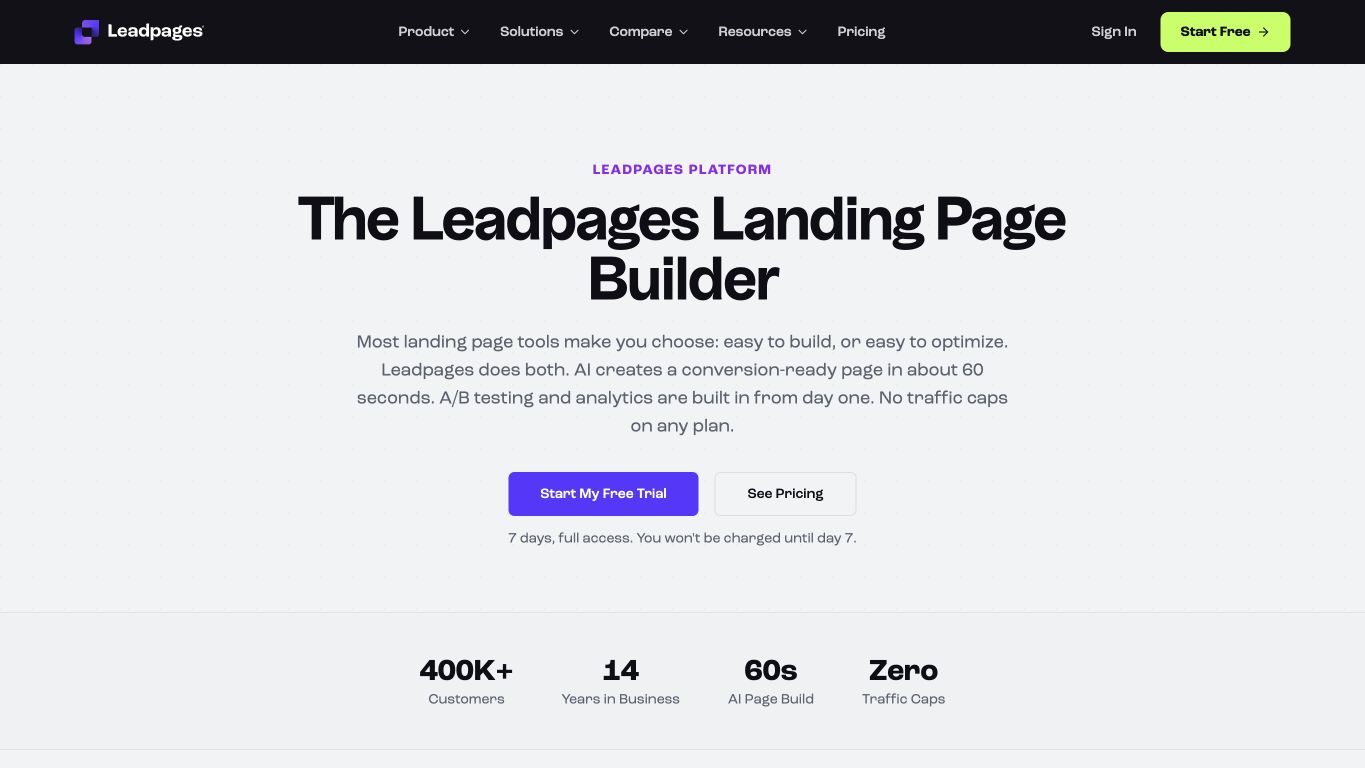
Leadpages is a landing page builder for campaign pages, with lead capture and conversion tools built in. Website and blog publishing now sit in a separate product, HTML Pub.
Its landing page plans start at $99/mo, with unlimited pages and traffic. You can build pages, capture leads through forms, send them to other tools through webhooks, run manual A/B tests, and use Dynamic Text Replacement to match page text to your ads. The next plan up, at $199/mo, adds Leadpages’ own Smart Traffic, which routes visitors to page variants, and heatmaps.
That covers a lot for an in-house lead generation team.
Agencies and PPC teams usually need more around that core. They reuse pages across campaigns and clients, keep each client’s work separate, and control who can review or edit each page.
Why might you look beyond Leadpages?
Look beyond Leadpages when you need a different way to build pages, work with your team, or connect those pages to a website or funnel.
You might need to:
- Repeat page variants and tests across campaigns or clients.
- Keep track of which page each ad uses and get feedback from several reviewers.
- Build pages specifically for people clicking your ads on phones.
- Keep campaign pages consistent with a wider brand website.
- Bring funnels, email, and follow-up into one system.
- Publish a single offer with a smaller toolkit.
Leadpages already offers A/B testing and visitor routing, so look for landing page optimization tools that make the work you repeat faster. The price that matters is the plan that covers your tests, enough pages and client accounts, and the traffic you expect.
7 best Leadpages alternatives for campaign marketers
The best Leadpages alternatives are Unbounce, Instapage, Landingi, Swipe Pages, Framer, Systeme.io, and Carrd. The first four focus on dedicated campaign pages. The final three bring those pages into a wider site or funnel, or reduce the job to one simple offer.
| Provider | Best for | Pricing |
| Unbounce | PPC campaigns and agency workflows | Free 14-day trial, then from $29/mo, or $22/mo billed annually |
| Instapage | Google search ad mapping and page feedback | Free 14-day trial, paid from $99/mo |
| Landingi | Programmatic page production | Free 14-day trial, paid from $24/mo, billed yearly |
| Swipe Pages | Accelerated Mobile Pages (AMP) for mobile campaigns | Free 14-day trial, paid from $29/mo, billed yearly |
| Framer | Campaign pages within a brand website | Free plan, paid from $10/mo, billed yearly |
| Systeme.io | Funnels with email and courses | Free plan, paid from $17/mo |
| Carrd | Simple one-page offers | Free plan, paid from $9/year |
1. Unbounce: Best for PPC campaigns and agency workflows
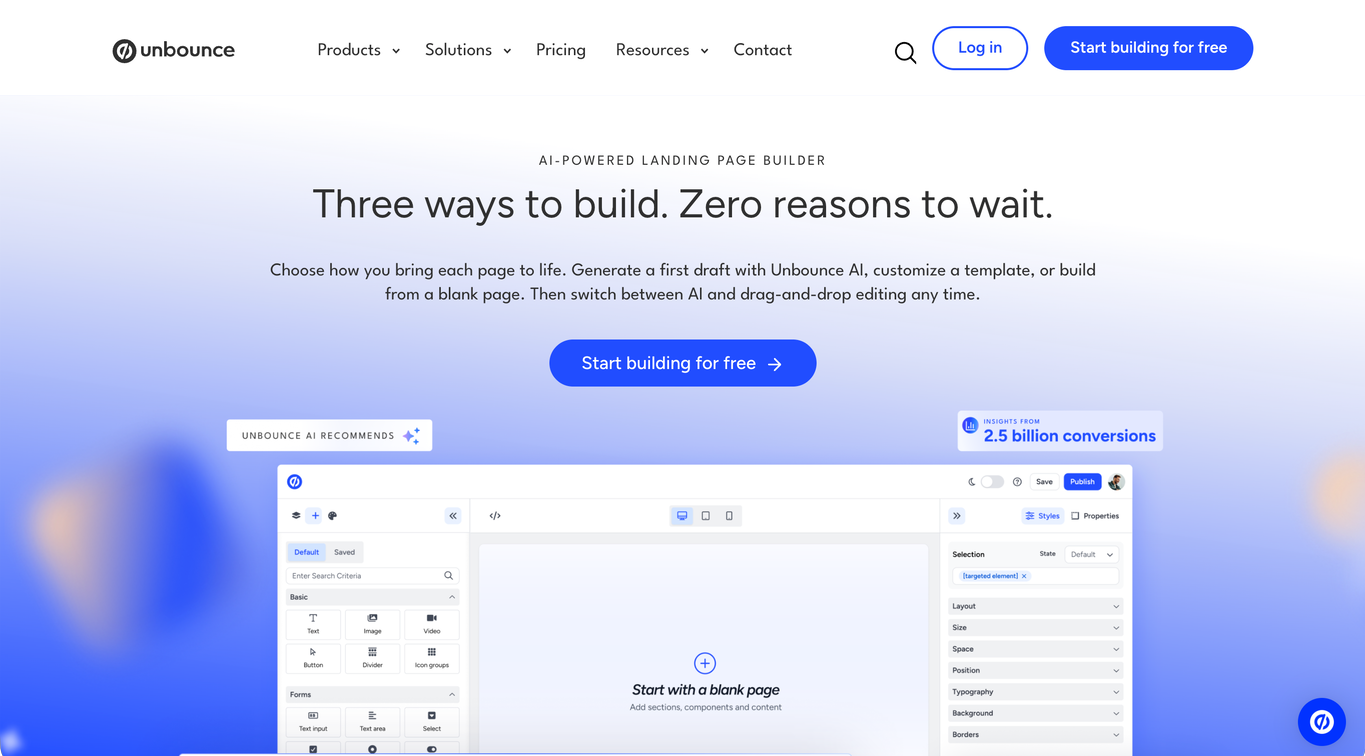
With Unbounce, you can build campaign pages from templates and adapt the copy and design with drag-and-drop editing. When an earlier campaign gives you a useful starting point, duplicate the page, adapt its offer and ad message, then test a new idea or use visitor routing as the campaign requires.
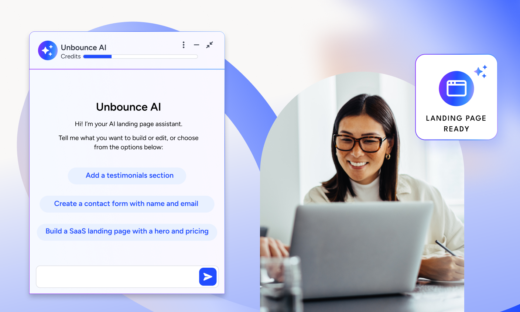
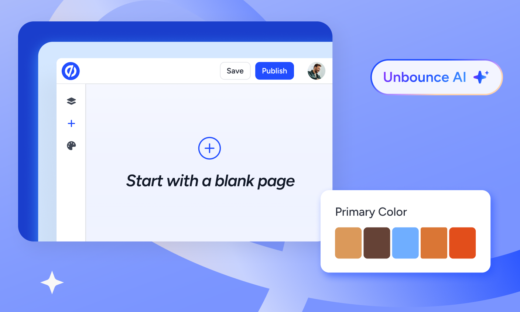
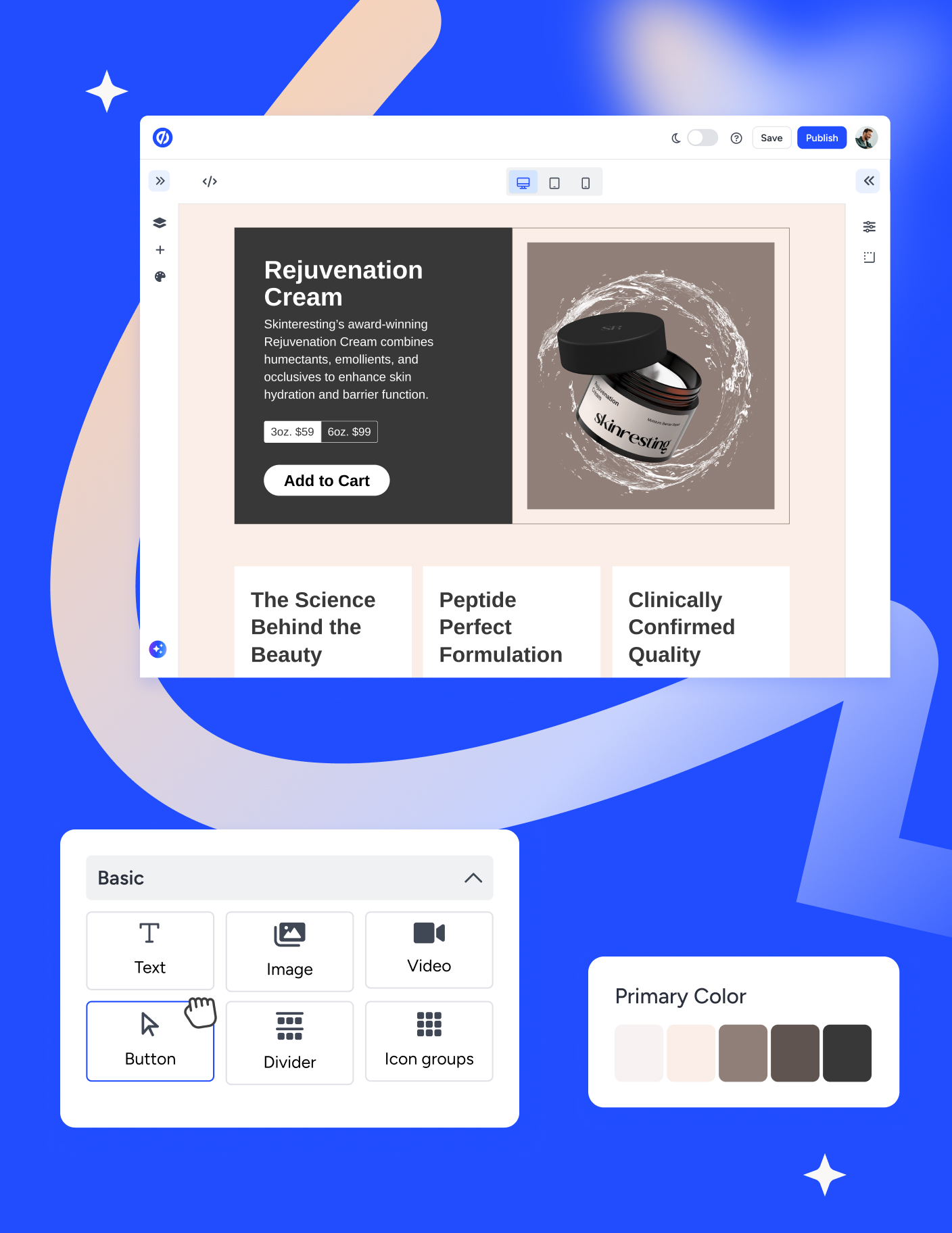
In the new hybrid landing page builder, you can prompt your page with Unbounce AI, customize a template, or start from a blank page, then switch between AI and drag-and-drop editing as the brief takes shape.
For agencies, page reuse extends across clients. You can replicate assets while keeping client details separate and controlling who can preview or edit the pages. That combination matters when several people work on campaigns for different clients.
What can you do with Unbounce?
- Build and customize campaign pages with drag-and-drop editing, templates, and custom scripts when you need them.
- Replicate assets across clients and control team or client access with the appropriate account setup and permissions.
- Run A/B tests on landing page variants to test a messaging or design hypothesis and read the results with confidence intervals.
- Route each visitor to their best-match variant with AI traffic routing (Smart Traffic) after as few as 50 visits, for an average of 30% more conversions.
- Match paid search language to page copy with Dynamic Text Replacement so the message continues from the ad to the page.
- Use Claude or ChatGPT with the new Unbounce MCP server to build campaign pages from a brief or copy document, manage tests, and pull reports, then edit those pages through the assistant or in the builder.
- Connect lead capture and campaign tracking to your existing stack through forms, integrations, and scripts.
- Get AI conversion guidance, with in-context recommendations for improving copy and page structure (coming soon).
What are Unbounce’s limitations?
- Monthly visitor allowances and possible overage charges affect costs when your paid traffic grows or spikes.
- You’ll need separate tools to manage a full website, deliver courses, send email, or run a checkout.
- Saved style guides, saved components, and global components are not available yet (coming soon).
How does Unbounce’s pricing work?
Unbounce plans start at $29/mo with monthly billing, or $22/mo billed annually, for up to five pages and 500 monthly visitors. A/B testing starts at $149/mo, and adding Smart Traffic brings the starting price to $249/mo, both with monthly billing. MCP access is included with every plan and trial, though A/B testing and Smart Traffic through MCP still need the plans that include them.
For multi-client work, the Agency self-serve plan is $349/mo, billed annually only, and covers 10 root domains, compared with 3 on Optimize. Concierge has custom pricing for more hands-on support.
The bottom line
Unbounce is a strong fit for agencies that create, publish, and A/B test pages across clients, and for in-house teams that need campaign-specific pages to convert paid traffic. You can build from a template or adapt a page that’s already working, test the next idea, and keep team and client access under control. Your CRM and email tools can stay in place as you improve the campaign pages.
If you’re weighing that way of working against your current setup, you can take a closer look at the two platforms in the Unbounce vs. Leadpages head-to-head comparison.
2. Instapage: Best for Google search ad mapping and page feedback
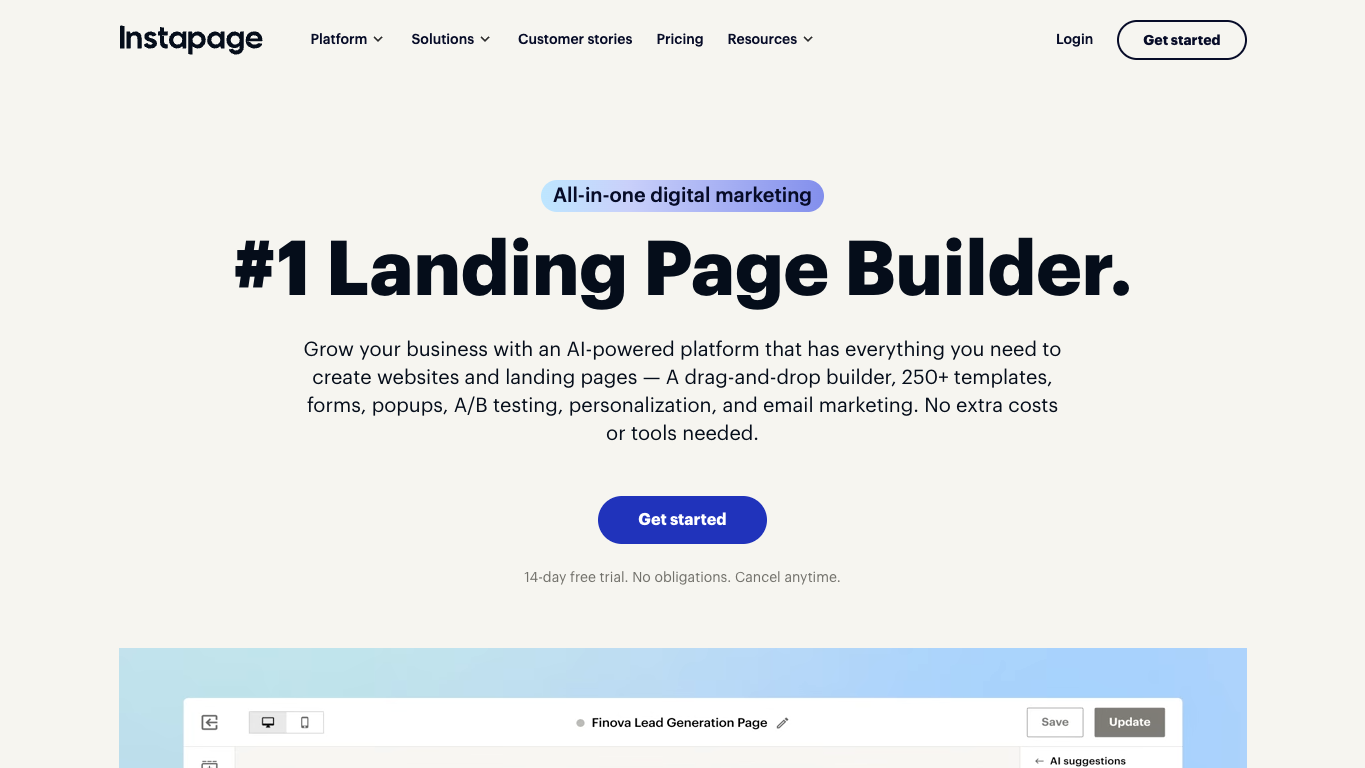
Instapage brings ad-to-page mapping and reviewer feedback into landing page building for larger paid media teams.
What can you do with Instapage?
- Build campaign pages with a drag-and-drop editor.
- Reuse blocks and forms across pages to carry existing work into new campaigns.
- See which landing page each Google search ad sends people to with AdMap.
- Get feedback from reviewers directly on the page so it’s clear what needs to change.
- Run server-side A/B tests with traffic splitting and experiment history on an optimization tier.
- Personalize ad-to-page experiences through the custom enterprise tier.
What are Instapage’s limitations?
- Global page elements require custom enterprise packaging.
- All your campaigns share one monthly visitor allowance, unlike Leadpages’ uncapped traffic.
How does Instapage’s pricing work?
Instapage starts at $99/mo with monthly billing for page building and a 15,000-unique-visitor monthly allowance. Adding server-side A/B testing raises the starting price to $199/mo with monthly billing, including 30,000 monthly visitors, while enterprise ad-to-page personalization requires custom pricing.
The bottom line
Instapage fits larger teams whose biggest challenge is tracking which Google search ads lead to which pages. AdMap and on-page feedback from several reviewers help that team coordinate before publishing, on top of the page testing you’d already have with Leadpages.
3. Landingi: Best for programmatic page production
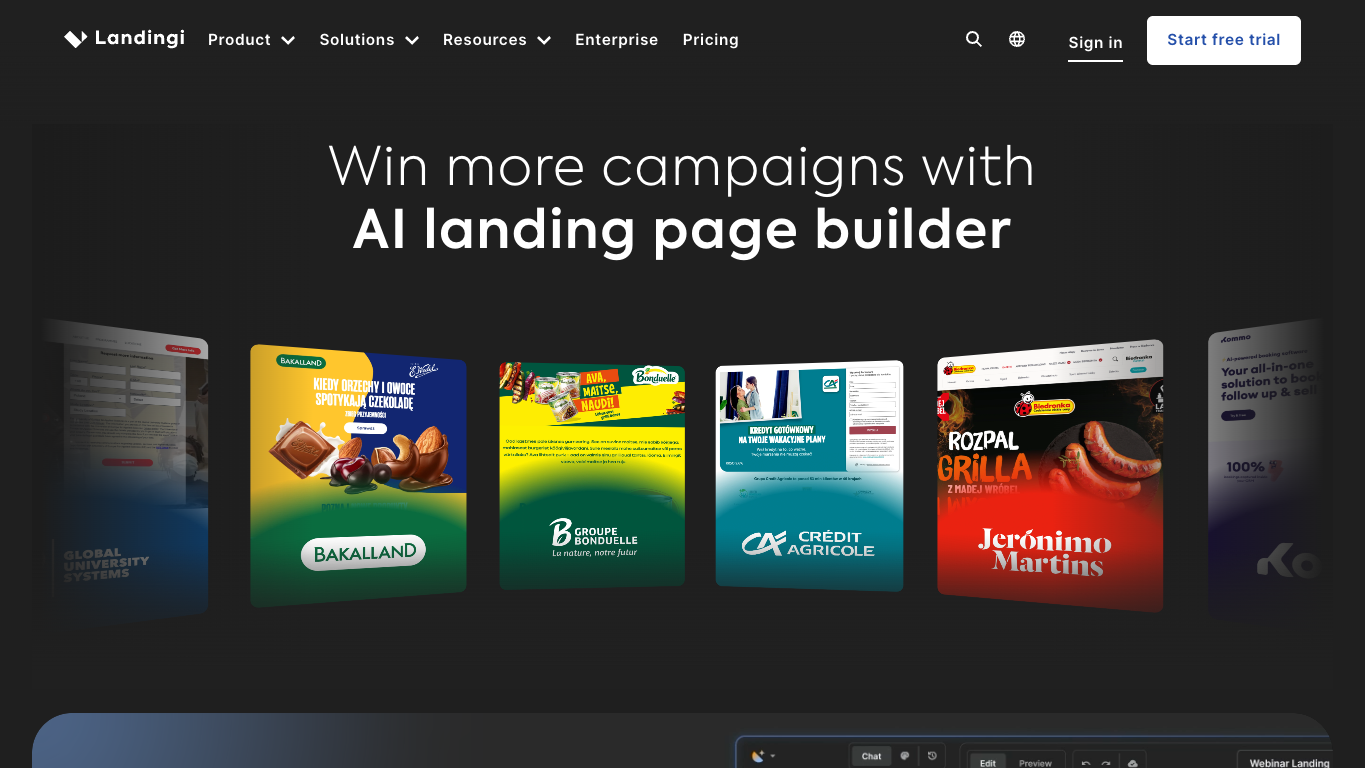
Landingi lets teams begin with a few pages on a small budget, then pay for tools to build pages in bulk and manage separate clients as the work grows.
What can you do with Landingi?
- Build pages with a flexible visual editor and AI-assisted page generation.
- Track on-page events with EventTracker on the optimization tier to see how visitors interact with a page.
- Reuse page elements with Smart Sections on the optimization tier.
- Run server-side A/B tests on the optimization tier to compare page variants.
- Generate programmatic landing pages on the scale tier for bulk page production.
- Organize client work with subaccounts and agency settings on the scale tier.
What are Landingi’s limitations?
- The entry plan’s allowance of 10 active pages and 2,000 monthly visits can constrain a growing paid campaign.
- Visit and usage-credit limits still apply when you expand into bulk page building or client work.
How does Landingi’s pricing work?
Landingi starts at $24/mo billed annually for page building. A/B testing raises that to $119/mo, and programmatic pages and client subaccounts for bulk or multi-client production bring the starting cost to $229/mo, both billed annually.
The bottom line
Landingi’s strength is bulk page production. Programmatic page tools let a team expand output without building each page separately, and the entry plan costs far less than Leadpages while page needs are still modest.
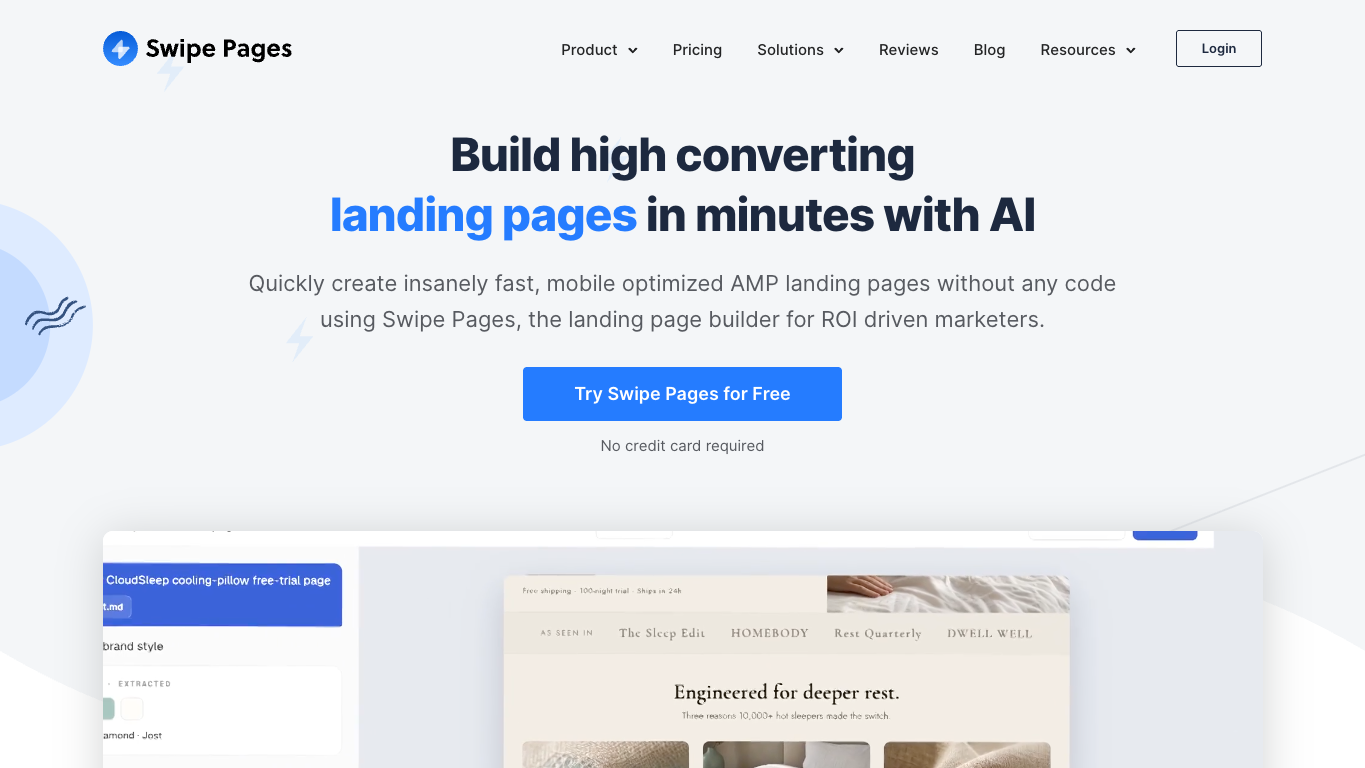
4. Swipe Pages: Best for AMP landing pages
Swipe Pages is built around landing pages for mobile-focused campaigns. It includes AMP, a format designed to help pages load on mobile devices.
What can you do with Swipe Pages?
- Create AMP landing pages for mobile-focused campaigns.
- Edit responsive layouts with a drag-and-drop builder.
- Match page copy to campaign language with dynamic text.
- Run server-side A/B tests and inspect conversion tracking to understand how landing page variants perform.
- Capture leads through forms and connect them to other tools through integrations.
- Keep client work organized in subaccounts.
What are Swipe Pages’ limitations?
- Visitor allowances and overage charges can increase costs when campaign traffic spikes.
- The entry plan doesn’t include server-side A/B testing or client subaccounts.
How does Swipe Pages’ pricing work?
Swipe Pages starts at $29/mo billed annually, with 20,000 visits included. Traffic above the included allowance costs $5 for each additional 5,000 visits.
Server-side A/B testing starts at $69/mo billed annually, which also includes five client subaccounts. Unlimited client subaccounts require $149/mo billed annually.
The bottom line
If mobile delivery is your main reason for switching and you specifically want AMP pages, Swipe Pages fits. The first testing plan also covers five client subaccounts, so a small client roster can share one subscription, though traffic overages remain a separate cost.
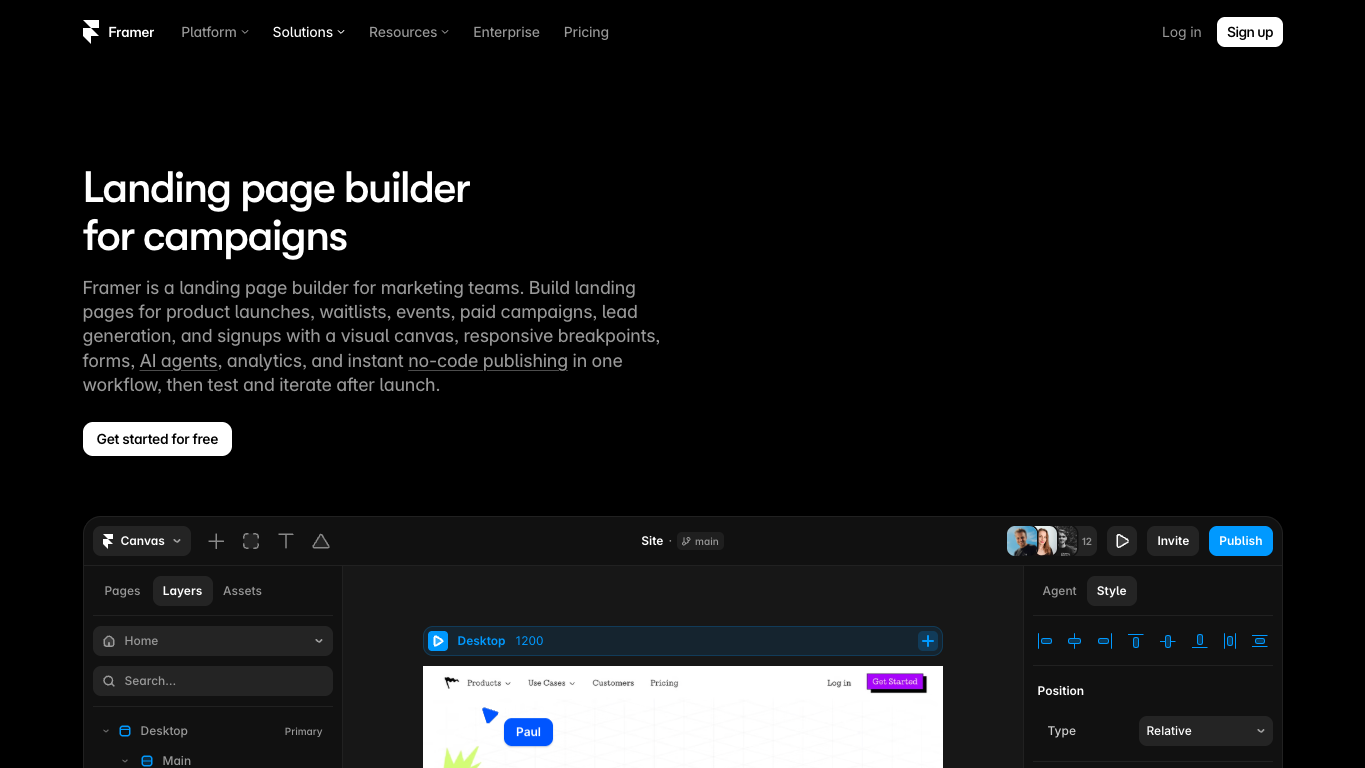
5. Framer: Best for campaign pages within a brand website
Framer lets you design campaign pages, launch pages, and waitlists alongside the rest of your brand website.
What can you do with Framer?
- Design campaign pages on a visual canvas.
- Adapt layouts for different screen sizes with responsive breakpoints.
- Capture leads through page forms.
- Track page analytics and adjust SEO settings as you build and publish.
- Work with your team on campaign pages and publish them alongside the rest of your site.
- Run A/B experiments with conversion events through Convert, Framer’s paid A/B testing add-on for its higher site plans.
What are Framer’s limitations?
- Framer’s website design and publishing tools may be more than you need if you’re only buying a tool to optimize campaign pages.
- A/B testing requires a higher site plan plus Convert, so you pay for an eligible site subscription and analytics event usage.
How does Framer’s pricing work?
Framer offers free publishing on a Framer domain for non-commercial use. A custom-domain site starts at $10/mo billed annually.
For A/B testing, the site subscription rises to $30/mo on the next plan up, and Convert, the A/B testing add-on, costs $50 per 500,000 tracked events, both on annual billing.
The bottom line
Framer suits a team rebuilding its brand website that wants campaign pages to share the same design and publishing tools. The site subscription and testing add-on make most sense when you need that wider website as well as the campaign pages.
If your website already works well in Framer, you can also keep it there and use Unbounce for campaign-specific landing pages, with their own offers, variants, and tests.
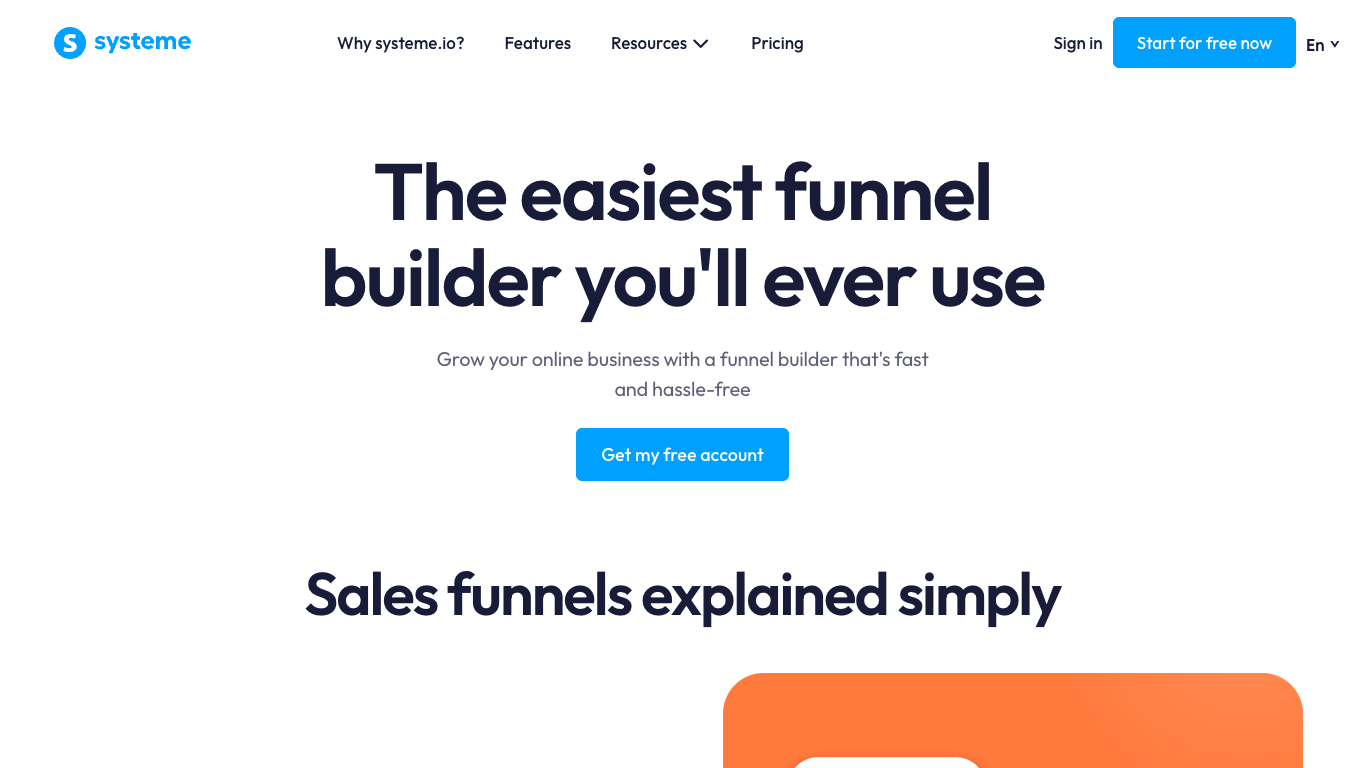
6. Systeme.io: Best for funnels with email and courses
Systeme.io gives founders and creators one place to build landing pages, set up funnels, and send follow-up email.
What can you do with Systeme.io?
- Build multi-step sales funnels with drag-and-drop pages.
- Send email and automate follow-up after someone signs up.
- Add upsells and order bumps to your sales path.
- Host and deliver courses within the same system.
- Run A/B split tests on pages in your funnel.
What are Systeme.io’s limitations?
- If your CRM, email, and checkout tools already work for you, you may not need another system to handle those jobs.
- The free plan caps you at 2,000 contacts, three funnels, and one course before you need a paid plan.
How does Systeme.io’s pricing work?
Systeme.io’s permanent free plan costs $0/mo and includes one A/B test. Paid capacity starts at $17/mo with monthly billing when you outgrow the free limits.
The bottom line
For a founder or creator setting up sales pages, email follow-up, and course delivery together, Systeme.io is a practical all-in-one choice. The bundle matters less when you already have systems you want to keep.
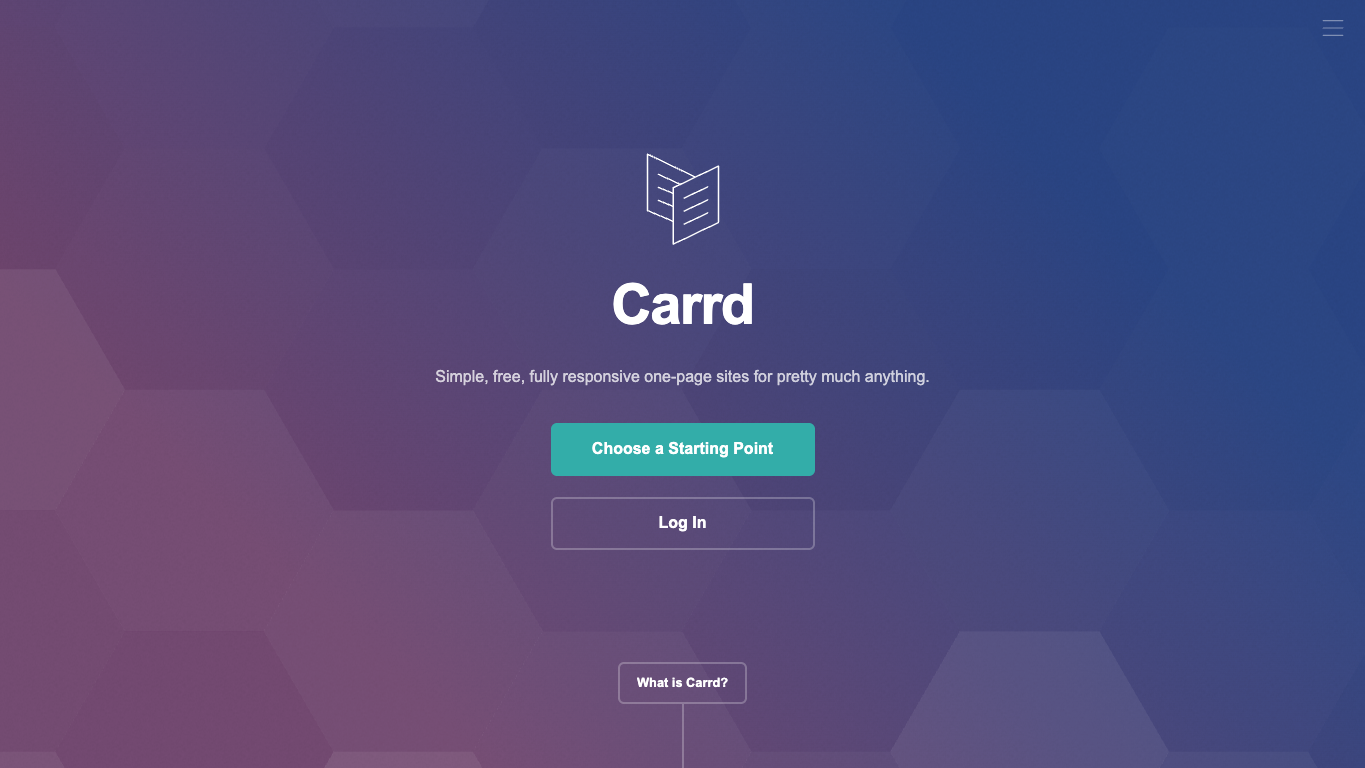
7. Carrd: Best for simple one-page offers
Carrd lets you put a waitlist, profile, or single offer online as an inexpensive one-page site.
What can you do with Carrd?
- Publish a responsive one-page site that adapts to the visitor’s screen.
- Start from a template for a simple offer or profile.
- Use your own domain on an eligible Pro tier.
- Collect submissions through forms on an eligible Pro tier.
- Add embeds and analytics on an eligible Pro tier to extend and measure the page.
What are Carrd’s limitations?
- A one-page site may not be enough if you need a multi-step funnel or a larger website.
- Carrd doesn’t list built-in A/B testing in its product or plan features, so experiments would need a separate tool.
How does Carrd’s pricing work?
Carrd lets you publish up to three simple sites for free. Paid plans start at $9/year, and custom domains, forms, embeds, and analytics start at $19/year, which also covers ten sites.
The bottom line
Carrd is all you need for a waitlist or single offer with a simple form. The one-page approach suits that focused job best when keeping the annual cost small matters more than running regular experiments.
Why 15,000+ brands rely on Unbounce to build and optimize landing pages
Your next campaign may build on a page that worked before or need a fresh approach. Choose a workflow that gives your team room to do both while keeping control of the message and who works on the pages.
Make Unbounce the home for your next campaign—and the ones after it.
Since 2009, Unbounce has given marketing teams and agencies the software to build, test, and optimize their own landing pages.
And in the new hybrid landing page builder, you can start with a prompt, a template, or a blank page, then move between AI and hands-on editing as the campaign develops.
With Unbounce, you can:
- Build and customize campaign pages for each offer.
- Run A/B tests on landing page variants to test new messages or designs.
- Route visitors with Smart Traffic to likely best-fit variants.
- Build and edit campaign pages through Claude or ChatGPT, manage tests and reports there, and keep editing in the builder whenever you need to.
- Use AI trained on insights from 2.5 billion landing page conversions, so every page you build with AI applies design, copy, and conversion best practices for your industry and conversion goal.
Bring your next campaign to Unbounce. Start building for free.
All provider context in this resource is based on information available as of Oct 2026. Product details, pricing and availability may change.
Sources:
- https://leadpages.com/pricing
- https://leadpages.com/product/smart-traffic
- https://instapage.com/plans
- https://landingi.com/pricing/
- https://swipepages.com/pricing/
- https://www.framer.com/pricing
- https://www.framer.com/solutions/landing-pages/
- https://systeme.io/pricing
- https://systeme.io/features
- https://carrd.com/pro
Related articles