5 best Instapage alternatives for PPC landing pages in 2026
Your Instapage subscription is coming up for renewal, and you’re checking what you’re paying to keep.
The pages may be doing their job, but the visitor allowance has to cover your campaigns, and the subscription has to include the A/B tests you want to run. If another tool looks cheaper, consider how you’d build and revise pages there, as well as the time to rebuild your existing pages and reconnect forms and reporting.
TABLE OF CONTENTS

Josh Gallant
Josh is the founder of Backstage SEO, an organic growth consulting firm that helps B2B SaaS companies capture demand from search. He’s a self-proclaimed spreadsheet nerd by day, volunteer soccer coach by night (and weekends), and wannabe fantasy football expert every fall.
» More blog posts by Josh Gallant
Would switching actually leave you better off?
Instapage may still be the right choice, especially if you rely on its ad mapping and advanced personalization. And if you’re replacing your whole marketing website and content management system (CMS), you’re buying a website platform as well as a page builder.
We’ll compare five Instapage alternatives by what you can build, test, and manage—and what the subscription for that work costs. You’ll be able to narrow the choice to two or three without mistaking a low publishing price for the cost of running your campaigns.
To judge what you’d gain or give up, let’s start with what Instapage already offers.
What does Instapage offer… and when might you be better off looking elsewhere?
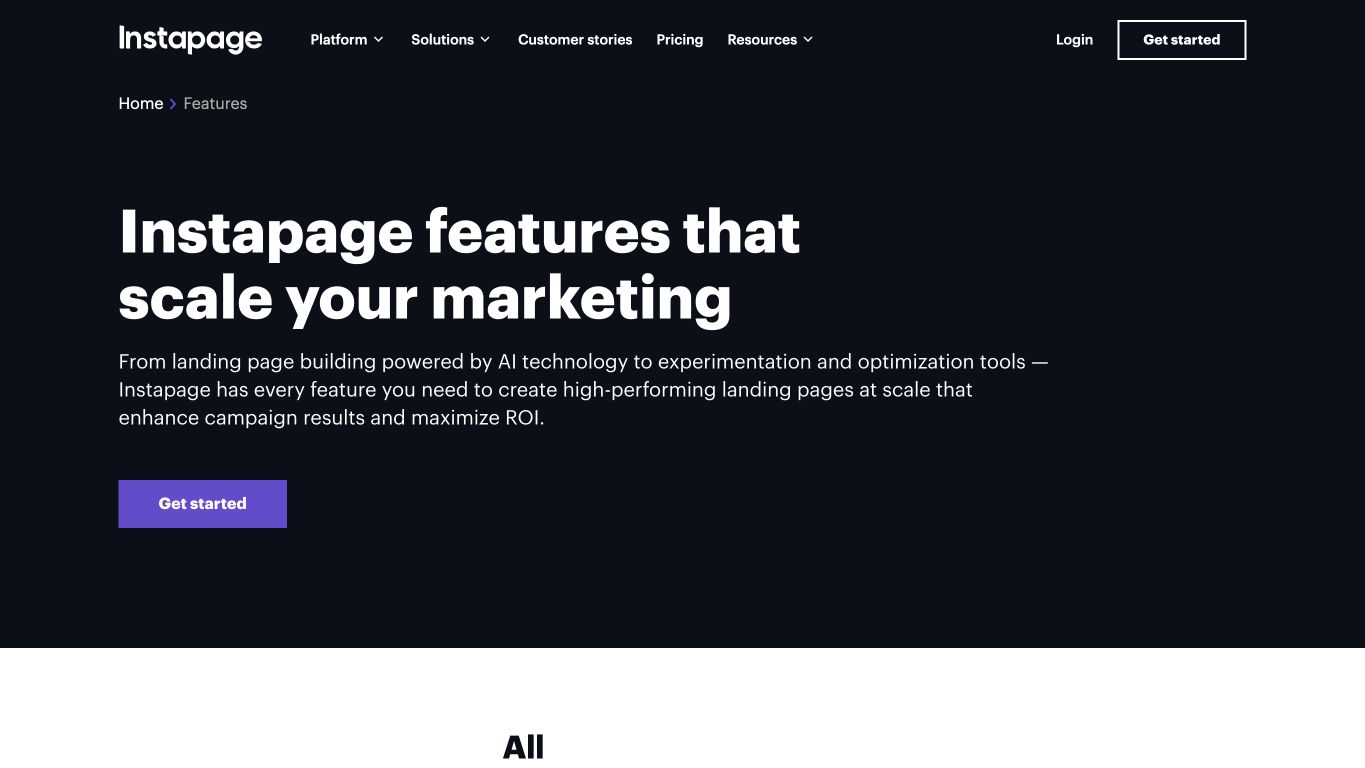
Instapage offers precise no-code page building, reusable blocks, and visual collaboration, including collaboration on its entry plan. Its current plans include unlimited pages, with an entry allowance of 15,000 unique monthly visitors.
The optimization tier adds server-side A/B testing and Dynamic Text Replacement (DTR), which adapts page text to match incoming campaign terms. Custom packages add AdMap, ad-to-page personalization, global elements, and heatmaps. AdMap shows your Google Ads campaigns, ad groups, and ads, and connects each ad to a landing page experience.
If mapping ads to pages and advanced personalization are central to your operation, staying with Instapage can make sense.
What would justify a switch?
Instapage spreads its features across tiers. Testing sits on the optimization tier, while AdMap and ad-to-page personalization need a custom package. If the plan you need no longer matches the work you do, you may be paying for capacity you don’t use, or upgrading for a single feature.
It’s worth looking elsewhere if:
- Your campaign traffic is outgrowing your visitor allowance.
- The tier that includes the tests you need costs more than you want to pay.
- You only need a simple page and form to collect leads, so you’re paying for campaign tools you won’t use.
- You want to manage your marketing website and CMS alongside campaign pages.
Keep your main reason for switching in mind as you compare the options.
The 5 best Instapage alternatives
Each alternative fits a different kind of campaign work, from agency workflows and uncapped traffic to AMP pages and full website builds. Here’s what each one is best for, which tier unlocks testing, and what it costs to start.
| Provider | Best fit | Testing/optimization access | Pricing |
| Unbounce | PPC campaigns and agency workflows, with an AI hybrid landing page builder | Experiment plan for A/B testing and DTR, Optimize for AI traffic routing (Smart Traffic) | Free 14-day trial, then from $29/mo, or $22/mo billed annually |
| Leadpages | Campaign traffic growth without a visitor cap | Entry conversion rate optimization (CRO) tier for A/B testing and DTR, middle tier for routing and heatmaps | Free 7-day trial, paid from $10/mo |
| Landingi | Programmatic page production and shared-section reuse | Optimization tier for testing, scale tier for programmatic pages and client subaccounts | Free 14-day trial, paid from $29/mo |
| Swipe Pages | Campaigns requiring Accelerated Mobile Pages (AMP) | Middle tier for A/B testing and DTR | Free 14-day trial, paid from $39/mo |
| Framer | Marketing website and campaign pages in one editor and CMS | Paid A/B testing add-on (Convert) on higher paid or enterprise sites | Free plan, paid from $15/mo plus usage-based AI credits |
1. Unbounce: Best for PPC campaigns and agency workflows
With Unbounce, agencies can create, customize, publish, and A/B test landing pages across clients, while in-house teams can build campaign-specific pages for paid traffic without a developer for every change.
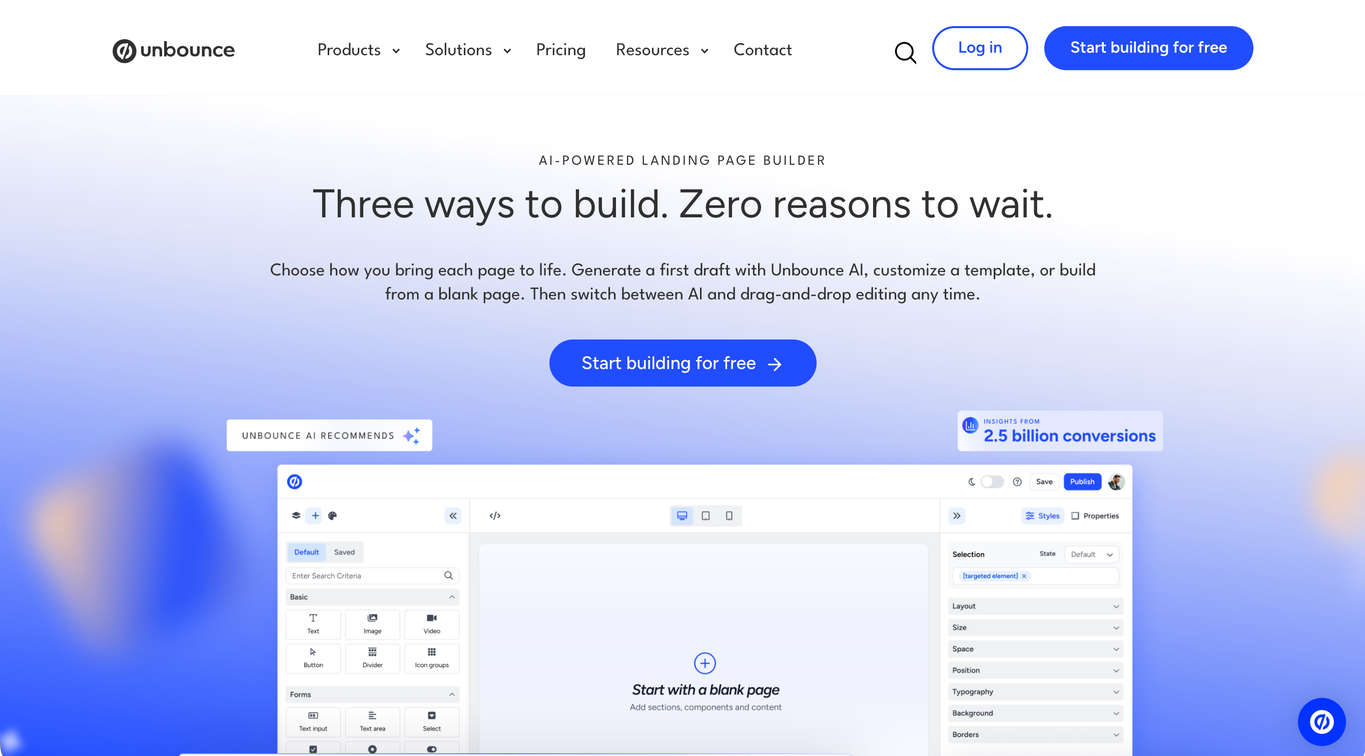
With the hybrid landing page builder, you can start with a prompt, a template, or a blank page, then switch between AI and drag-and-drop editing as you refine the offer.
From Claude or ChatGPT, you can also use the Unbounce Model Context Protocol (MCP) server to build pages from Figma designs, run A/B tests, turn on AI traffic routing (Smart Traffic), and pull campaign reports.
What can you do with Unbounce?
- Build and duplicate landing pages with drag-and-drop editing to adapt an existing campaign for a new offer or audience.
- Generate and edit copy using conversion insights for your industry and conversion goal with the AI landing page assistant.
- Create pages with Unbounce AI that apply visual hierarchy, CTA placement, and form-friction fundamentals based on insights from 2.5 billion conversions.
- Reuse styles and page elements with saved style guides, saved components, and global components (coming soon).
- Compare page variants with A/B tests, manual traffic allocation, and confidence intervals from the Experiment plan.
- Route visitors toward variants likely to convert for similar device, location, or browser attributes using Smart Traffic on the Optimize plan.
- Match page copy to PPC search terms with Dynamic Text Replacement from the Experiment plan, keeping the ad promise visible after the click.
- Connect pages to your analytics and lead tools through integrations.
- Manage repeat client campaigns with tools for managing clients, setting permissions, and reporting on campaigns.
- Build, test, and report on pages from Claude or ChatGPT with the MCP server, including turning on Smart Traffic and deploying winning variants.
What are the limitations?
- A/B testing and DTR require the Experiment plan, while Smart Traffic requires Optimize.
- Visitor, user, and root domain allowances can change the package you need across multiple campaigns or clients.
- Unbounce doesn’t offer a permanent free plan.
How does Unbounce’s pricing work?
Unbounce plans start at $29/mo with monthly billing, or $22/mo billed annually, for five pages and 500 monthly unique visitors. A/B testing and DTR start at $149/mo on the Experiment plan, and Smart Traffic at $249/mo on Optimize, both with monthly billing.
Every plan and the trial include the MCP server. Running A/B tests through MCP requires Experiment or above, while Smart Traffic requires Optimize or above.
The bottom line
Unbounce is a strong fit for agencies that need to create, customize, and A/B test pages across clients, and for in-house teams that need campaign-specific pages to convert paid traffic. You can duplicate a winning page for the next client, match page copy to the ad, and route visitors to the variant most likely to convert.
Start with a prompt, a template, or a blank page in the hybrid builder, or build and test pages from Claude or ChatGPT through the MCP server and edit them there or in the builder.
2. Leadpages: Best for uncapped campaign traffic
Leadpages suits campaigns where growing traffic makes a visitor cap a buying concern. It offers page publishing and conversion rate optimization (CRO) through separate subscriptions. Its CRO plans combine lead capture and testing with uncapped traffic, where Instapage’s entry plan allows 15,000 unique monthly visitors.
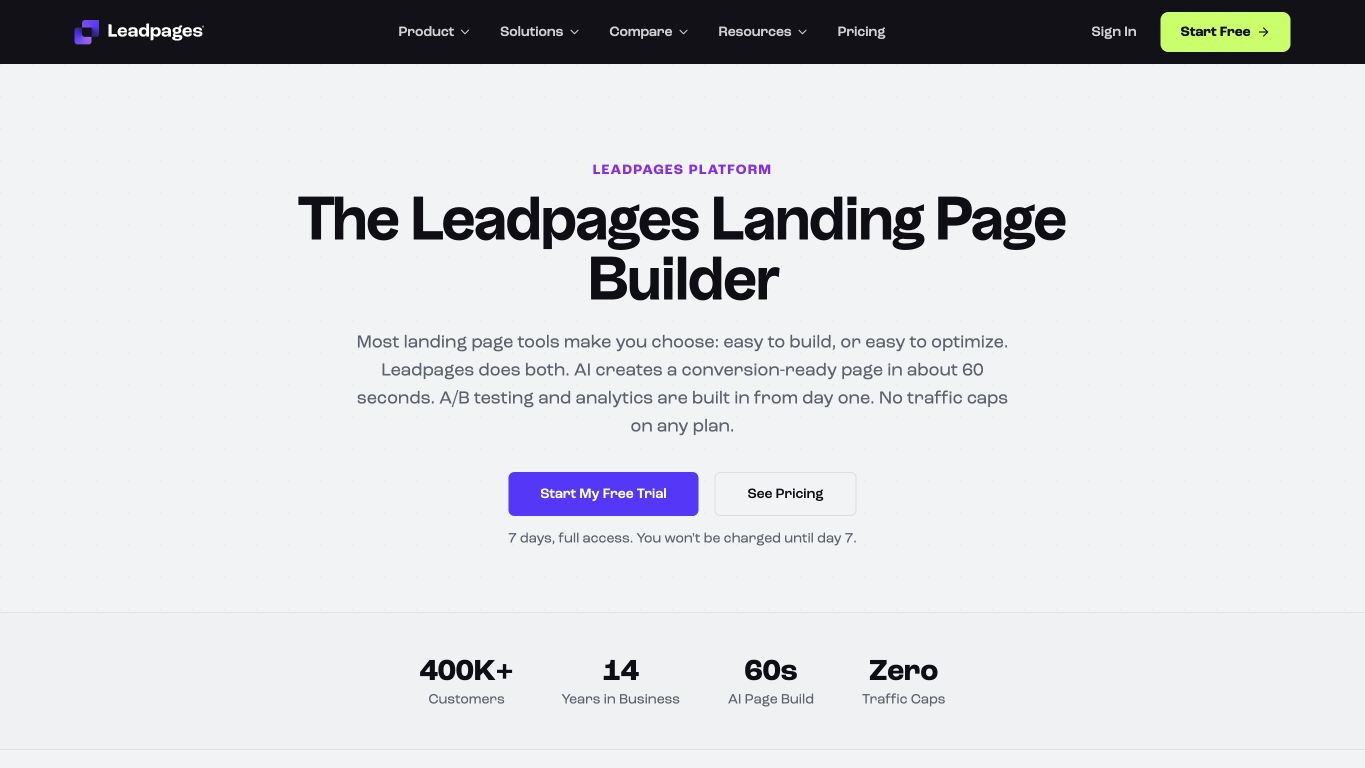
What can you do with Leadpages?
- Create pages with AI assistance and drag-and-drop editing to develop the offer and adjust the layout.
- Publish unlimited pages without a traffic cap on the CRO plans, giving growing campaigns room to receive more visitors.
- Test offers and messages manually with A/B testing on the entry CRO plan.
- Match incoming campaign terms with dynamic text replacement from the entry CRO tier.
- Collect and enrich leads, then send them to your CRM or email tools for follow-up.
- Use Smart Traffic and click/scroll heatmaps on the middle CRO tier and above to route visitors and inspect page behavior.
What are the limitations?
- The lower-cost HTML Pub subscription covers publishing without the CRO plans’ testing and optimization features.
- Smart Traffic and heatmaps require the middle CRO tier, while continuous optimization and broader team or workspace features sit higher.
How does pricing work for Leadpages?
Leadpages starts at $10/mo for publishing with monthly billing. A/B testing and dynamic text replacement start at $99/mo, so a campaign that needs testing costs $89/mo more than the publishing-only entry.
That testing access includes uncapped traffic. Routing and heatmaps raise the price to $199/mo, so you’ll pay more for those tools, but won’t use up a visitor allowance as traffic grows.
The bottom line
Leadpages keeps lead capture and ongoing testing running without a traffic cap, so growing campaigns have no visitor allowance to outgrow. For multi-client work, the fit also depends on permission controls and connections to the tools you use to follow up with leads.
3. Landingi: Best for programmatic page production
Landingi fits when you need to produce many similar pages through shared-section reuse or programmatic generation. You can start with a few pages, reuse sections across campaigns, and add programmatic pages and client subaccounts once you’re producing pages in bulk or managing more clients.
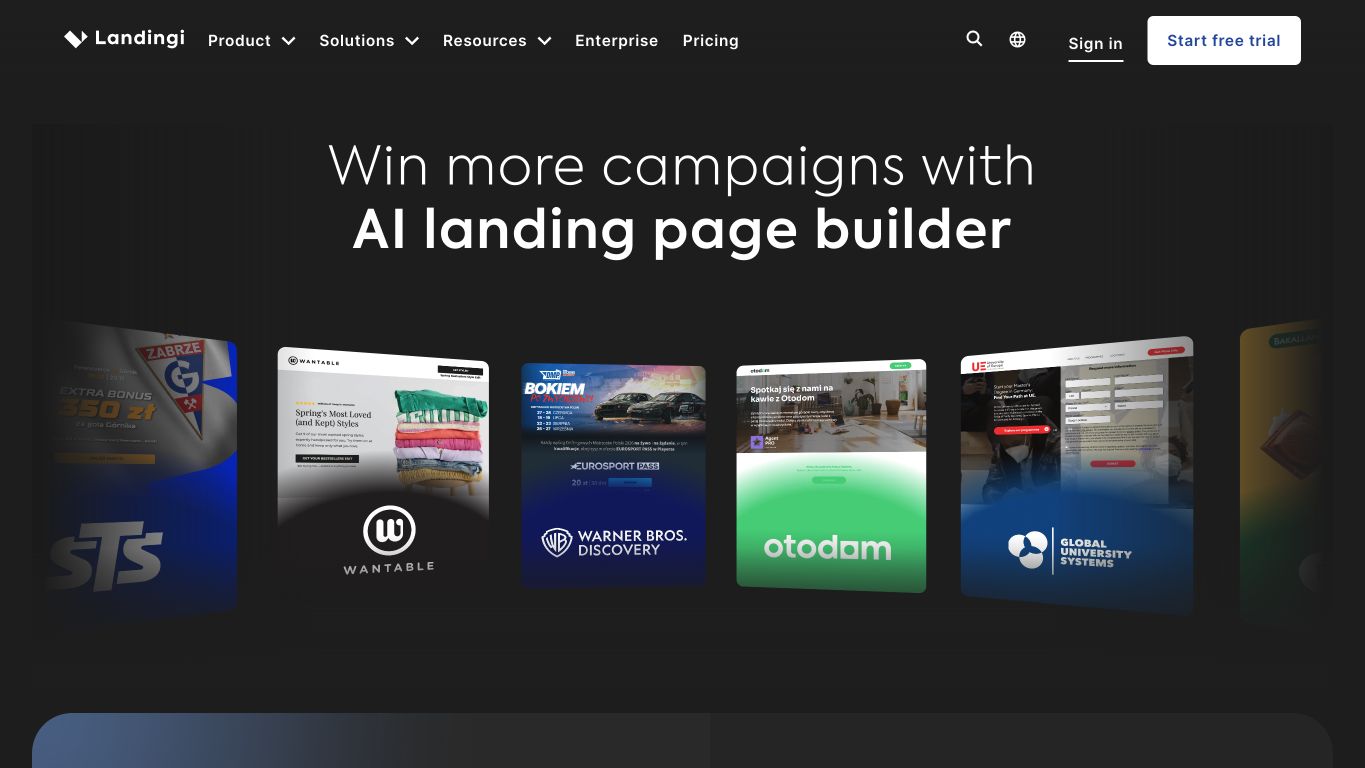
What can you do with Landingi?
- Produce campaign pages with visual editing, AI-assisted creation, and pre-designed sections.
- Send form submissions to the tools you use to follow up with leads.
- Reuse page content with Smart Sections on the optimization tier when campaigns share common sections.
- Compare variants with server-side A/B testing and inspect behavior with EventTracker on the optimization tier.
- Adapt campaigns for different languages with multi-language personalization on the optimization tier.
- Add programmatic pages and client subaccounts on higher tiers when you need to build more pages or manage more clients.
What are the limitations?
- The entry tier allows 10 active pages and 2,000 monthly visits, where Instapage includes unlimited pages, so you may outgrow it as you add campaigns.
- Testing and behavioral insight require the optimization tier, while programmatic pages and client subaccounts require a higher scale tier.
How does Landingi’s pricing work?
Landingi starts at $29/mo with monthly billing, for 10 active pages and 2,000 monthly visits. A/B testing starts at $149/mo, which also raises the allowances to 100 active pages and 30,000 monthly visits. Programmatic pages and client subaccounts start at $299/mo.
The bottom line
Page volume is Landingi’s strength. Reusable sections carry common content into each new page, while programmatic pages and client subaccounts let you generate pages in bulk and keep each client’s pages separate. The entry subscription covers a few pages, and bulk production needs the scale tier.
4. Swipe Pages: Best for AMP campaigns
Swipe Pages lets you build both standard responsive landing pages and Accelerated Mobile Pages (AMP). Like Instapage, it pairs unlimited pages with a traffic allowance. It fits when you specifically need AMP pages for mobile campaigns.
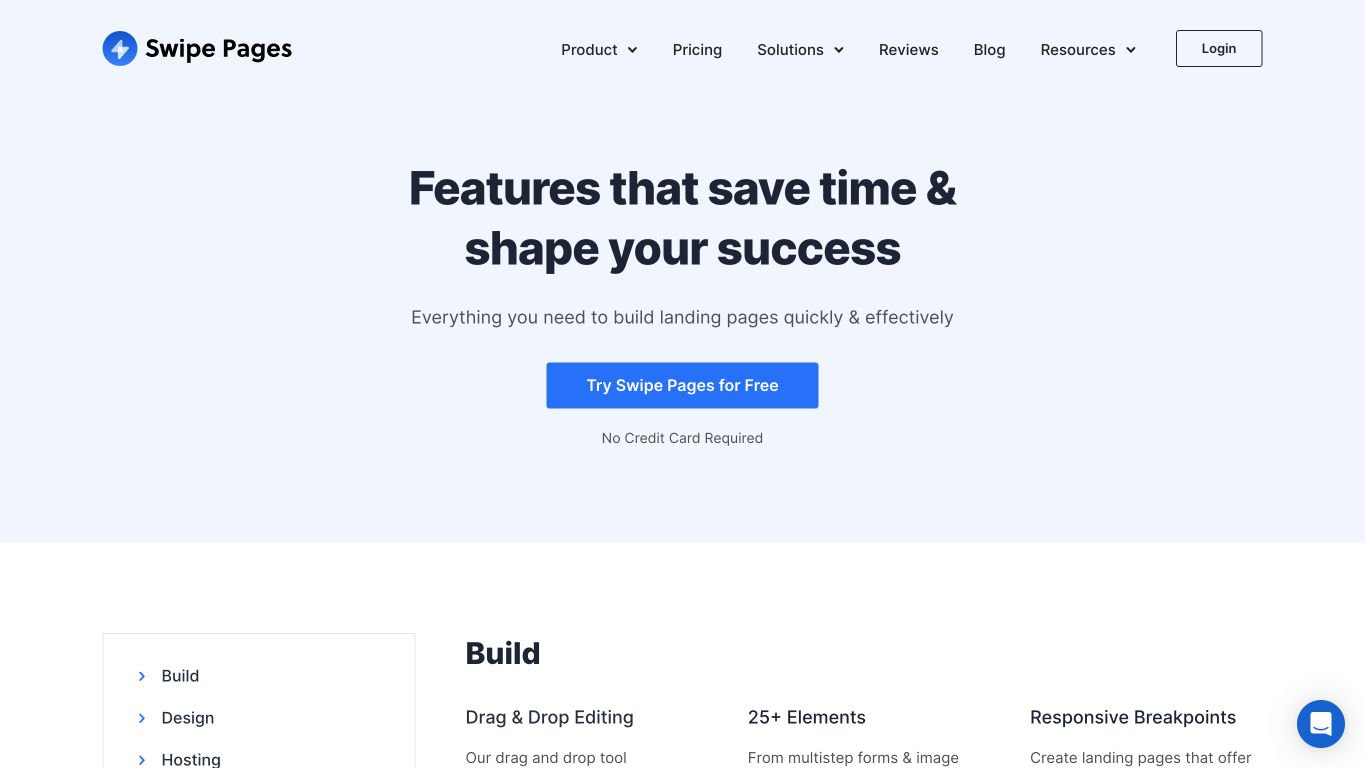
What can you do with Swipe Pages?
- Publish AMP pages for mobile campaigns alongside standard responsive landing pages.
- Adapt layouts to different screens through device breakpoints and visibility controls.
- Duplicate pages and blocks to reuse campaign work when the next offer or audience needs a similar layout.
- Run A/B tests and personalize pages for audiences to try different campaign experiences.
- Match PPC text with dynamic text replacement so the page reflects the incoming message.
- Capture leads through forms and multi-step forms, then connect follow-up through direct or Zapier integrations.
What are the limitations?
- Plans meter traffic and charge for overages, so unlimited pages don’t give you unlimited visits.
- Per-variant analytics in the AI page builder are still marked as coming soon.
How does pricing work for Swipe Pages?
Swipe Pages starts at $39/mo with monthly billing, with a 20,000-visit allowance and one custom domain. Traffic overages can add to that cost even though pages are unlimited.
A/B testing and dynamic text replacement start at $89/mo, $50/mo more than the entry price.
The bottom line
If your mobile campaigns require AMP, Swipe Pages builds those pages alongside your standard responsive ones. If you’ll keep testing after launch, per-variant reporting in its AI page builder is still marked coming soon.
5. Framer: Best for website and CMS consolidation
Framer lets you build your marketing website and campaign pages in the same visual editor, with a CMS for managing content. Where Instapage focuses on campaign pages, Framer also runs your main website, so it fits best when you’re replacing that site, too.
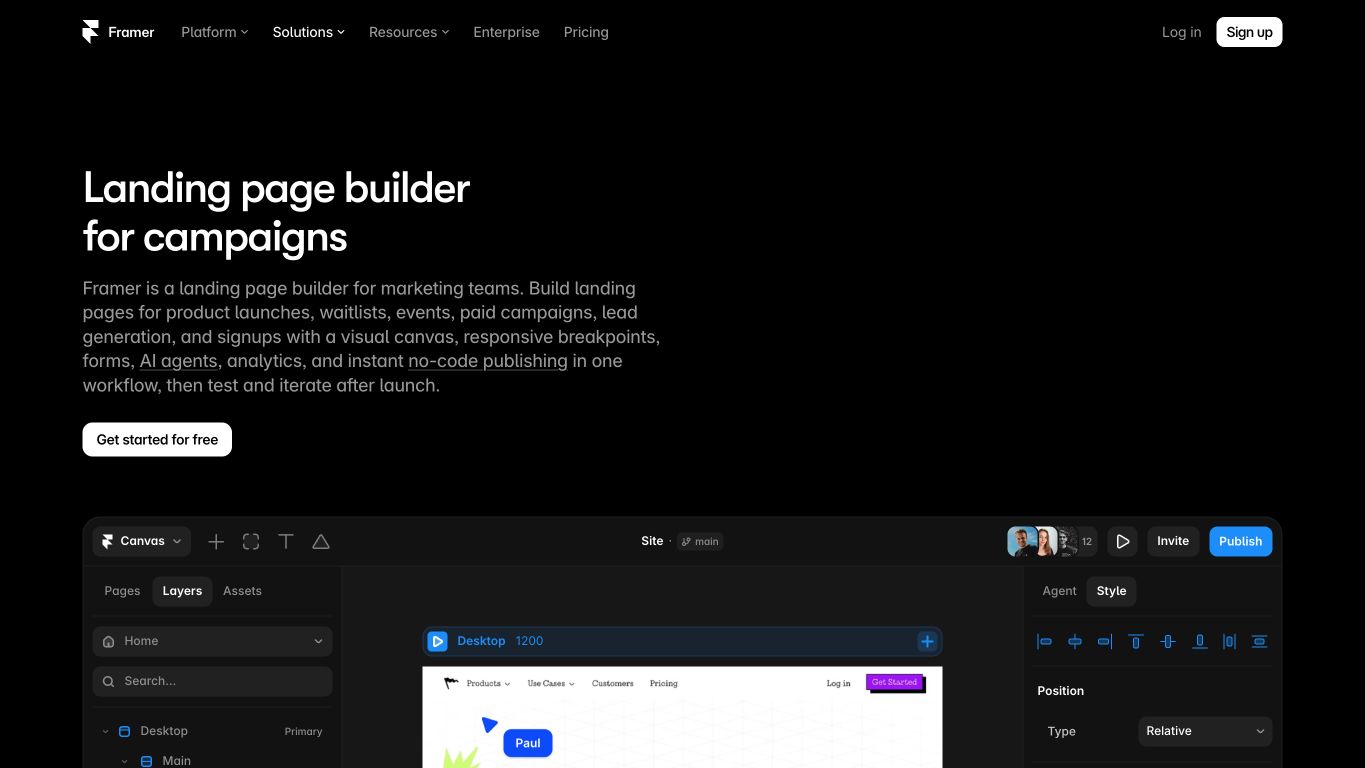
What can you do with Framer?
- Design branded marketing pages with freeform no-code controls and responsive layouts.
- Reuse components across the website and campaign pages to keep shared design elements consistent.
- Manage content through CMS collections when you regularly add or update website content.
- Publish with built-in hosting, SEO controls, and performance features in the same system.
- Collaborate in real time while the team develops designs and prepares pages to publish.
- Run A/B tests with up to five variants per page and use funnels through the paid Convert add-on on higher paid or enterprise site plans.
What are the limitations?
- A/B testing requires the paid Convert add-on on a non-entry paid site plan or enterprise package.
- Free publishing uses a Framer domain and is intended for non-commercial use, so commercial campaign pages need a paid site plan.
- AI features draw on a monthly credit allowance, and using more credits raises your plan price.
How does Framer’s pricing work?
Framer offers free exploration for non-commercial use. Paid site publishing starts at $15/mo with monthly billing, which includes 1,000 AI credits a month for features like Agent chat and AI translations. AI credits are usage-based, and each extra 1,000 credits adds $15/mo, so heavier AI use raises the price.
A/B testing needs the Pro plan, from $45/mo with 3,000 AI credits, plus Convert, Framer’s paid A/B testing add-on, at $60/mo for 500,000 events. That’s $105/mo before extra AI credits, tax, or additional usage.
The bottom line
Framer fits a team redesigning the marketing website as well as building campaign pages. Reusing components and managing content in one CMS lets the team carry its design work across both. That shared setup is Framer’s strength here, and experiments add the separate Convert cost.
You can also keep an existing Framer website and use Unbounce for campaign-specific pages when those offers and tests need a separate workflow. That lets the website and campaign pages serve different jobs without requiring a full site replacement.
Compare the cost of the campaign you actually need to run
The lowest entry price often leaves out the testing you need, so price two or three shortlisted providers against the same requirements:
- Monthly traffic and the number of pages that need to stay active.
- The test method you need: A/B testing, visitor routing, or both.
- Custom domains, client users, and permissions.
- Whether page text needs to match specific ads or search terms.
- Where form submissions and conversion events need to go.
For each provider, find the lowest plan that covers the list, then add any add-ons and likely overages. Compare monthly prices, since annual discounts vary by provider.
A/B testing and visitor routing often sit on different tiers, so decide which you need before you price. Then factor in the time it’ll take to rebuild your pages and reconnect forms and reporting.
Why 15,000+ brands build their landing pages with Unbounce
Every new campaign brings another page to build, an offer to test, and an ad promise to carry through after the click.
That’s where Unbounce can help.
More than 15,000 brands use Unbounce for landing pages. After launch, your team can keep working on the campaign—adjusting the page to match the ad, testing a different offer, or routing visitors to a suitable variant without leaving your landing page tools.
With the hybrid landing page builder, you can start with a prompt, a template, or a blank page. From Claude or ChatGPT, you can also build, test, and report on pages through the MCP server.
Here’s what you can do in Unbounce:
- Build landing pages around the offer and audience you want to reach.
- Shape pages with AI and drag-and-drop editing, switching between them as you go.
- Use AI trained on insights from 2.5 billion landing page conversions, so every page you build with AI applies design, copy, and conversion best practices for your industry and conversion goal.
- Test messages and offers by comparing page variants.
- Route visitors to suitable variants with Smart Traffic.
- Match ad and page text with Dynamic Text Replacement.
Start free with a 14-day trial that includes every feature, see how you’d build, test, and improve your landing pages, and choose a plan when the trial ends.
More questions about switching from Instapage
Once you’ve narrowed the options, you may still need to decide how to move your campaigns and tell whether the change helped.
Do you have to move every campaign at once?
You can recreate one typical campaign first and check it before moving the rest. Start by listing what your priority campaigns need to carry over:
- Pages and forms.
- Domains and scripts.
- UTMs and conversion events.
- CRM or email destinations.
Confirm that a test lead reaches the intended destination and that reporting and attribution definitions mean what you expect before redirecting more traffic. A successful form submission and a comparable conversion report are separate checks, and both matter during the move.
How can you tell whether the new setup improves performance?
Before switching, record your current conversion rate or cost per lead and the quality of the leads it brings. Use a testable hypothesis for a specific change, keeping the offer, traffic source, and conversion definition consistent where possible.
Publishing changes faster saves your team time, but it doesn’t show that more visitors are converting. To judge conversion gains, account for changes in traffic quality and the offer, too.
All provider context in this resource is based on information available as of Oct 2026. Product details, pricing and availability may change.
Sources:
- https://instapage.com/plans
- https://instapage.com/en/products/admap
- https://leadpages.com/pricing
- https://leadpages.com/platform/landing-page-builder
- https://landingi.com/pricing/
- https://landingi.com/ai-info-page/
- https://swipepages.com/pricing/
- https://docs.swipepages.com/en/articles/15724960-adding-variants-to-ai-page-builder-a-b-testing-personalization
- https://www.framer.com/pricing
- https://www.framer.com/help/articles/how-ai-credits-and-agents-pricing-work/
- https://www.framer.com/help/articles/how-to-run-an-a-b-test-on-your-framer-site/
Related articles