6 best AI landing page builders for lead generation in 2026
You’ve got an offer ready to go. Maybe it’s a free consultation, a webinar, a downloadable guide, or a quote request. What you need now is a page that turns interest in that offer into an inquiry, a signup, or a submitted form.
So you start comparing AI landing page builders, and within a few tabs they all start to sound alike. One generates a complete page from a prompt. Another writes your headlines. A third uses AI to decide which version of a page visitors see.
TABLE OF CONTENTS

Josh Gallant
Josh is the founder of Backstage SEO, an organic growth consulting firm that helps B2B SaaS companies capture demand from search. He’s a self-proclaimed spreadsheet nerd by day, volunteer soccer coach by night (and weekends), and wannabe fantasy football expert every fall.
» More blog posts by Josh Gallant
Here’s the catch:
A good-looking generated preview doesn’t answer the questions that decide whether the page works for you.
Can you change the offer next week without starting over?
Will it publish on your own domain?
Does the form send each response somewhere you’ll actually see it?
The answers depend on what the AI handles and what stays with you to edit, publish, and run. Getting a first draft, running a live page that collects responses, and improving that page over time are separate jobs, and you may not need the last one at all. Those three jobs show up whether you need one page this quarter, want new pages on a website you already own, or build campaign pages for your team or your clients.
In this guide, we’ll cover:
- What AI can take off your plate when you build a landing page, and what you still control
- Six AI builders and the specific situations where each one fits best
- The features, limits, and price thresholds that change which plan you’d actually need
- How to choose between a website builder, a code or app builder, and a dedicated campaign platform
But first, let’s pin down what an AI landing page builder can actually do for you.
What can AI actually do for your landing page?
AI can take you from a prompt to a usable first draft. What happens after that draft depends on the tool.
Every builder in this guide handles three connected jobs in its own way:
- Generate: Turn your brief into a page draft with a layout, copy, and a form
- Refine: Change the design, copy, or code until the page matches your offer
- Publish and run: Put the page live, capture conversions and, where supported, test versions against each other
The biggest difference is where the draft lives, because that decides who can change it. A website builder keeps the page inside a hosted site, while a code or app builder hands you code that may need backend setup before the form does anything. Campaign tools sit at the other end, with the page, its form, and its tests kept in one place.
What about the form in the preview?
Don’t assume it’s getting the job done. Every response needs a destination, so check where submissions go and test it before you publish.
Can you test and optimize the page after launch?
Generating a landing page is only the first step. If you want to A/B test versions of your page to see which converts best, not every AI page builder offers built-in testing, so you may need a separate tool to run experiments. If you’re publishing a single page for one offer, though, A/B testing may not be necessary.
So for each tool below, look at what it generates, who can change it afterward, and what it takes to publish the page and collect a response.
6 AI landing page builders compared
Here’s how the six tools compare at a glance, from what each one does best to what it costs to start:
| Tool | Best for | Key capabilities | Pricing |
|---|---|---|---|
| Unbounce | Building campaign pages with AI and testing what converts | AI-powered hybrid landing page builder, AI-built pages through the MCP server, A/B tests, and AI traffic routing (Smart Traffic) | Free 14-day trial, then from $29/mo, or $22/mo billed annually |
| Framer | Designing a website from an AI draft | AI-drafted pages, visual canvas and CMS, A/B tests with Convert | Free plan, paid from $10/mo billed yearly |
| Wix | Building a business website with lead forms | AI-generated business site, Wix Forms, submission analytics | Free plan, paid from $17/mo billed yearly |
| v0 | Landing pages that need custom code | AI-generated code, visual Design Mode edits, Vercel publishing | Free plan, paid from $30/user/mo |
| Lovable | Landing pages that sit in front of a custom app | AI-built frontend and backend, code access, Lovable Cloud hosting | Free plan, paid from $25/mo |
| LanderLab | Building landing pages and quiz funnels | AI pages and quiz funnels, lead routing, A/B tests | Free plan, paid from $89/mo |
1. Unbounce: Best for building campaign pages with AI and testing what converts
Unbounce is made for the job this guide is about, which is getting a campaign page live with a working form and then improving it.
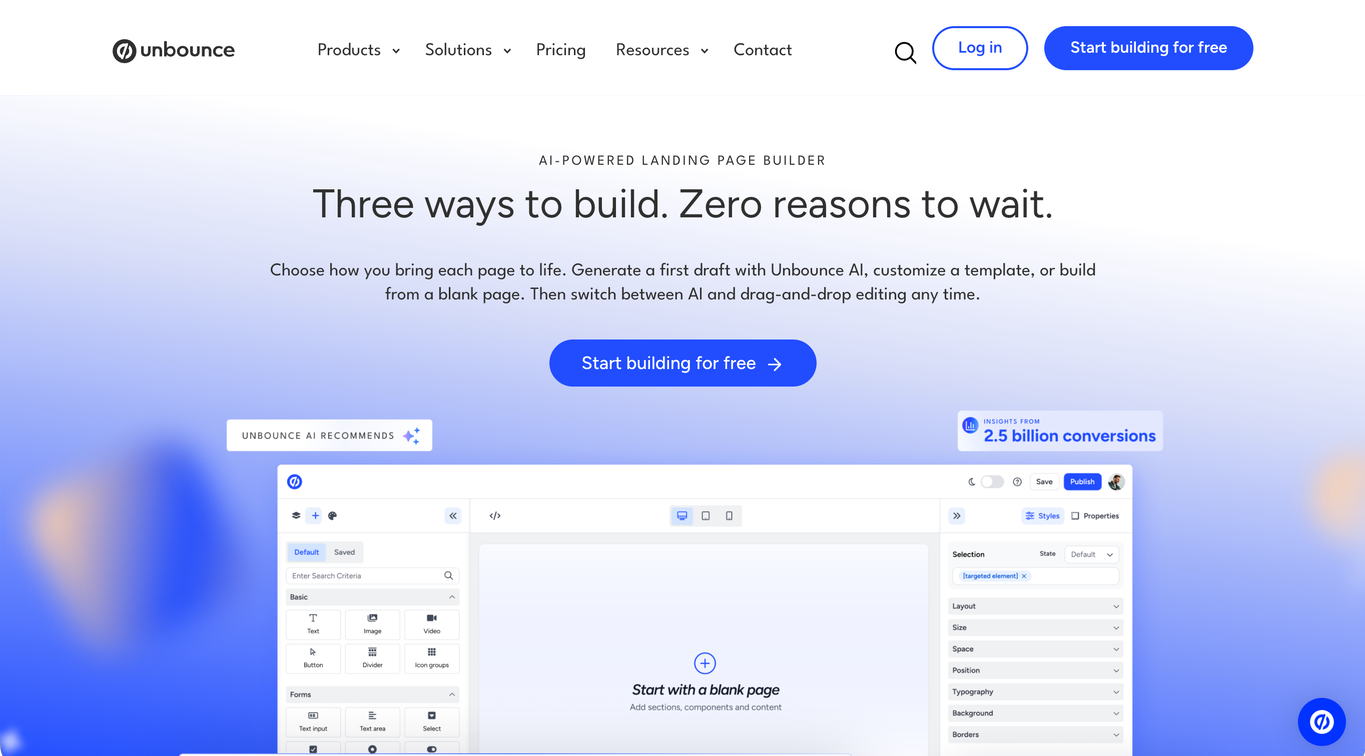
The AI hybrid landing page builder lets you start every page with a prompt, a template, or a blank page, then switch between AI and drag-and-drop editing anytime. You can also ask an AI assistant such as Claude or ChatGPT to build pages through the Unbounce MCP server, or build them by hand in the visual editor. Any of those routes fits in-house teams converting paid traffic and agencies doing the same work across client accounts.
What can you do with Unbounce?
- Prompt your page with Unbounce AI, built on insights from 2.5 billion conversions, to get a mobile-responsive first draft you can refine in the hybrid landing page builder, switching between AI and drag-and-drop editing anytime (or start from a template or a blank page instead)
- Generate campaign pages by prompting an AI assistant connected to the MCP server, then ask the assistant for changes as your offer evolves, or make edits directly in the builder
- Use AI traffic routing (Smart Traffic) to send each visitor to one of your page variants automatically
- Use AI conversion guidance to compare page performance with industry benchmarks, get AI recommendations for copy and structure, and see where visitors get stuck with heatmaps and session recordings (coming soon)
- Build and edit pages by hand in the visual editor with templates, styling, and scripts, including Dynamic Text Replacement to match page copy to the search or ad that brought each visitor
- Create landing page variants to A/B test which version converts better
- Replicate high-performing pages, manage client accounts and permissions from one account, and get custom campaign reports from Unbounce’s team of experts when you run campaigns for several clients
What are Unbounce’s limitations?
- Client domains, extra collaborators, and higher traffic can move you to a higher plan, so your monthly cost grows with your campaigns
- If you’re replacing your whole website or CMS, you’ll need a site builder for that, while Unbounce handles the dedicated campaign pages that sit next to that site
- If you need only an occasional page with no repeat publishing, testing, or client work, a free publishing route may cover it as long as its domain, branding, and usage limits fit
How does Unbounce’s pricing work?
Unbounce plans start at $29/mo, or $22/mo billed annually, with Starter, which covers up to five pages. Build at $99/mo opens unlimited pages and more traffic, which matters once you’re publishing pages for several offers at once.
Testing is the threshold that changes the cost most. A/B testing starts on Experiment at $149/mo, and Smart Traffic routing starts on Optimize at $249/mo. If you’re an agency running pages across many clients, the Agency self-serve plan is $349/mo, billed annually, and covers 10 root domains, compared with 3 on Optimize.
The bottom line
Unbounce is a strong fit when you want every campaign page built, published, and then improved through testing. You can create those pages with a prompt in the hybrid landing page builder, through Claude or ChatGPT connected to the MCP server, or by hand in the visual editor. For in-house teams turning paid traffic into leads, and for agencies doing that across client accounts, Unbounce keeps the whole campaign loop in one place.
2. Framer: Best for designing a website from an AI draft
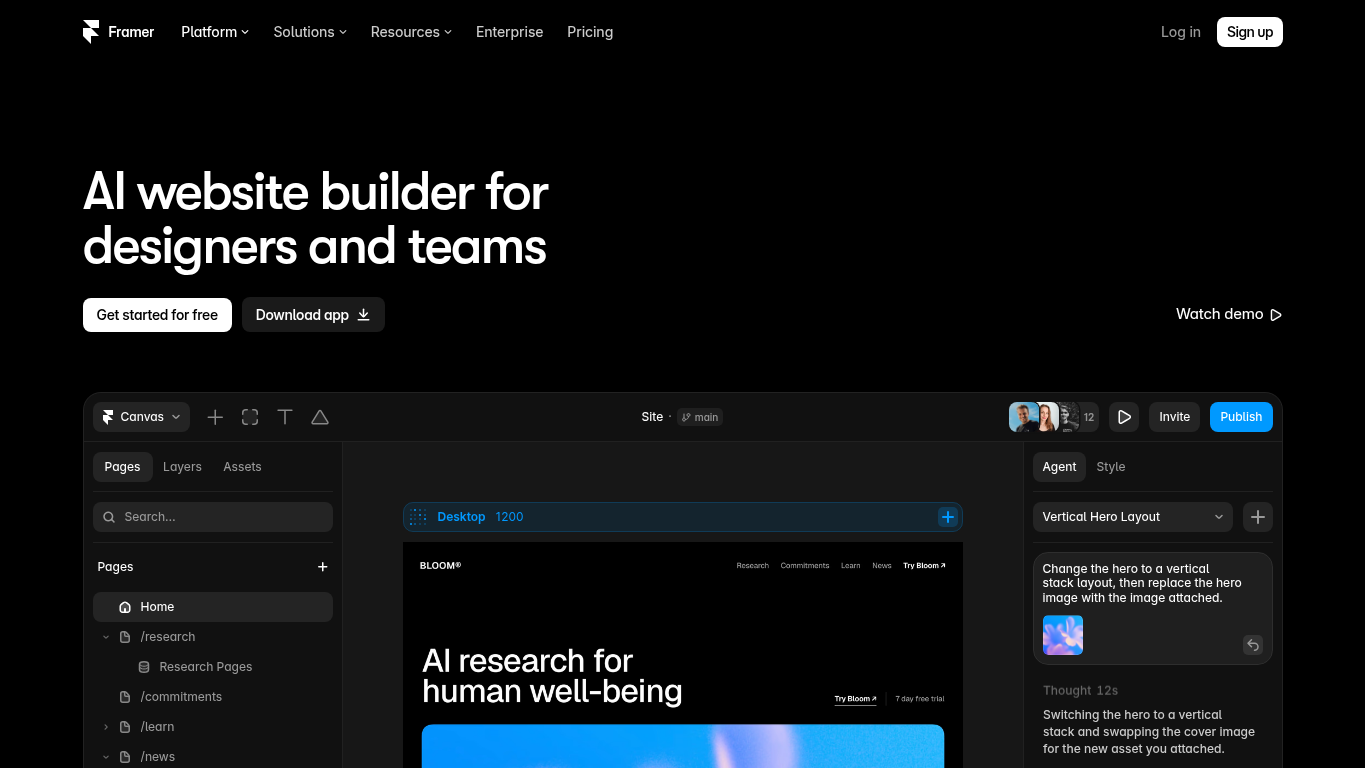
Framer is a website builder whose AI agent generates editable layers you can keep shaping by conversation or directly on the canvas. It makes sense when your landing page should stay inside a website you design, manage, and host in one place.
What can you do with Framer?
- Generate editable pages, sections, copy, and visuals from a brief to get a first draft into your project
- Keep refining through conversation with the AI agent, or edit the generated layers directly on the canvas
- Adjust responsive layouts, typography, components, and breakpoints so the page matches the rest of your site
- Add CMS content, metadata, forms, and reusable components so the page works as part of the wider website
- Publish and update the page on Framer hosting, with redirects and analytics for ongoing site management
- Review changes in staging or a branch on Pro before they reach the live site
- Add Convert for A/B tests, funnels, and Triggers when experimentation becomes part of the job
What are Framer’s limitations?
- AI credits are shared across the workspace and cost more for complex prompts, so generation can pause before you’ve finished the pages you planned
- Free sites publish on a Framer domain, so putting the page on your own domain requires a paid site plan
- A/B testing needs the separate Convert add-on on Pro or Enterprise, with event-based billing on top of the site plan
How does Framer’s pricing work?
Framer is free to start, with sites published on a Framer domain. Your own domain starts at $10/mo billed yearly, and paid plans include monthly AI credits, while a free workspace without a subscription gets a one-time allowance of 500 credits.
Testing adds another layer. A/B testing starts on the next plan up, at $30/mo billed yearly, plus Convert, Framer’s paid A/B testing add-on, at $50 per 500,000 events.
The bottom line
Framer suits you when the landing page and the rest of your website should live in the same visual canvas, CMS, and hosting setup. You get an AI head start on the page and direct design control afterward. If campaign testing matters too, Convert adds it as a separate paid add-on.
3. Wix: Best for building a business website with lead forms
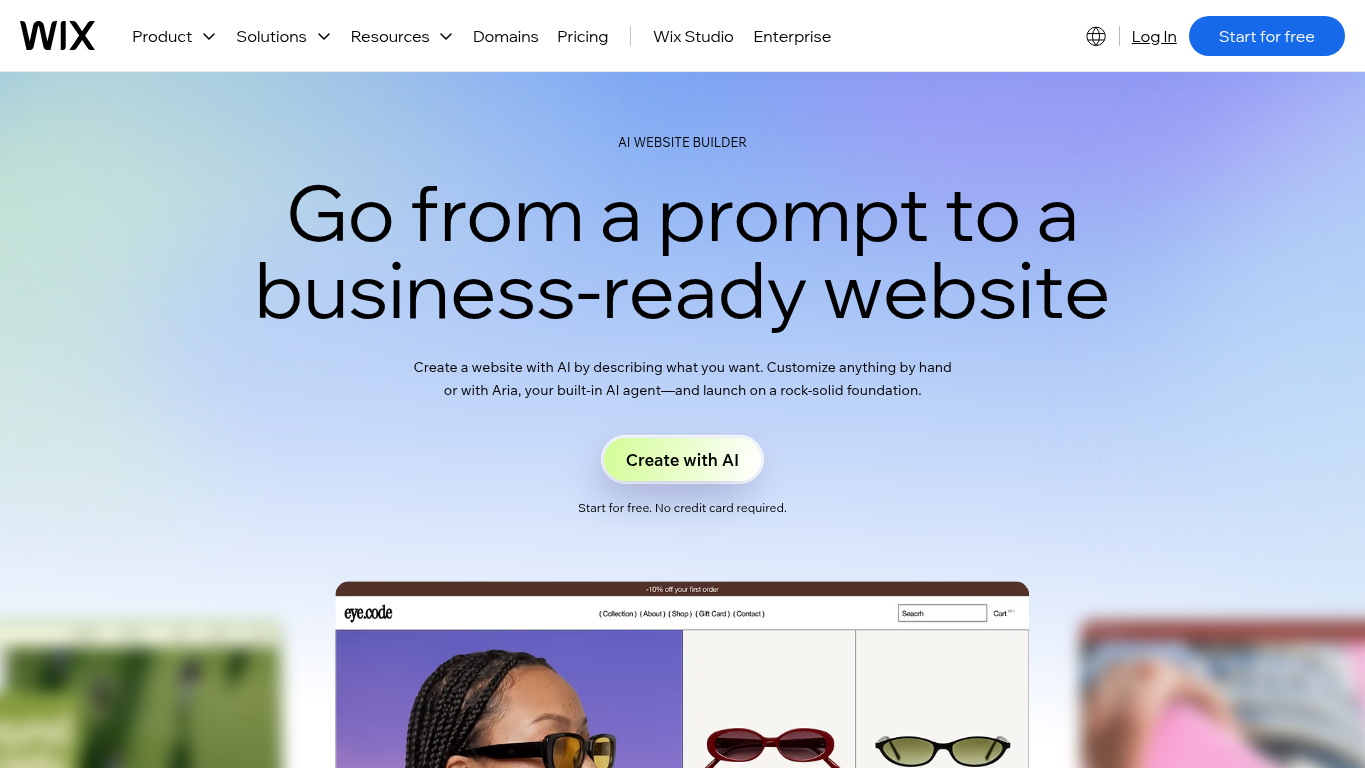
Wix’s Harmony AI builder generates a site from a description of your business, goals, and style, then you keep going with its Aria AI agent or drag-and-drop editing. Where Framer leans into canvas design, Wix leans into the business tools around the site, so your landing page, its forms, and their submissions are managed with the rest of your website.
What can you do with Wix?
- Generate a complete site structure with relevant pages, layouts, copy, visuals, and industry tools from your business brief
- Create additional pages, sections, and visuals with AI as the website grows
- Refine layouts, visuals, content, and custom elements with Aria prompts or manual drag-and-drop editing
- Add and preview Wix Forms, then manage every submission in the site dashboard
- Review form submissions by source and device alongside page visits and button clicks in Wix Analytics
- Preview, host, and publish the site on Wix, and connect your own domain on a paid plan
What are Wix’s limitations?
- Connecting a custom domain or accepting payments requires Premium, even though AI creation is free to start
- Form submission reports can update only every few hours and can combine old and new form versions, so totals may not match what another tool shows
- Wix Test Sites shows a new site release to a share of visitors before you publish it, so testing landing page variants against each other needs another route. Some features that contain data may not work on a test site.
How does Wix’s pricing work?
You can build with Wix’s AI for free and publish on a Wix address. Connecting your own domain takes a paid plan, from $17/mo billed yearly, and taking payments starts on the next plan up at $29/mo. Paid plans include a free domain for the first year, so the domain becomes a separate renewal after that.
The bottom line
Wix suits a landing page that belongs to a wider business website, especially when you want its forms, submissions, and reporting in the same place as everything else you run on the site. Its strength is that connected business setup and the page design you can build around it. Its Test Sites feature checks site releases, so page-variant testing would need another route.
4. v0: Best for landing pages that need custom code
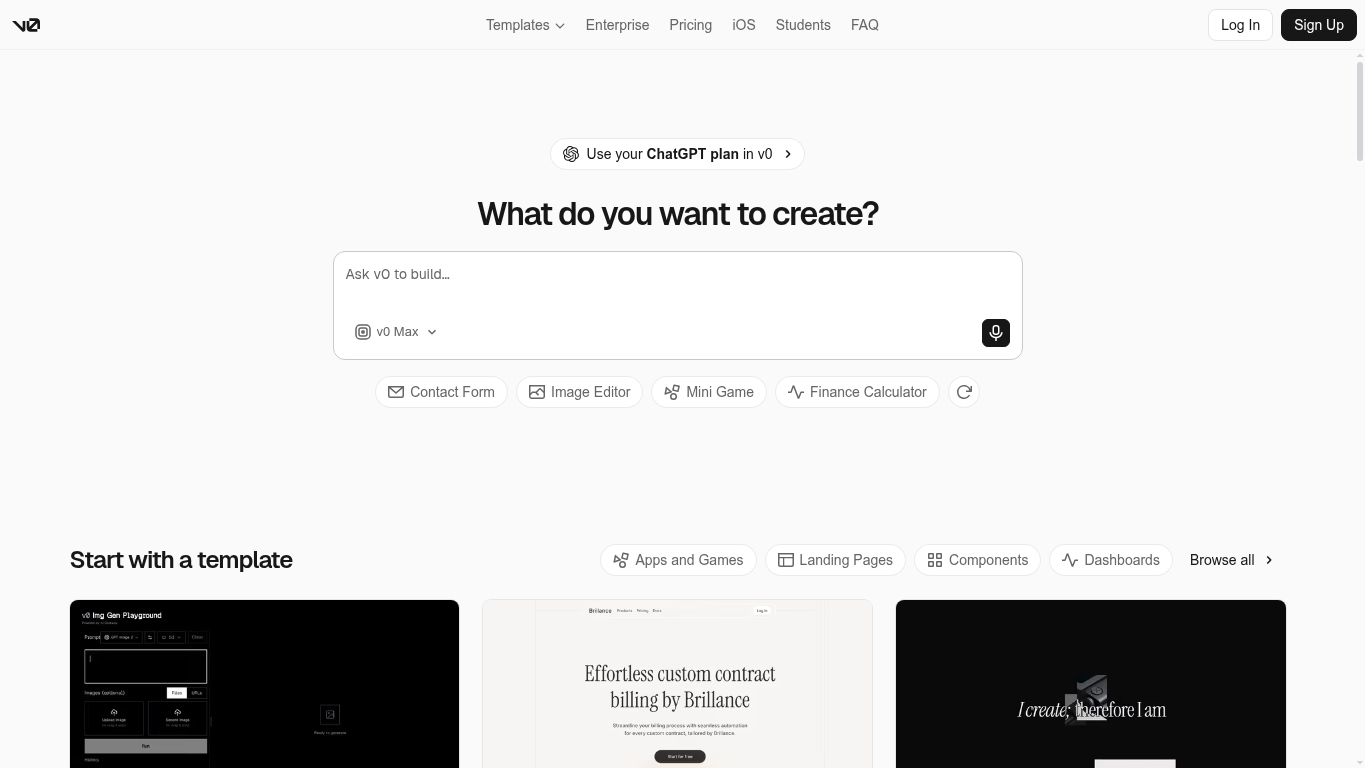
v0 is Vercel’s AI app builder, and its own quickstart uses a SaaS landing page and a contact form as example prompts. It generates editable application code that publishes through Vercel, so it fits when your page needs custom interface or integration behavior and someone on your team can own the code and deployment.
What can you do with v0?
- Generate an editable website or app from a natural-language brief, including landing page structures and the forms you ask for
- Select elements in the preview with Design Mode and change them visually or by prompt, with each change saved as a new version
- Inspect the generated code and point further changes at specific lines for more precise edits
- Request a database or external API connection, then add its credentials so the form behaves the way you need
- Publish to a connected Vercel project and update the same production URL, with preview deployments where you’ve set them up
- Use a free vercel.app address or set up your own domain through Vercel’s DNS settings
- Track traffic and performance with the Vercel project’s Analytics and Speed Insights
What are v0’s limitations?
- Form destinations, credentials, and integrations need someone to specify and set them up, since a generated contact form isn’t managed lead routing by itself
- Generation runs on credits, and the free plan’s seven-message daily limit can slow down iteration on a page
- Vercel infrastructure and account charges are separate from the v0 subscription, so the plan price alone doesn’t show your total publishing cost
- v0’s documentation describes analytics rather than a native landing page A/B testing process, so experiments need their own implementation
How does v0’s pricing work?
v0’s free plan has a limit of seven messages a day. Paid plans start at $30/user/mo, with $30 in monthly credits per user for ongoing iteration. Displayed prices exclude taxes, and any Vercel account charges come on top.
The bottom line
v0 makes sense when owning the code matters, because your page needs custom behavior or connections and someone can maintain them. It works as an editable app with a Vercel deployment route, where lead handling and testing are part of what you’d build.
5. Lovable: Best for landing pages that sit in front of a custom app
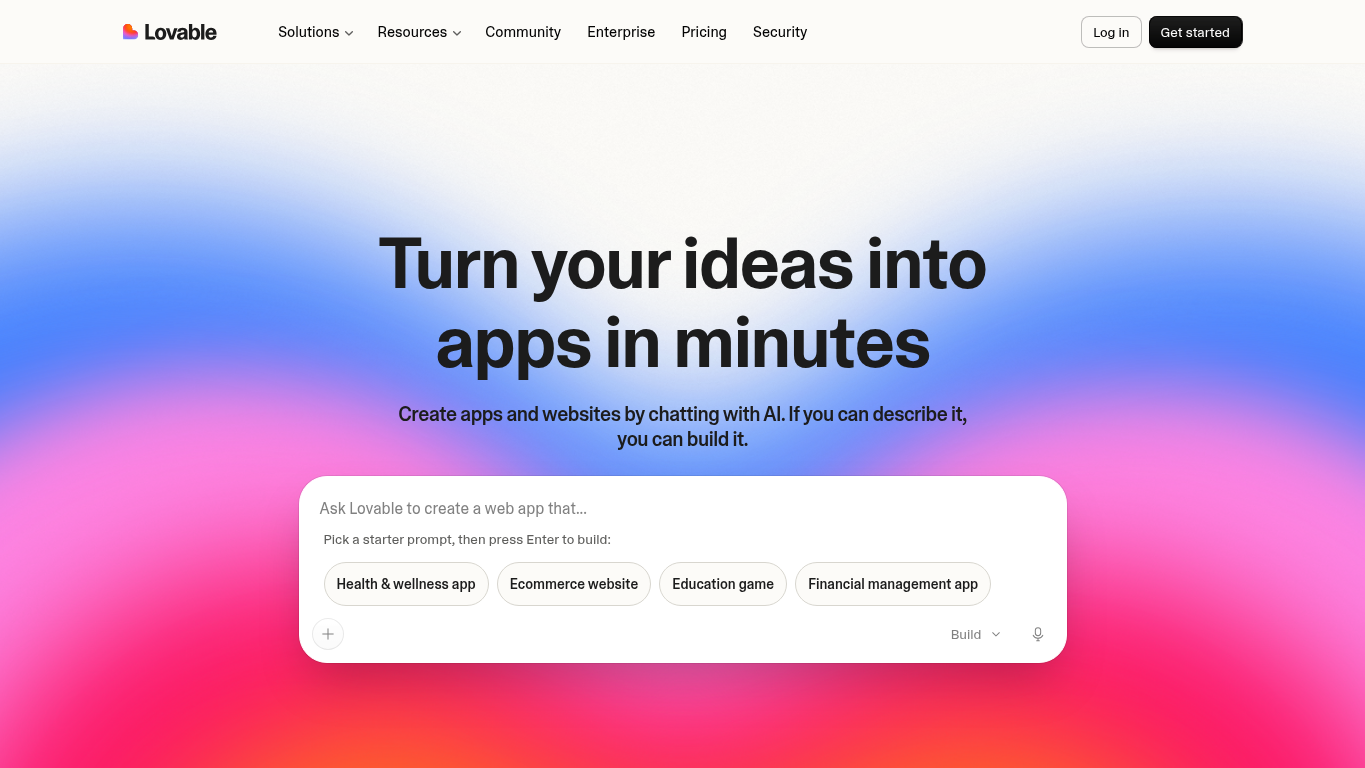
Lovable builds websites and web apps through chat, covering the frontend, backend, and hosted project together. It fits best when your landing page has to connect to custom app screens, data, or business logic, so the page is one part of a larger product you’re building.
What can you do with Lovable?
- Describe your product, audience, pages, data, and integrations to generate an editable website or web app foundation
- Keep chatting to refine copy, screens, user flows, and business logic while you watch the live preview
- Edit or download the project code when you want direct control over the implementation
- Build backend and database connections, and specify exactly what happens when someone submits your lead form
- Extend the project with integrations such as GitHub sync, Stripe, or API-connected services when the app needs them
- Test flows at phone, tablet, and desktop sizes before you publish
- Publish on Lovable Cloud with a lovable.app domain, or use a custom domain on Pro
What are Lovable’s limitations?
- Form routing, CRM or email destinations, and other app behavior depend on a backend or integration you request, since Lovable’s product pages don’t describe native lead management
- Build costs vary with task complexity and Cloud or AI usage, so a credit allowance doesn’t translate into a fixed cost per page
- Hosting can exceed the included grants as your traffic or app size grows, which adds usage costs
- Custom domains require Pro, while the free plan publishes on lovable.app domains
How does Lovable’s pricing work?
You can start on Lovable’s free plan with lovable.app domains. A custom domain starts on the first paid plan, at $25/mo or $21/mo billed yearly.
Paid plans run on credits, and building draws on them at a rate that depends on how complex each task is. Hosting on Lovable Cloud and any AI features inside your app are ongoing usage on top of that, so a busy or growing app can need more than its plan includes.
The bottom line
Lovable suits a landing page that’s the front door to a custom app with its own data or business logic. You get the page and the app foundation from the same conversation. The integration work and ongoing hosting come with it from day one, because the generated frontend becomes a lead capture system only once you’ve connected where those leads go.
6. LanderLab: Best for building landing pages and quiz funnels
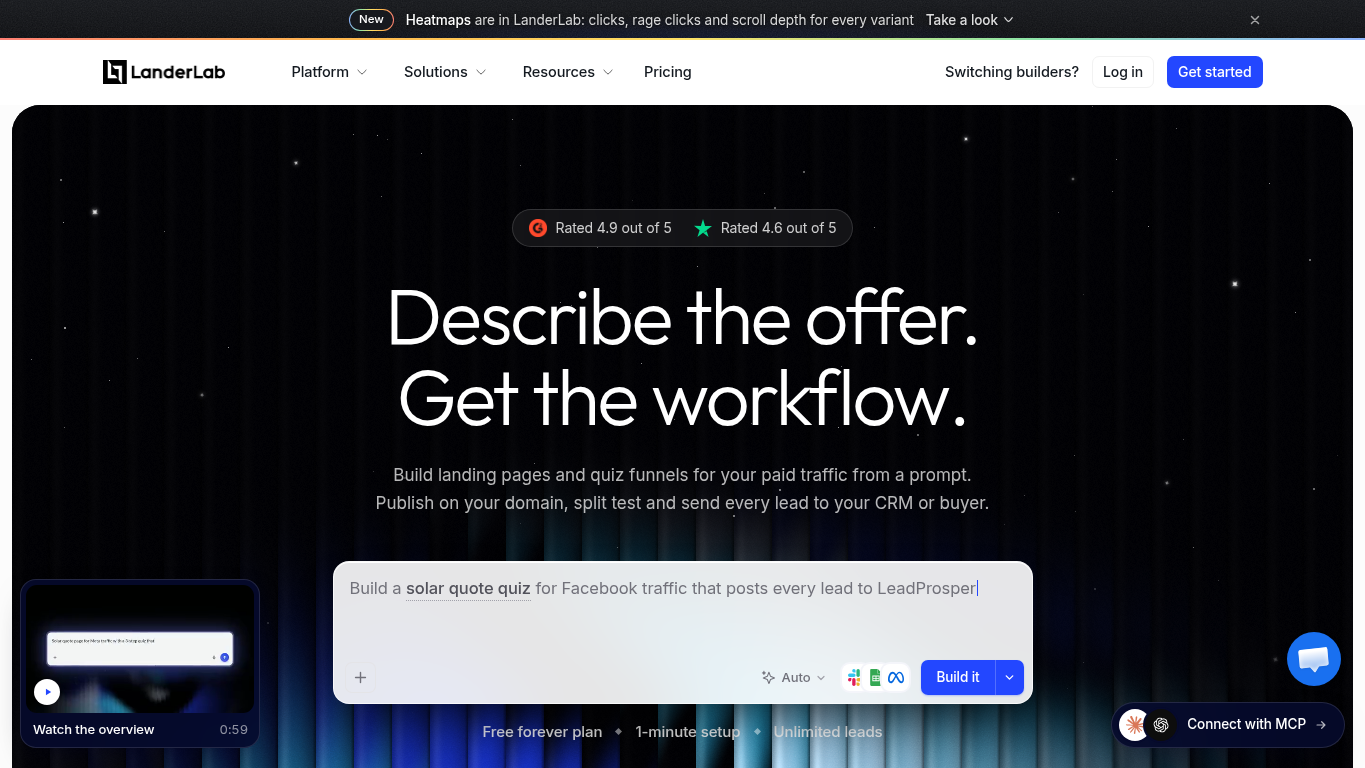
LanderLab is a campaign page builder aimed at performance marketers running paid traffic, and it generates a complete page or quiz funnel from a description of your offer. Page generation, visual editing, lead delivery, and campaign reporting all live in one dedicated product.
What can you do with LanderLab?
- Generate a complete landing page or quiz funnel from an offer prompt, including sections, copy, images, and a form
- Request changes by prompt or edit elements directly in the drag-and-drop builder, and ask the AI to check the mobile view and fix what breaks
- Import an existing page by ZIP, or by URL on Launch and above, and keep editing it in LanderLab
- Publish on your own custom domain, including the one domain the free plan allows
- Collect leads and route them to supported CRMs, sheets, or lead buyers, with LanderLab listing unlimited leads and no per-lead fee on every plan
- See which variant converts in LanderLab’s built-in analytics, which its AI can also read alongside your leads
- Split traffic between variants on one URL with A/B testing on Grow and above
What are LanderLab’s limitations?
- AI generation draws on a finite monthly credit allowance, so heavy creation and revision can require buying extra credits
- The free plan keeps a LanderLab badge on your pages and limits you to five published pages, one custom domain, and 2,500 visits a month
- Paid plans still carry visit caps, overage rates, and domain allowances, so your publishing cost can rise with traffic or extra domains
- A/B testing and API access require Grow or above, and URL import requires Launch or above, so testing moves you past the entry paid plan
How does LanderLab’s pricing work?
LanderLab’s free plan lets you publish with the limits above, and paid plans start at $89/mo, which removes the badge. A/B testing starts on the next plan up at $149/mo, which is the number that matters if you plan to test regularly. Prices are before tax, and extra AI credits are sold separately.
The bottom line
LanderLab fits an offer-driven page or quiz funnel when you want leads delivered straight to a CRM or buyer and reporting built around paid traffic. Its free plan already includes a custom domain, which is a real head start for a single campaign page. Regular testing changes the tier you’ll need.
Which kind of builder should you choose?
Every tool above can produce a landing page. The bigger choice is where your pages will live. Will they be built into your marketing website, or will they live alongside it as their own pages? Either way, a page can match your brand’s design and feel.
If the page needs to sit inside your website, use a website builder
A website builder keeps the page with your site’s navigation, content, and the business tools you already run there. That suits a few evergreen pages, such as a services page or a standing consultation offer, that should look and navigate like the rest of your site.
The trade-off is that every page inherits the site’s theme and templates, and testing page variants usually means an add-on or another route, which may require a developer. Framer and Wix are the two in this guide that work this way.
If the page can live alongside your website, use a dedicated landing page builder
Pages that sit alongside your site don’t have to fight its theme or restrictions. You can spin up as many campaign-specific pages and variations as you need, and make each one unique, without touching the main site.
Unbounce is built for exactly that.
Start each page in the hybrid landing page builder and switch between AI and drag-and-drop editing as you go, or ask Claude or ChatGPT to build it through the MCP server and keep editing through that same assistant or in the builder.
The variations are where testing comes in. An A/B test splits traffic between your variants so you can pick a winner, while Smart Traffic routes each visitor among your variants as it learns. Both need enough traffic to work well, and neither guarantees a lift.
Why marketers have trusted Unbounce with 2+ billion conversions for over 16 years
Whichever way you build, you still need to get your offer live, catch every response it earns, and know what to change next.
That’s the job Unbounce was built for.
Unbounce helps marketers, business owners, and in-house teams turn offers into leads. Since 2009, marketers have used Unbounce to build the landing pages behind over two billion conversions. In a 2019 case study, for example, Later’s small in-house team used dedicated Unbounce pages for its gated content and collected more than 100,000 leads.
With Unbounce, you can:
- Start each page with a prompt, a template, or a blank page in the hybrid landing page builder, then switch between AI and drag-and-drop editing anytime
- Create pages and forms by prompting an AI assistant connected to the MCP server, then refine them through the same assistant or in the builder
- Publish your offer and send every lead where it needs to go with instant notifications and integrations
- Run A/B tests on Experiment or route visitors with Smart Traffic on Optimize when you’re ready to improve a page
- Inspect lead-volume and conversion reports to decide what your next page change should be
Bring your next offer and start building for free to see how your page, form, and lead flow come together.
All provider context in this resource is based on information available as of Oct 2026. Product details, pricing and availability may change.
Sources:
- https://www.framer.com/ai/
- https://www.framer.com/pricing
- https://www.wix.com/ai-website-builder
- https://www.wix.com/plans
- https://v0.app/docs/quickstart
- https://api2.v0.dev/pricing
- https://lovable.dev/ad-landing-page
- https://lovable.dev/pricing
- https://landerlab.io/features/ai-assistant
- https://landerlab.io/pricing
Related articles