8 best ClickFunnels alternatives for funnels and landing pages (2026)
Replacing ClickFunnels doesn’t have to mean finding another tool that does everything it does.
You might use it to sell a course from the first page through checkout and customer access. Or you might only use it for landing pages while email, payments, and customer records live elsewhere.
So the real choice is whether you want another all-in-one suite, or a better tool for the job that’s holding you back.
TABLE OF CONTENTS

Josh Gallant
Josh is the founder of Backstage SEO, an organic growth consulting firm that helps B2B SaaS companies capture demand from search. He’s a self-proclaimed spreadsheet nerd by day, volunteer soccer coach by night (and weekends), and wannabe fantasy football expert every fall.
» More blog posts by Josh Gallant
In this guide, we’ll cover:
- 8 ClickFunnels alternatives for landing page work, selling and delivery, or managing leads and clients.
- What each one lets you do, and where it falls short.
- The plan requirements that change what you’ll pay.
But first, let’s look at what ClickFunnels brings together:
What can you do with ClickFunnels?
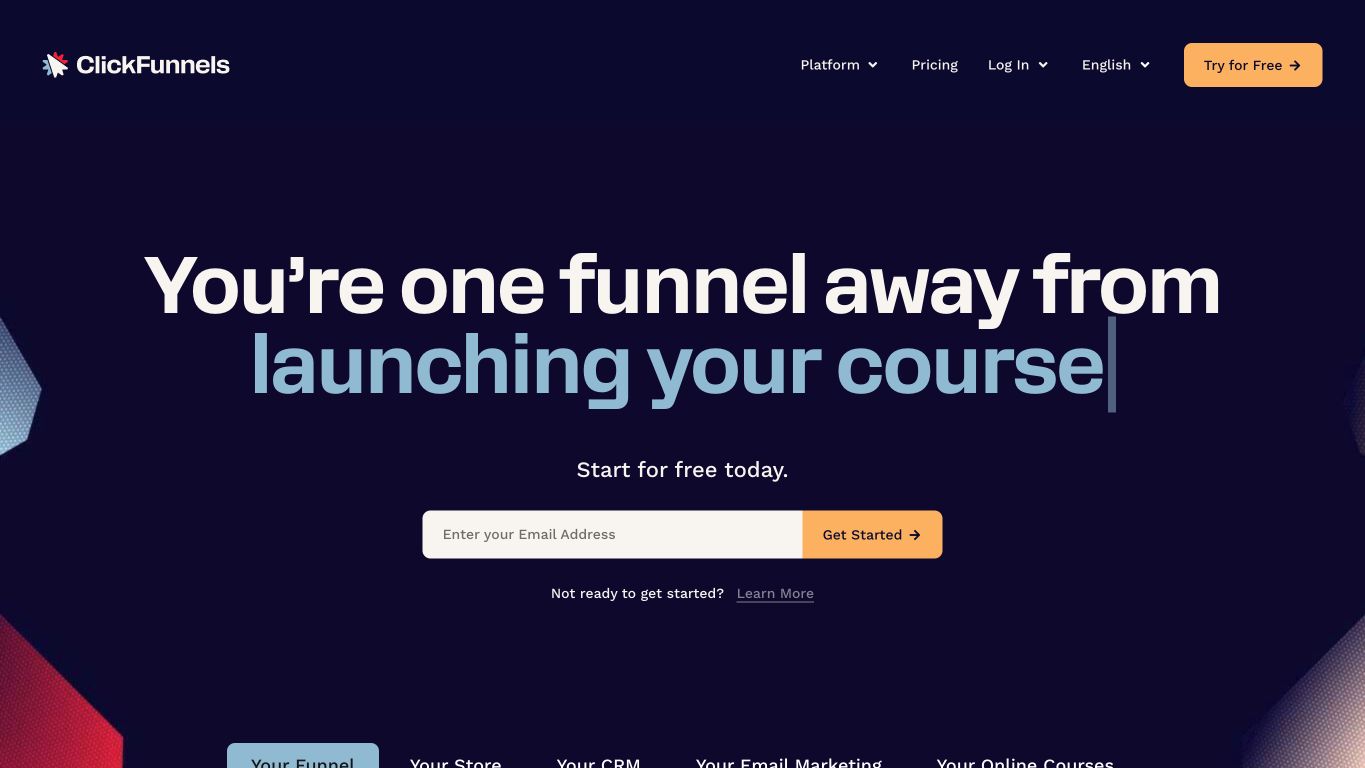
ClickFunnels aims to bring lead generation, sales, checkout, follow-up, and product delivery into one product. Its appeal is having tools for much of the customer journey under one subscription.
You can:
- Build landing pages, funnel pages, and website pages through their respective apps.
- Create sales paths with order pages, upsells, downsells, and thank-you pages, using a connected payment processor for checkout.
- Send broadcast emails and automate follow-up through workflows.
- Compare two variations of a funnel step with A/B testing.
- Create courses, manage enrollment, and host communities with access controls.
- Run affiliate programs on eligible plans.
- Manage separate client workspaces through the Agency App with the required subscription and administrator access.
That breadth can be attractive when you’re building several parts of a business at once.
But having a tool for each step doesn’t answer whether it gives you what you need at the step that’s causing trouble.
What are the trade-offs?
The main choice is between bringing several jobs together and finding a tool built around the job you most need to improve. A suite may cover that job without offering the same depth as a specialist. For landing pages, that means looking at how you:
- Start a page.
- Adapt its design and copy to the offer.
- Compare variants.
- Use the results to improve it.
You’re also choosing a bundle.
Depending on the plan, your subscription gives you access to pages, checkout, email, courses, and affiliate tools, even if you only use some of them. Feature access and limits still vary by plan, so one subscription doesn’t mean every capability is included at every price.
If you need to bring selling, follow-up, and delivery together, that breadth may be useful. If those parts already work and the page is holding you back, focus on the page builder and testing tools. You can make that decision without moving the rest of your business.
Which part of ClickFunnels do you need to replace?
Choose how much needs to move before comparing subscriptions. The difference between a landing page and a broader sales funnel matters because a page can change while your CRM, email, and checkout stay put.
For example, optimizing a landing page for PPC includes carrying the ad’s promise onto the destination page. If the problem is mismatched copy or a page you can’t iterate on easily, start with the page workflow. Moving product delivery won’t resolve that particular problem.
Need to change what happens after the page, too?
Then a suite built around selling, delivery, client operations, or follow-up may fit better.
8 best ClickFunnels alternatives for your marketing workflow
Each of these tools replaces a different part of ClickFunnels. Here’s a high-level look at what each one is built for and what it costs to start, then we’ll walk through each one:
| Provider | Primary job | When it fits | Pricing |
| Unbounce | PPC campaigns and agency workflows | Your team needs pages for paid traffic, or your agency needs to build, customize, publish, and A/B test pages across clients while keeping existing backend tools. | Free 14-day trial, then from $29/mo, or $22/mo billed annually |
| HighLevel | All-in-one funnel platform | You want to replace ClickFunnels with a platform that brings funnels, lead management, and multichannel follow-up together. | From $97/mo |
| Kartra | Sales and product delivery | You want sales pages, checkout, customer follow-up, and paid product access in one suite. | From $59/mo plus a 5% transaction fee |
| Kajabi | Courses, coaching, and communities | Knowledge delivery is central to what customers buy, and you want offers, promotion, and access together. | From $179/mo |
| Systeme.io | Free funnel validation | You want to test an offer with funnels, email, and course access before paying for a suite. | Free plan, paid from $17/mo |
| Instapage | Ad-to-page personalization | Your paid media team needs enterprise ad-to-page personalization and visual collaboration on page changes. | From $99/mo |
| GetResponse | Email nurture and funnels | You’re choosing an email nurture platform together with signup pages and sales funnels. | From $19/mo |
| HubSpot | HubSpot CRM workflows | Your team uses or is choosing HubSpot CRM, wants pages built around its shared contact records, and can budget for Professional-tier pricing. | Free plan, paid from $20/mo per seat |
Unbounce: Best for PPC campaigns and agency workflows
Unbounce lets in-house teams running PPC campaigns and agencies managing client pages build, test, and optimize landing pages in the visual page builder or from Claude or ChatGPT through the Unbounce MCP server. You can keep the tools already handling your leads and customers, and change only how you build and test the pages.
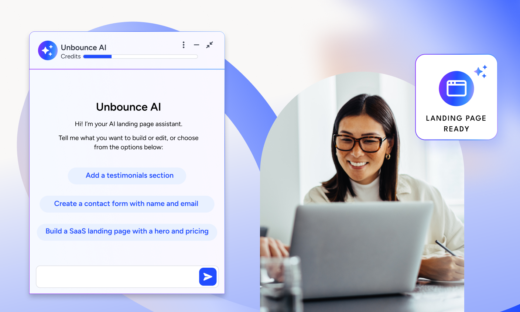
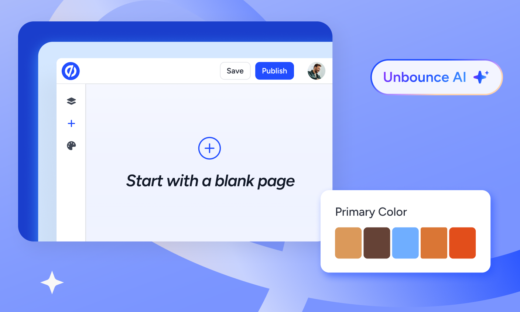
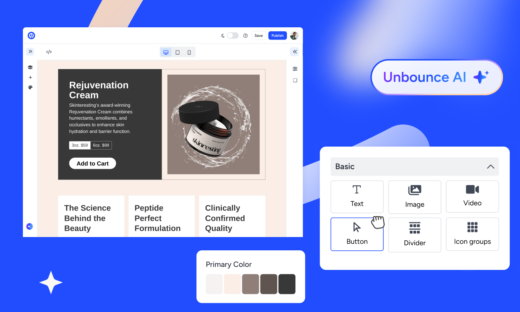
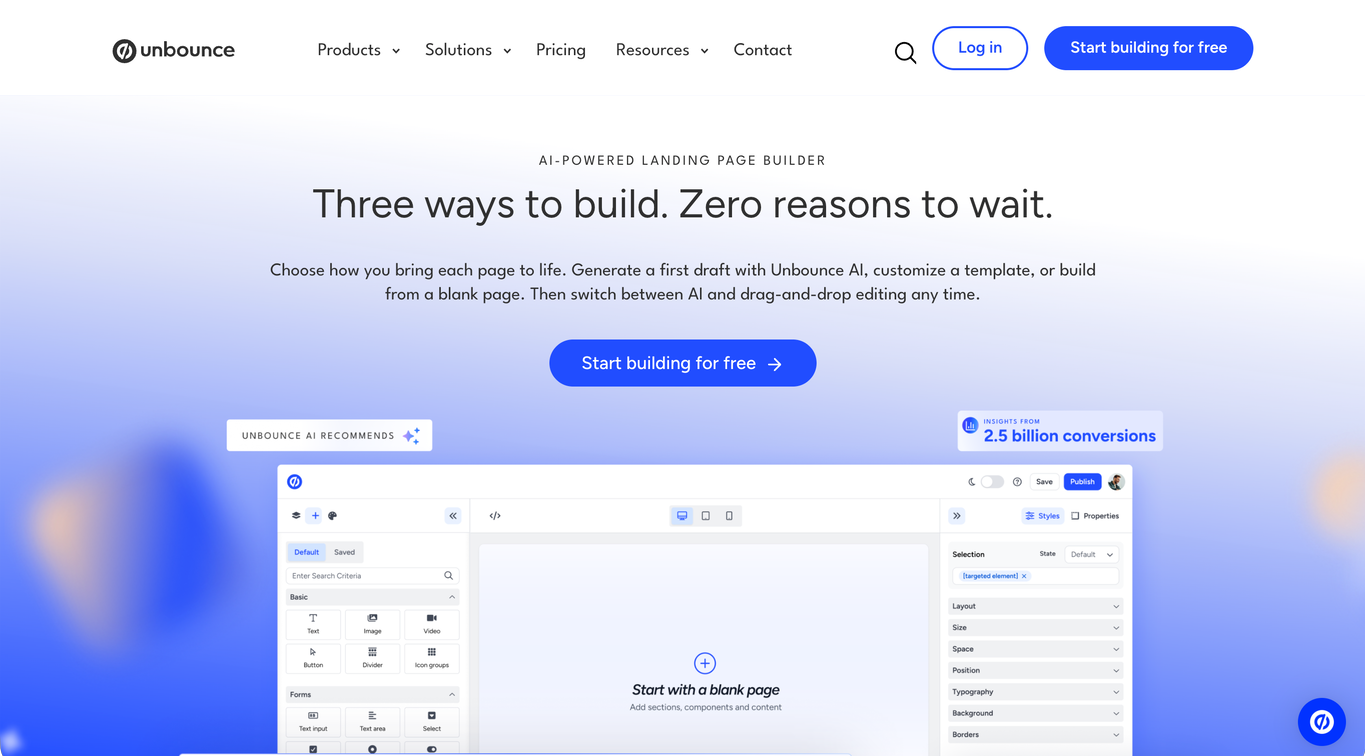
The new hybrid landing page builder lets you prompt a first draft with Unbounce AI, customize a template, or start from a blank page, then switch between AI and drag-and-drop editing anytime.
What can you do with Unbounce?
- Use Claude or ChatGPT with the Unbounce MCP server to create, edit, and manage pages, or request reports to guide your next changes.
- Build branded landing pages by customizing a template or starting from a blank page with drag-and-drop editing, then publish them on a custom domain.
- Prompt Unbounce AI, trained on insights from 2.5 billion landing page conversions, for a mobile-responsive first draft that applies design, copy, and conversion best practices for your industry and conversion goal, then switch between AI and drag-and-drop editing as you refine the page.
- Generate copy from a prompt or improve the copy you already have with Unbounce’s AI landing page assistant, right inside the page editor.
- Add tracking and custom code, and adjust the mobile layout, with custom scripts and custom mobile pages.
- Create and compare variants with built-in A/B testing and confidence intervals on eligible plans.
- Send each visitor to the page variant most relevant to their attributes with AI traffic routing (Smart Traffic) on eligible plans.
- Match page text to your PPC keywords with Dynamic Text Replacement.
- Send captured leads to your existing CRM and email tools through integrations and webhooks, keeping follow-up connected to the new page.
- (Coming soon) Reuse brand styling with saved style guides, reuse page sections across client campaigns with saved components, and update a shared component across pages with global components.
Unbounce limitations
- Unbounce is built for conversion-focused campaign pages, not for managing a full website or blog, so if you also run your website or blog from ClickFunnels today, you’ll need a separate CMS for those.
- MCP access is included across plans, but A/B testing requires the Experiment plan or above and Smart Traffic requires the Optimize plan or above, including when you use those actions through MCP.
How does Unbounce’s pricing work?
With monthly billing, landing page creation starts at $29/mo, or $22/mo billed annually. Built-in A/B testing starts at $149/mo, so that’s the relevant starting point if you want to create and test pages in one workflow. Smart Traffic brings the monthly price to $249/mo when you also want visitor routing.
The bottom line
Unbounce is a strong fit if you run paid campaigns in-house or build pages across clients as an agency, and the page is what needs to change.
You can start each page from a prompt, a template, or a blank page, test changes on an eligible plan, and keep your CRM, email, and checkout tools in place. If you also need a CRM, Insightly, an Unbounce company sold separately, connects natively and creates Lead or Contact records from your Unbounce form submissions.
HighLevel: Best for another all-in-one funnel platform
HighLevel (GoHighLevel) brings funnels, CRM pipelines, customer conversations, and automated follow-up into one system. It’s a ClickFunnels alternative when you want another all-in-one platform rather than replacing only the page builder.
What can you do with HighLevel?
- Build websites and funnels in each client’s account.
- Track leads through CRM records and pipelines.
- Handle email, SMS, and calling follow-up through unified conversations.
- Use workflows to route leads, send reminders, and follow up on inquiries.
- Manage client subaccounts, with unlimited subaccounts available on the higher self-serve tier.
- Resell software through SaaS Mode and rebill phone and email with a markup on the higher agency tier.
HighLevel limitations
- Phone, email, AI, and premium services can add usage charges or add-on costs beyond the subscription.
- The entry subscription includes three subaccounts, while SaaS resale and advanced API access require higher packages.
How does HighLevel’s pricing work?
Monthly billing starts at $97/mo for three client subaccounts. Unlimited subaccounts bring the price to $297/mo. If reselling software is part of your agency model, SaaS Mode is available at $497/mo, before any usage charges or add-ons.
The bottom line
HighLevel makes sense if you’re replacing ClickFunnels with another all-in-one platform and want funnels, lead pipelines, and follow-up conversations in one system. Agencies can also manage client accounts and resell software on the higher plans. If your CRM and follow-up tools already work and the page is the problem, a dedicated landing page builder is the more focused purchase.
Kartra: Best for sales and product delivery
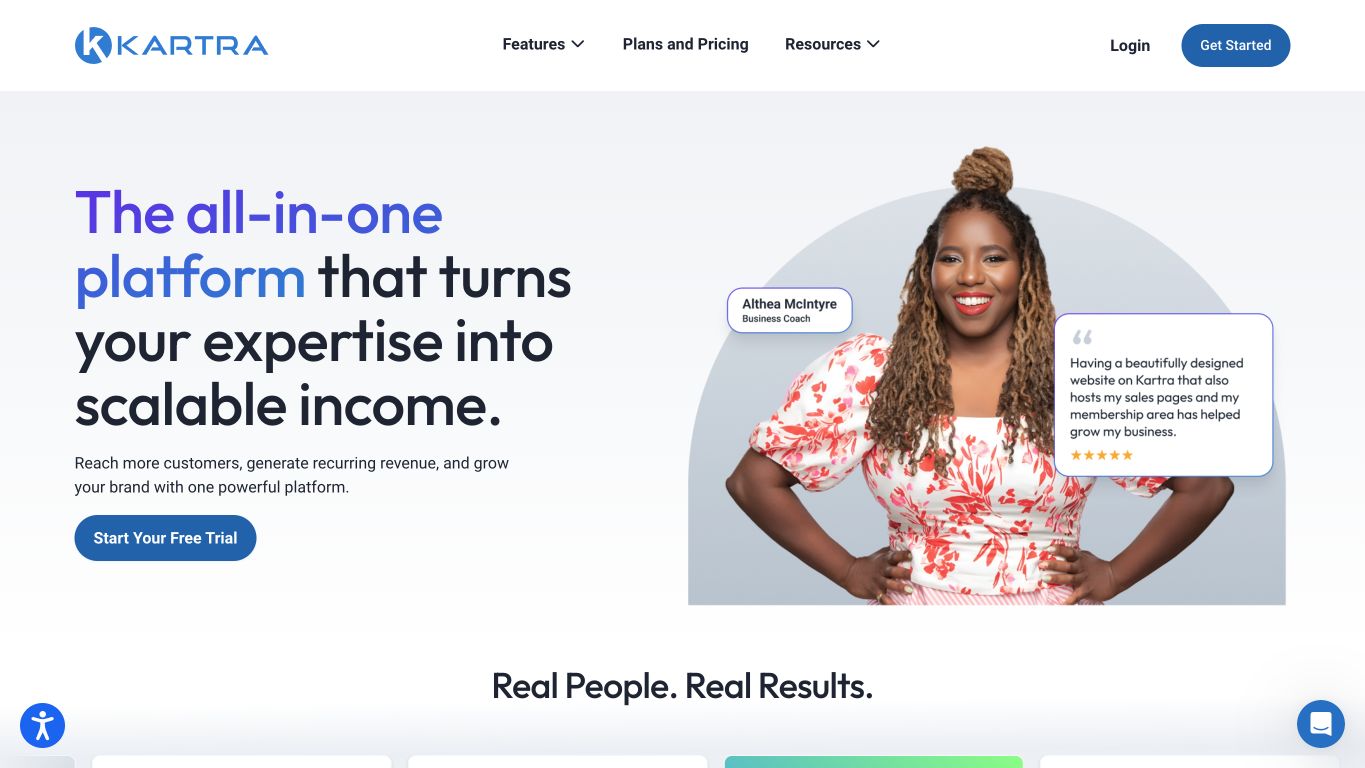
Kartra brings sales pages, checkout, and product access into one suite. It’s an option for online businesses that want to replace those parts of ClickFunnels together.
What can you do with Kartra?
- Build landing pages and websites to present your offers.
- Connect a sales page to checkout, a thank-you page, and membership access.
- Follow up with leads and customers through email and SMS capabilities.
- Deliver courses and memberships inside the same suite that handles your sales flow.
- Run affiliate programs alongside funnel campaigns to support partner promotion of your offers.
- Compare landing page variants with A/B split tests.
Kartra limitations
- The entry plan allows one product and five pages, so a larger offer catalog needs a different package.
- The entry subscription adds a 5% transaction fee on sales.
How does Kartra’s pricing work?
Kartra starts at $59/mo with monthly billing, plus a 5% transaction fee on the entry subscription. At $119/mo, the transaction fee drops to zero and you get 2,500 contacts plus unlimited pages, products, memberships, and courses. Your contact count and email volume determine which subscription you’ll need.
The bottom line
Kartra fits online businesses replacing ClickFunnels’ whole path from sales page to paid product access, with checkout, follow-up, and delivery in one suite. For a growing catalog, the entry plan’s one-product limit and 5% transaction fee make $119/mo the more realistic price. If your checkout and delivery tools already work, moving them adds work beyond fixing the page.
Kajabi: Best for courses, coaching, and communities
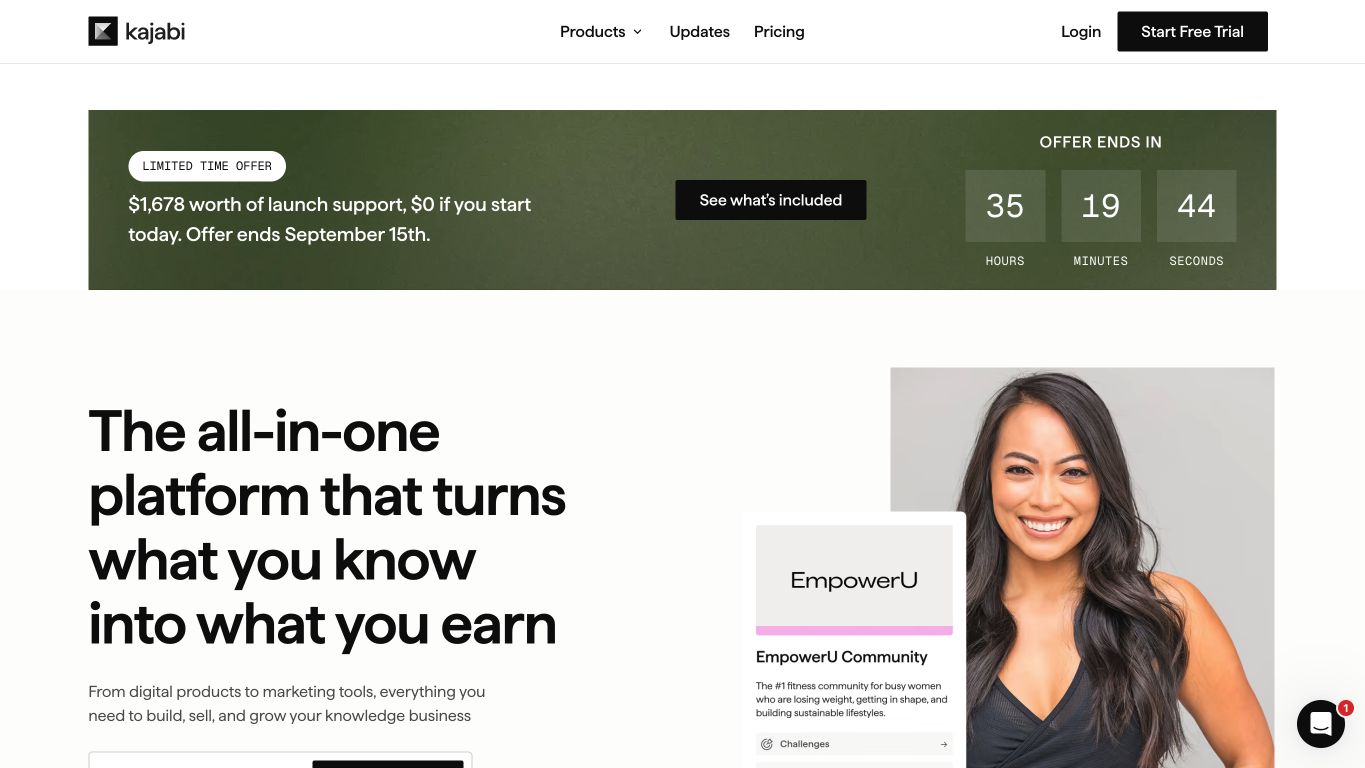
Kajabi lets you sell courses, coaching, and other knowledge products and manage how customers access them. It suits businesses that need to improve both the sales process and what customers get after buying.
What can you do with Kajabi?
- Sell and deliver courses and coaching products, and manage customer access in the same place.
- Host communities that give your customers a place to participate.
- Package downloads, podcasts, and newsletters as products to offer formats beyond a course.
- Connect offers, landing pages, and email campaigns through funnels to link promotion with the purchase path.
- Reorder funnel pages and inspect funnel or video statistics.
- Run landing page A/B tests for clicks, opt-ins, conversions, or gross merchandise value.
Kajabi limitations
- Landing page tests run for up to 30 days and can’t be canceled once started.
- Test results based on purchases can include later purchases after a variant view and aren’t adjusted for refunds, so the reported result may differ from the sales figure you expect.
How does Kajabi’s pricing work?
With monthly billing, the subscription starts at $179/mo for five products and 2,500 contacts. If your catalog or audience outgrows that setup, $249/mo raises the allowances to 50 products and 25,000 contacts.
The bottom line
Kajabi fits best when a course, coaching program, or community is the product your business revolves around, since the offer, purchase, and learning experience live together. Plan around its product and contact allowances, and if you launch often, around A/B tests you can’t stop once they start.
Systeme.io: Best for free funnel validation
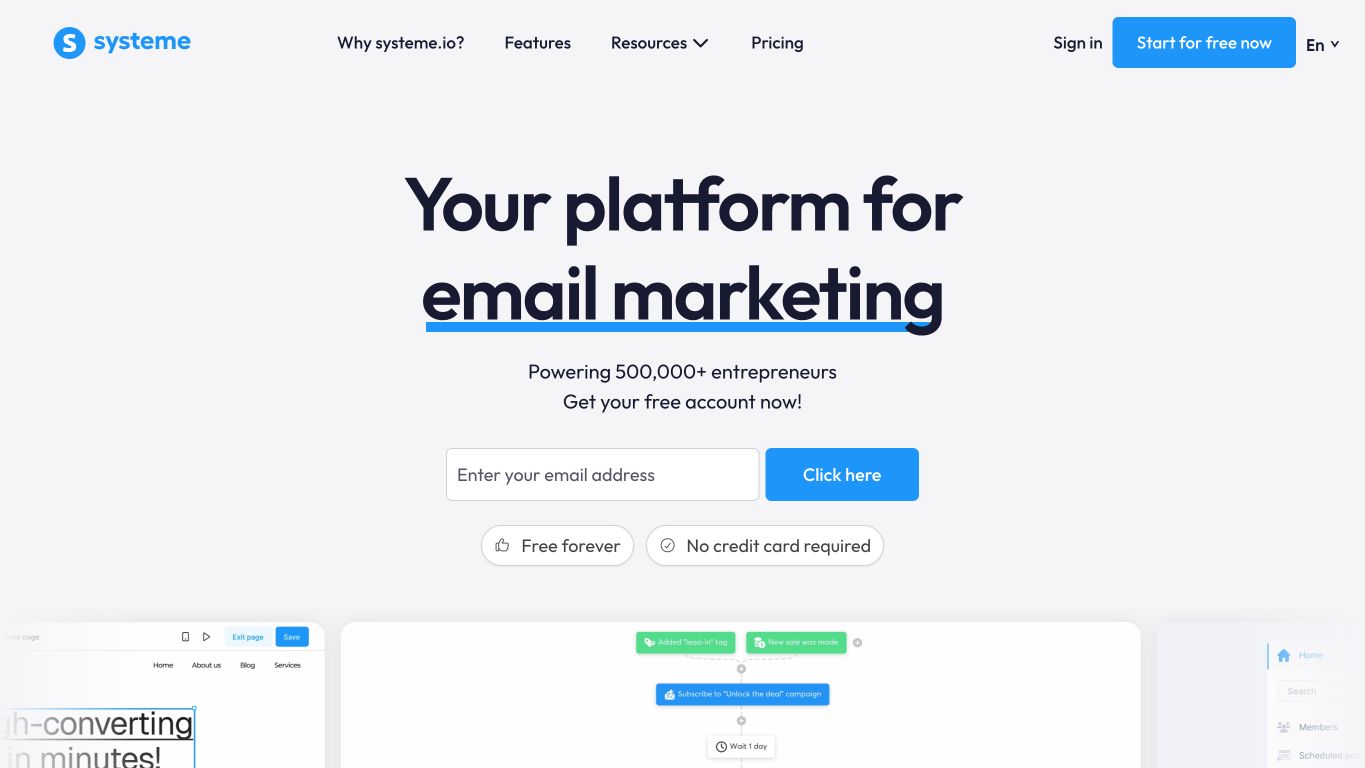
Systeme.io offers a permanent free plan for funnels, email, and course delivery. You can use it to find out whether people will buy your offer before paying for a subscription.
What can you do with Systeme.io?
- Launch a funnel on the permanent free plan, within its allowances, to put an offer in front of potential customers.
- Build sales paths with order bumps and one-click upsells to present additional offers during the purchase.
- Send email sequences connected to tags and funnel activity for follow-up tied to a lead’s actions.
- Deliver a course using supported content formats and progression controls to organize the learning experience.
- Manage an affiliate program for your offer.
- Run A/B split tests in the funnel builder to compare landing page variants.
Systeme.io limitations
- The free plan caps contacts at 2,000 and funnels at three, so a growing offer can require a paid tier.
- The free plan includes one course and one custom domain, limiting how many products or brands you can run on that tier.
How does Systeme.io’s pricing work?
You can validate an offer on the permanent free plan. When its limits get in the way, paid access starts at $17/mo with monthly billing for 5,000 contacts, 10 sales funnels, and five courses.
The bottom line
If you’re testing a new offer on a small budget, Systeme.io lets you run the full sales path, including follow-up and course delivery, before paying for a subscription. Once you need more control over the page or more ways to test and optimize it, a specialist page builder makes more sense.
Instapage: Best for ad-to-page personalization
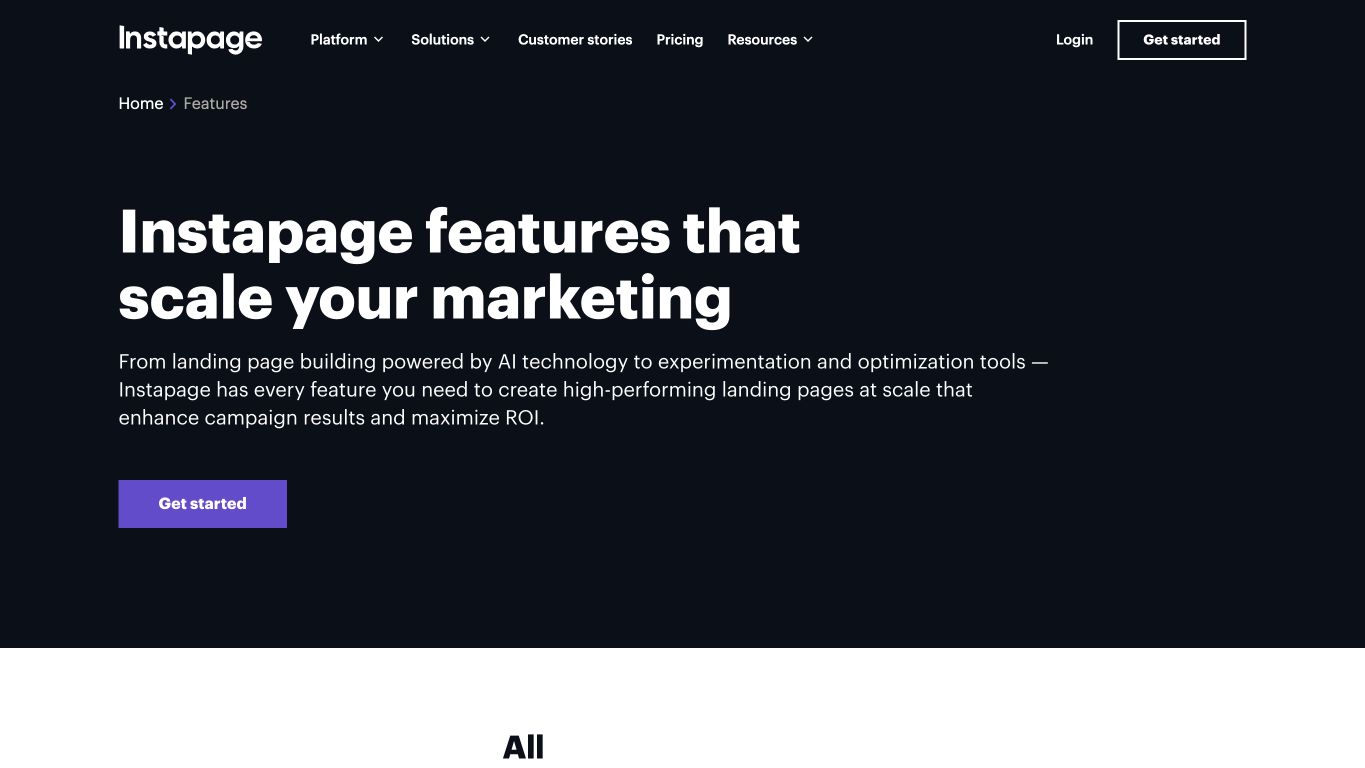
Instapage helps teams build landing pages for paid campaigns and personalize what visitors see after clicking an ad. Its collaboration tools support teams working on pages together across larger campaigns.
What can you do with Instapage?
- Build landing pages with reusable blocks and custom code.
- Leave comments on the page and discuss changes with your team in real time.
- Run server-side A/B tests on the optimization tier to compare page variants.
- Match campaign text with Dynamic Text Replacement on eligible plans.
- Personalize landing pages for different ads with an enterprise subscription.
- Use AI experiments to shift traffic toward variants performing better after the experiment’s warmup period.
Instapage limitations
- The entry subscription doesn’t include A/B testing, so testing changes the package you’ll need.
- Personalization between ads and landing pages, global elements, and heatmaps require custom enterprise packaging.
- Self-serve plans cap unique visitors, so a high-traffic campaign can outgrow the allowance.
How does Instapage’s pricing work?
Page creation starts at $99/mo with monthly billing, while server-side A/B testing starts at $199/mo. Personalizing landing pages for different ads requires custom enterprise pricing.
The bottom line
Instapage fits larger paid media teams where several people build and review pages together, and enterprise personalization lets you match different ads to different page experiences. That custom pricing only pays off if you need the personalization. For straightforward page creation and testing, the self-serve plans may cover the job.
GetResponse: Best for email nurture and funnels
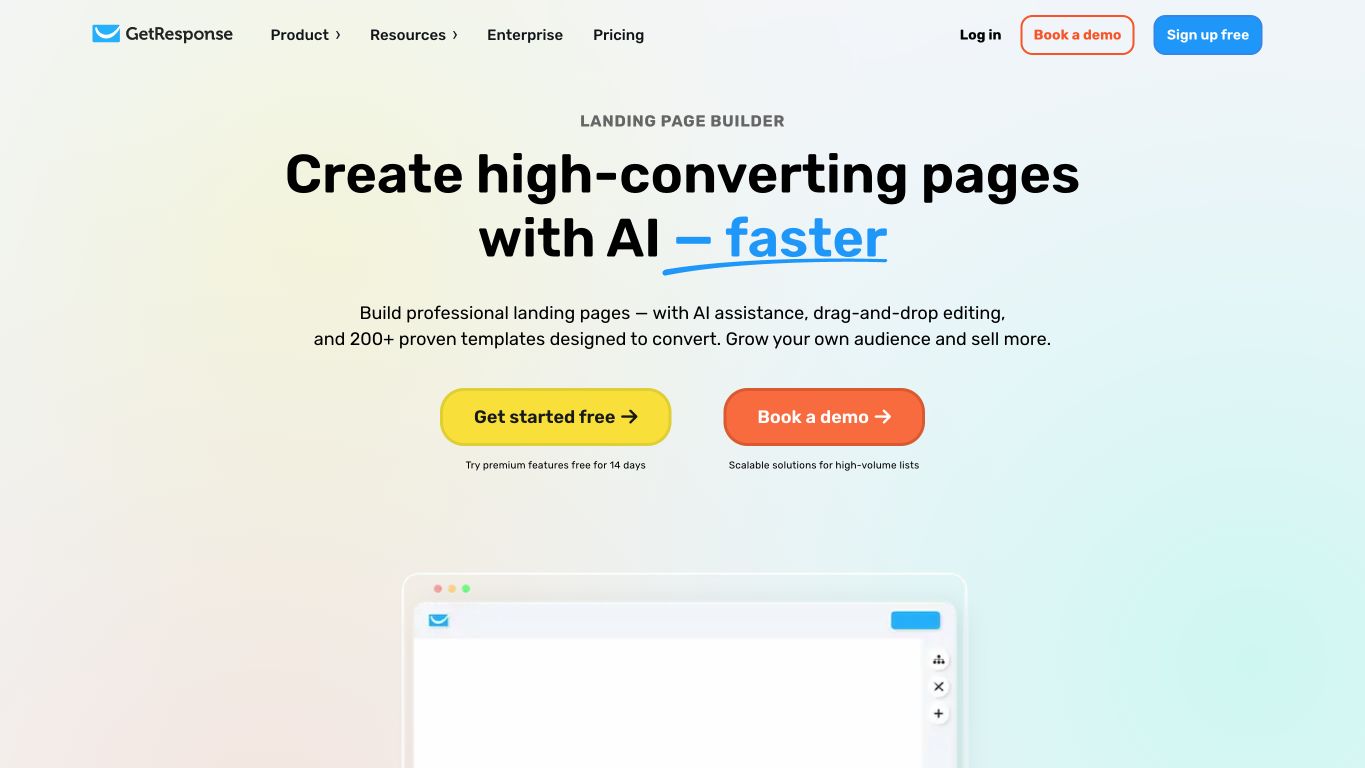
GetResponse connects landing page signups to email follow-up. It suits teams choosing an email nurture platform alongside the pages and funnels that bring in new contacts.
What can you do with GetResponse?
- Build landing pages with no-code editing, forms, and popups to capture interest in your offer.
- Connect captured leads to email and automation so a signup can begin the follow-up sequence.
- Run landing page A/B tests on paid plans.
- Build sales funnels and segmented nurture on eligible plans, matching follow-up to different contact groups.
- Follow up with people who left checkout unfinished using abandoned-cart recovery in the relevant marketing package.
- Add webinars and course creation with a subscription that includes those features.
GetResponse limitations
- The lowest paid tier includes only one automation and doesn’t include the sales funnel feature set.
- Advanced audience segmentation also requires a higher subscription than the lowest paid tier.
How does GetResponse’s pricing work?
With monthly billing for 1,000 contacts, paid access starts at $19/mo for landing pages and one automation. Sales funnels and segmented nurture start at $59/mo, while webinars and course creation start at $69/mo. Subscription cost scales with contact list size, so the audience you’re bringing over affects the bill.
The bottom line
GetResponse makes sense when the next email matters as much as the signup, since you can connect the page to automated follow-up and, on the relevant plan, tailor it to different contact groups. If your existing email platform already does that well, keeping it and changing only the page tool is the smaller move.
HubSpot: Best for HubSpot CRM workflows
HubSpot adds landing page submissions to the HubSpot CRM records your marketing and sales teams use. It suits teams already using HubSpot or choosing it as their shared CRM.
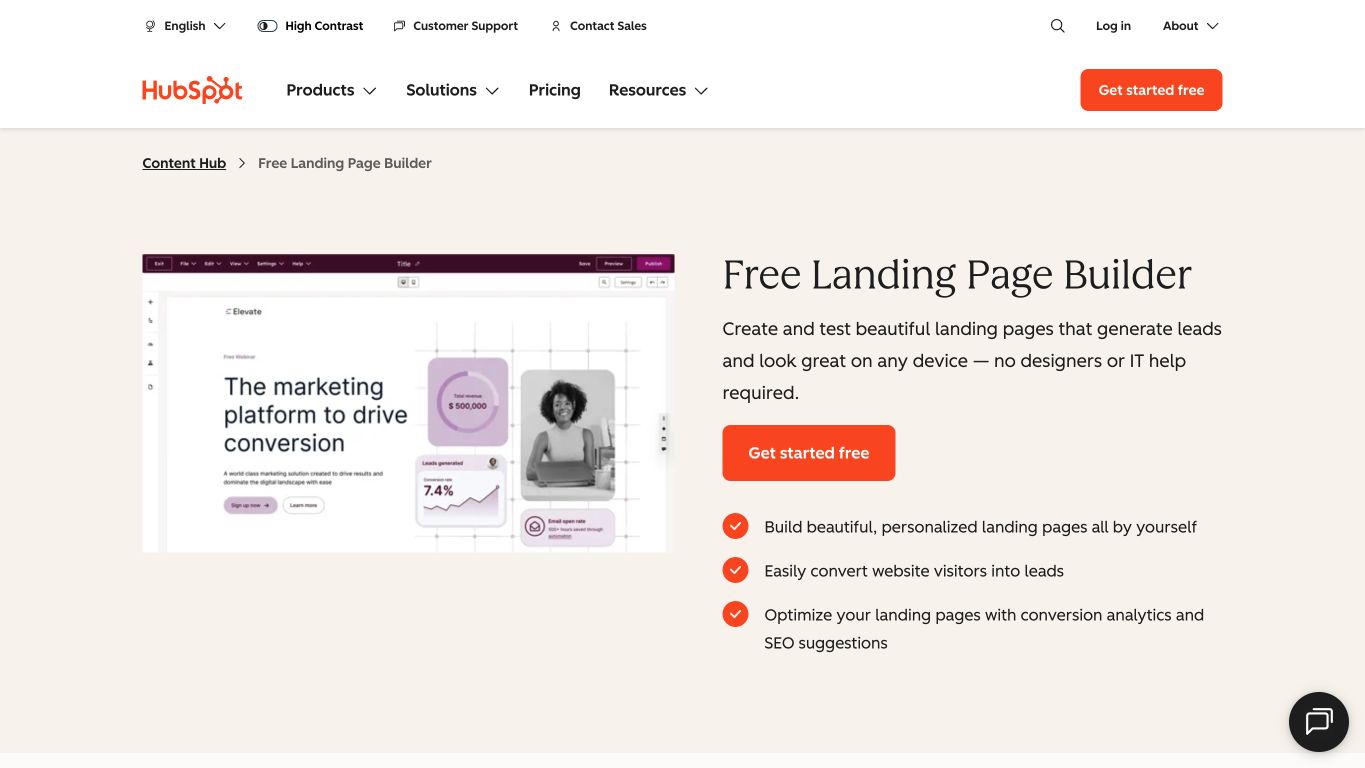
What can you do with HubSpot?
- Build landing pages with mobile-friendly templates and device previews.
- Capture form submissions directly into CRM records so the new inquiry becomes part of the contact history.
- Personalize pages using supported CRM fields from the contact record.
- Inspect conversion analytics and SEO suggestions.
- Run A/B tests with two landing page variants on eligible Content Hub tiers.
- Use adaptive tests with up to five page variations containing forms on eligible Content Hub tiers.
HubSpot limitations
- Landing page A/B and adaptive testing require Content Hub, HubSpot’s website and landing page product, on its Professional or Enterprise plan, so having other HubSpot hubs doesn’t give you page testing.
- Every adaptive-test variation needs a form, so the workflow can’t compare a no-form page variation.
- Unlimited email automation, email A/B testing, and custom reporting start on Marketing Hub’s Professional tier, so outgrowing the entry plan brings a sharp price increase.
How does HubSpot’s pricing work?
HubSpot’s landing page builder is free with forms connected to its CRM, and paid Marketing Hub plans start at $20/mo per seat.
Unlimited email automation, email A/B testing, and custom reporting need Marketing Hub Professional at $890/mo for three Core Seats (HubSpot’s full-access user seats), billed monthly on an annual commitment with a one-time $3,000 onboarding fee. That’s nearly 15x the $60/mo for three entry-level seats.
Landing page A/B and adaptive testing sit in a separate product, Content Hub Professional, at $500/mo for three Core Seats on the same annual commitment.
The bottom line
HubSpot is a strong option when you want marketing and sales working from the same contact history, especially if your team already manages leads there. Free capture gets that connection started, but testing pages means paying $500/mo on an annual commitment. If you’re happy with a separate CRM, a connected page builder can solve the campaign problem without moving your customer records.
Why 15,000+ brands rely on Unbounce for landing pages
Leaving ClickFunnels shouldn’t mean rebuilding your CRM, email, and checkout just to get better campaign pages. When the page is what’s slowing your campaigns down, that’s the part worth changing.
That’s where Unbounce can help.
More than 15,000 brands trust Unbounce. Unbounce gives marketers and agencies one place to build, test, and optimize campaign landing pages, in the visual editor or from Claude or ChatGPT through the MCP server. You can start each page from a prompt, a template, or a blank page in the hybrid landing page builder.
For your next campaign, you can:
- Build a landing page around your offer and the action you want visitors to take, using the visual editor or Claude or ChatGPT through the MCP server.
- Use AI trained on insights from 2.5 billion landing page conversions, so every page you build with AI applies design, copy, and conversion best practices for your industry and conversion goal.
- Compare variants and review confidence intervals with built-in A/B testing on eligible plans.
- Route visitors to relevant variants with Smart Traffic on eligible plans.
- Match landing page text to PPC parameters with Dynamic Text Replacement when you’re running paid search.
Compare plans and start a 14-day Unbounce trial to bring one real campaign into the workflow with every feature included, then choose a plan when the trial ends.
All provider context in this resource is based on information available as of Oct 2026. Product details, pricing and availability may change.
Sources:
- https://www.clickfunnels.com/pricing
- https://unbounce.com/pricing/
- https://www.gohighlevel.com/pricing
- https://kartra.com/plans-and-pricing/
- https://www.kajabi.com/pricing
- https://systeme.io/pricing
- https://instapage.com/plans
- https://www.getresponse.com/pricing
- https://knowledge.hubspot.com/website-and-landing-pages/create-adaptive-tests-for-pages
- https://www.hubspot.com/pricing/marketing
Related articles