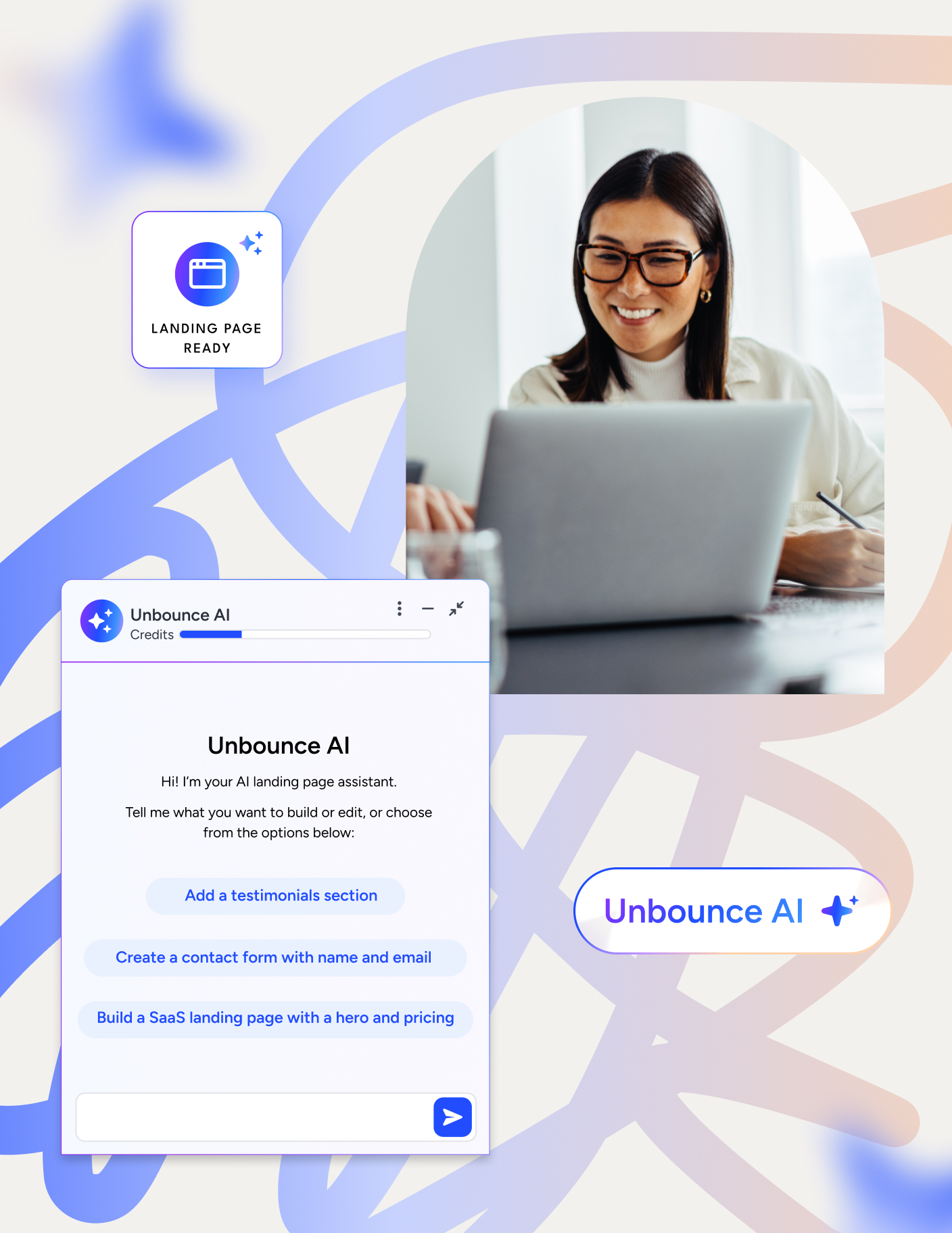
The 4 best landing page builders for agencies in 2026
Your agency sells a landing page as part of a paid campaign. The client approves the copy, your designer builds the page, and the ads go live.
Then the client changes the offer. Your paid media lead wants to test a shorter form. Another account needs the same campaign layout with different branding, and both clients want to know what you’re doing to bring down the cost per lead.
Every one of those requests takes time out of the fee you quoted.
That’s why choosing a landing page builder for your agency means looking at the work after launch as closely as the first build. You need to turn approved ideas into pages quickly, keep each client’s work separate, and test changes without rebuilding the page or chasing someone for every update.
TABLE OF CONTENTS

Josh Gallant
Josh is the founder of Backstage SEO, an organic growth consulting firm that helps B2B SaaS companies capture demand from search. He’s a self-proclaimed spreadsheet nerd by day, volunteer soccer coach by night (and weekends), and wannabe fantasy football expert every fall.
» More blog posts by Josh Gallant
So which landing page builder fits the service you sell?
In this guide, we’ll compare four dedicated landing page builders, including Unbounce, on campaign production, client access, testing, and the cost of serving your roster. We’ll also look at how much white-label control your clients actually need.
And to get this out of the way early, yes, this is an Unbounce article and we’re going to talk about Unbounce.
I know, I know. “But, but, what about the bias?”
We’re confident in what we have to offer, and we won’t shy away from saying it. But we also know we aren’t perfect and we aren’t for everyone. So we’ll be clear about our limitations and when another builder may be the better fit.
But first, let’s start with what your team needs to do between the first client brief and the next performance report.
How to evaluate a landing page builder for your agency
As offers and ads change, your team has to act on client feedback, test new ideas, and explain what the results mean. When that cycle repeats often, a dedicated landing page builder lets your team run it alongside the client’s website.
Your client’s WordPress site or content management system (CMS) can keep handling the website’s navigation, blog, and evergreen content. For a PPC campaign, your team can build a page to match the landing page offer to the ad, launch a variant, and learn from the response.
Five areas are worth comparing:
- Production and control: Can your team turn approved copy or a design into a page, then make client revisions? The editing process matters as much as the first build.
- Client separation: Can you keep each client’s pages and domains separate and control who can access them?
- Client-facing presentation: What will the client see when reviewing a page or receiving a report?
- Testing and reporting: Can you create variants, control how traffic reaches them, and explain the results to a client? Some builders include these features, while others need another product or add-on.
- Delivery cost: Which plan supports the work, and how much building, revision, and reporting effort remains?
A useful landing page test starts with a goal and hypothesis, introduces a variant, measures the result, and informs the next decision. Use an A/B comparison to learn how variants perform against each other. Visitor-level routing does a different job—it assigns people to variants using their attributes.
Here’s how the four builders compare, with those needs in mind.
4 best landing page builders for agencies
Each builder suits a different main campaign task, and what you’ll pay depends on the features that task needs:
| Provider | Best for | Pricing | Watch for |
| Unbounce | AI-assisted campaign production, testing, and optimization | Free 14-day trial, then from $29/mo, or $22/mo billed annually | Testing and routing require higher tiers |
| Instapage | Stakeholder-heavy PPC | Free 14-day trial, paid from $99/mo | Extra client workspaces require custom pricing |
| Leadpages | Pages and tests for a client’s in-house lead generation program | Free 7-day trial, testing from $99/mo | Workspaces and audit logs start at $399/mo |
| Landingi | Template-led client production | Free 14-day trial, paid from $29/mo | Subaccounts start on agency-oriented tiers |
1. Unbounce: Best for paid campaign building and optimization
Unbounce is a landing page builder and conversion rate optimization platform for teams running paid campaigns. Your agency can build pages in the hybrid landing page builder or use Claude or ChatGPT through the Unbounce MCP server.
Then you can create variants, test offers, and use AI traffic routing (Smart Traffic) to direct visitors across those variants.
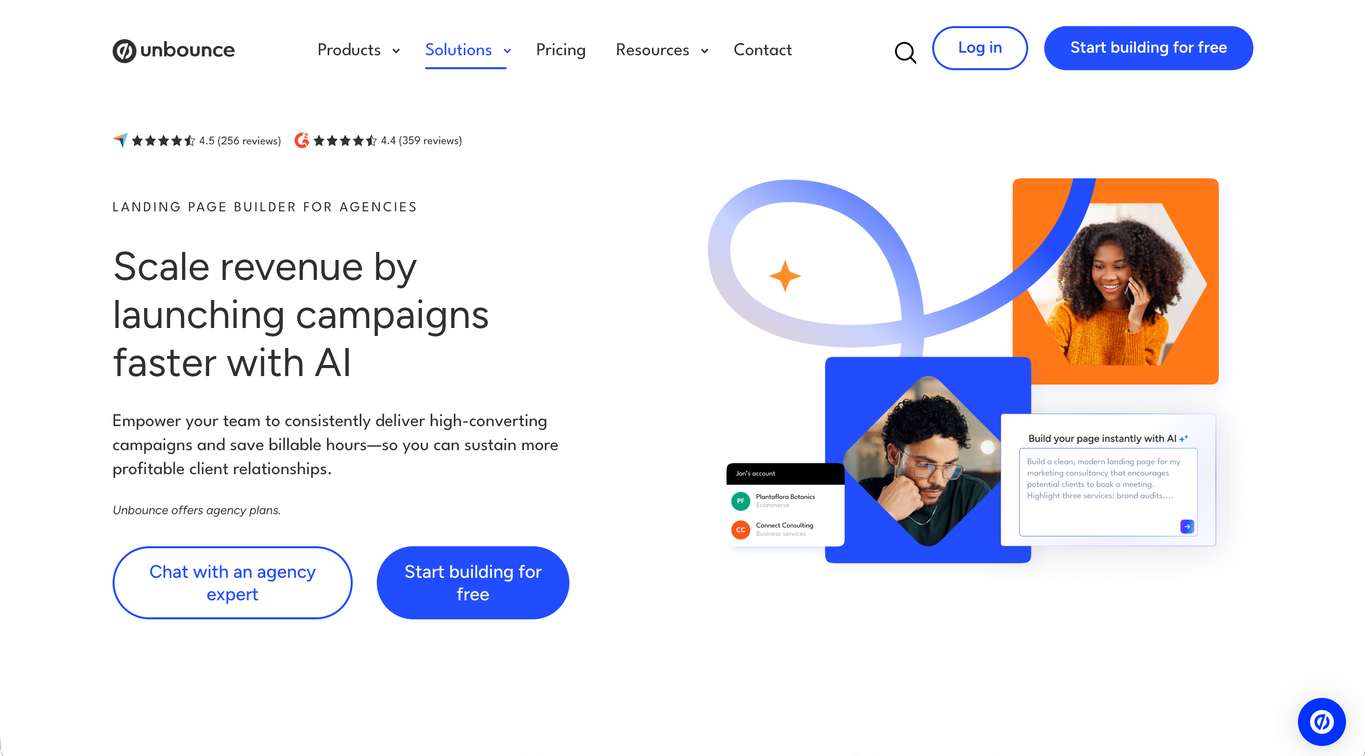
What do you get with Unbounce?
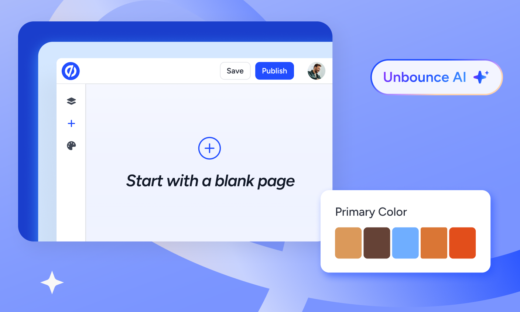
- The hybrid landing page builder lets you start from an Unbounce AI prompt, one of Unbounce’s landing page templates, or a blank page, then switch between AI and drag-and-drop editing as client feedback comes in.
- Unbounce AI is trained on insights from 2.5 billion landing page conversions, so pages you build with AI apply design, copy, and conversion best practices for each client’s industry and conversion goal.
- The Unbounce MCP server lets your team build a page in Claude or ChatGPT from approved copy or a Figma design, publish it, keep editing it there or in the builder, create variants, and pull conversion-rate and lead-volume reports.
- Custom HTML, CSS, JavaScript, and tracking scripts give you more control when the campaign needs it, on Build and higher plans.
- Separate client environments let you manage multiple clients from one account, assign users, and duplicate high-performing pages across clients while keeping each client’s pages and domains organized.
- Built-in A/B testing and confidence-related reporting help you compare page variants and interpret the result.
- Smart Traffic uses visitor attributes to route people to the variant more likely to convert for them.
- AI conversion guidance, coming soon, will compare each page’s performance with industry benchmarks and recommend copy and page structure changes.
- Heatmaps and session recordings, part of AI conversion guidance, will show where visitors click, scroll, and drop off.
- Dynamic Text Replacement matches landing page text to PPC and search-term context.
- Native integrations, Zapier, and webhooks connect forms and campaign data to your existing tools.
- Native Insightly CRM integration sends form completions to Insightly as leads or contacts. Insightly, an Unbounce company, is a separate CRM subscription from $29/user/mo billed annually.
What are the trade-offs?
- A/B testing and Smart Traffic require higher paid tiers, so you’ll pay more than the entry price to test pages or route visitors.
- If you’re replacing your whole website or CMS, you’ll need more than Unbounce alone.
How does Unbounce’s pricing work?
Unbounce’s self-serve pricing starts at $29/mo, or $22/mo billed annually, for building and publishing landing pages. A/B testing requires $149/mo, while Smart Traffic requires $249/mo.
Managing a client roster? The Agency self-serve plan is $349/mo, billed annually only, and covers 10 root domains, compared with 3 on Optimize.
The bottom line
Unbounce fits agencies that sell ongoing paid campaign improvement alongside page production. The hybrid landing page builder and MCP give your team AI-assisted ways to build, while client management, A/B testing, and Smart Traffic support the work after launch. You can keep the client’s website in its existing platform and give your paid media team a dedicated place to build and improve campaign pages.
2. Instapage: Best for stakeholder-heavy PPC campaigns
Instapage helps you collect feedback directly on landing pages and see which ads lead to each page. Those tools are useful when several people review campaigns across a large PPC program.
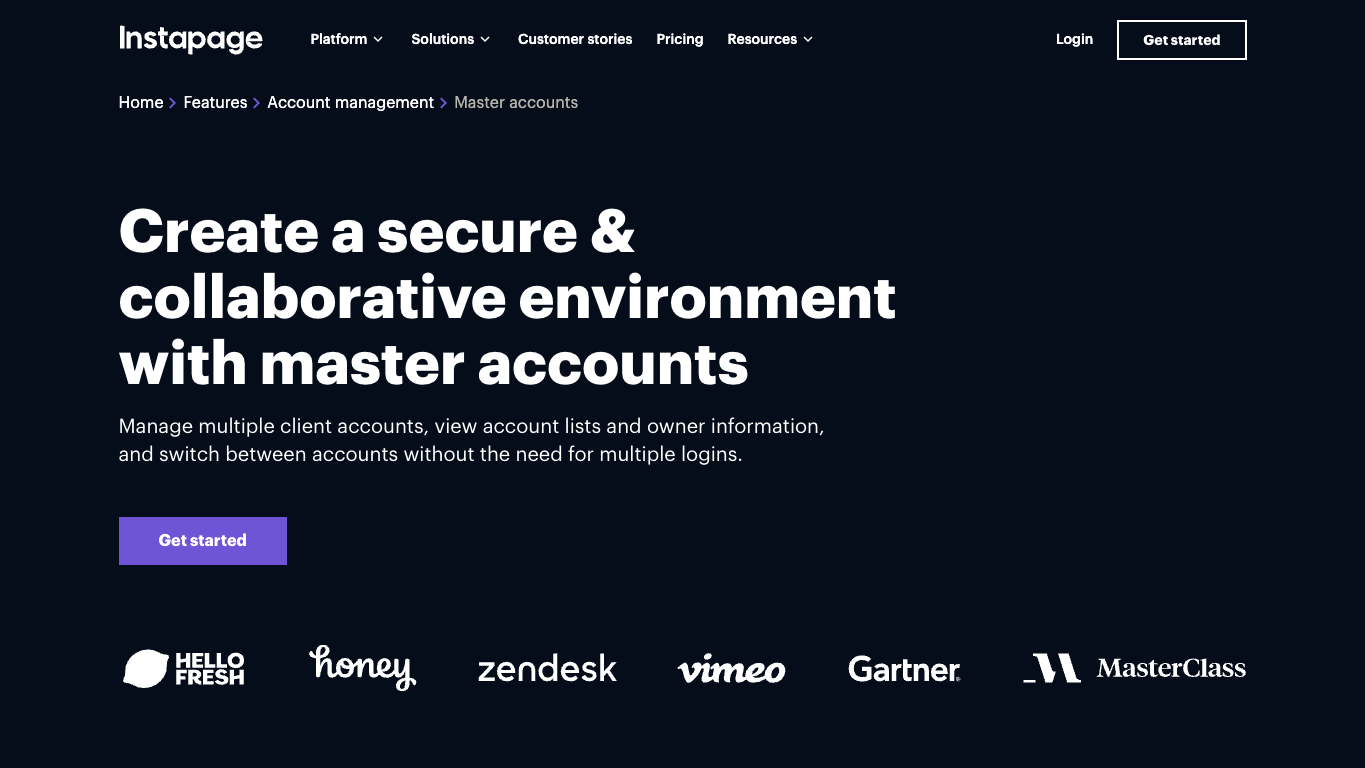
What do you get with Instapage?
- In-page comments and real-time editing let reviewers discuss and make changes directly on the page, and secure sharing brings clients into the same review.
- Master Accounts hold several client accounts with separate workspaces, permissions, and account-wide audit logs, and your team can switch between clients without separate logins.
- Reusable blocks and forms let your team save page sections once and drop them into new campaign pages.
- AdMap maps each ad campaign to the landing pages it sends people to, so you can check that the message matches, and links UTM parameters to personalized page experiences.
- Server-side A/B testing with traffic allocation lets you control how visitors split between campaign variants on higher tiers.
- Custom domain publishing puts campaign pages on your client’s domain, with two subdomains on the self-serve plans and 10 on higher tiers.
What are the trade-offs?
- A/B testing costs more than page creation alone, which matters if testing is part of the service you sell.
- The self-serve plans may have enough seats for your team but too few workspaces or subdomains for your clients.
- Deeper personalization, heatmaps, and global elements require custom enterprise packaging.
How does Instapage’s pricing work?
Instapage pricing starts at about $99/mo for page creation and visual collaboration, with one workspace. If you need A/B testing and Dynamic Text Replacement, expect roughly $199/mo, still with one workspace.
Deeper personalization, AdMap, and more than one workspace require custom pricing.
The bottom line
Instapage is a good fit when you need several people to comment on pages and want to see where each ad sends visitors. If you mainly need to build and publish pages, those review and ad-mapping tools may be less important to your choice.
3. Leadpages: Best for in-house lead generation campaigns
Leadpages can suit your agency when you’re delivering branded opt-in or webinar pages and manual A/B tests for a client’s in-house lead generation program. You can send the leads to that client’s existing tools while supporting the campaigns their team runs.
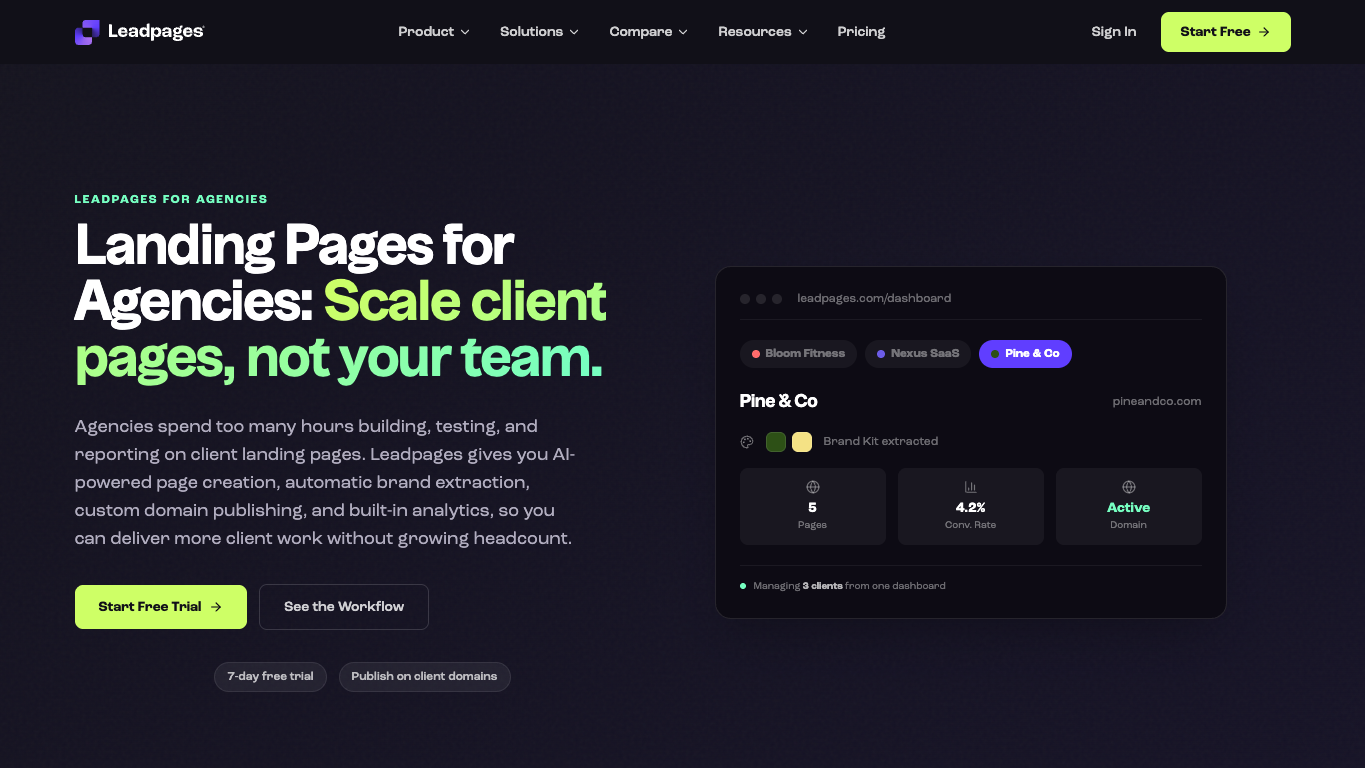
What do you get with Leadpages?
- Pages published on the client’s custom domain show no Leadpages branding, so the company’s offers stay under its own brand. Plans include four to 10 custom domains, depending on tier.
- AI page creation with automatic brand extraction, plus templates and page building controls, gives you on-brand starting points for opt-in and webinar campaigns.
- Manual A/B testing lets you set custom traffic splits across up to four variants (two on the entry tier) and read confidence indicators before picking a winner.
- Dynamic Text Replacement, included from the entry tier, adapts landing page text to the campaign that sent each visitor.
- Smart Traffic routes visitors to the variant that suits their profile, and click and scroll heatmaps show how people use the page, both on higher tiers.
- Native connections, webhooks, and Zapier send leads to the team’s existing CRM and email tools, with five to 25 active integrations depending on tier.
What are the trade-offs?
- The dashboard isn’t white-labeled, so clients working inside the platform won’t see a fully agency-branded portal.
- More team seats and access to workspaces require higher tiers, so the number of people and clients you manage affects the price.
- Active integration limits matter if a client needs leads sent to several different tools.
How does Leadpages’ pricing work?
Leadpages’ page building and testing offer starts at about $99/mo. Smart Traffic and heatmaps bring the price to roughly $199/mo.
If you need client workspaces, audit logs, and more team capacity, expect the $399/mo level.
The bottom line
If your agency builds pages for a client’s in-house marketing team, Leadpages gives you tools to test offers and send leads to the systems that team already uses. You’ll pay $399/mo if you need workspaces, audit logs, and more team capacity, so those features may put it beyond your budget.
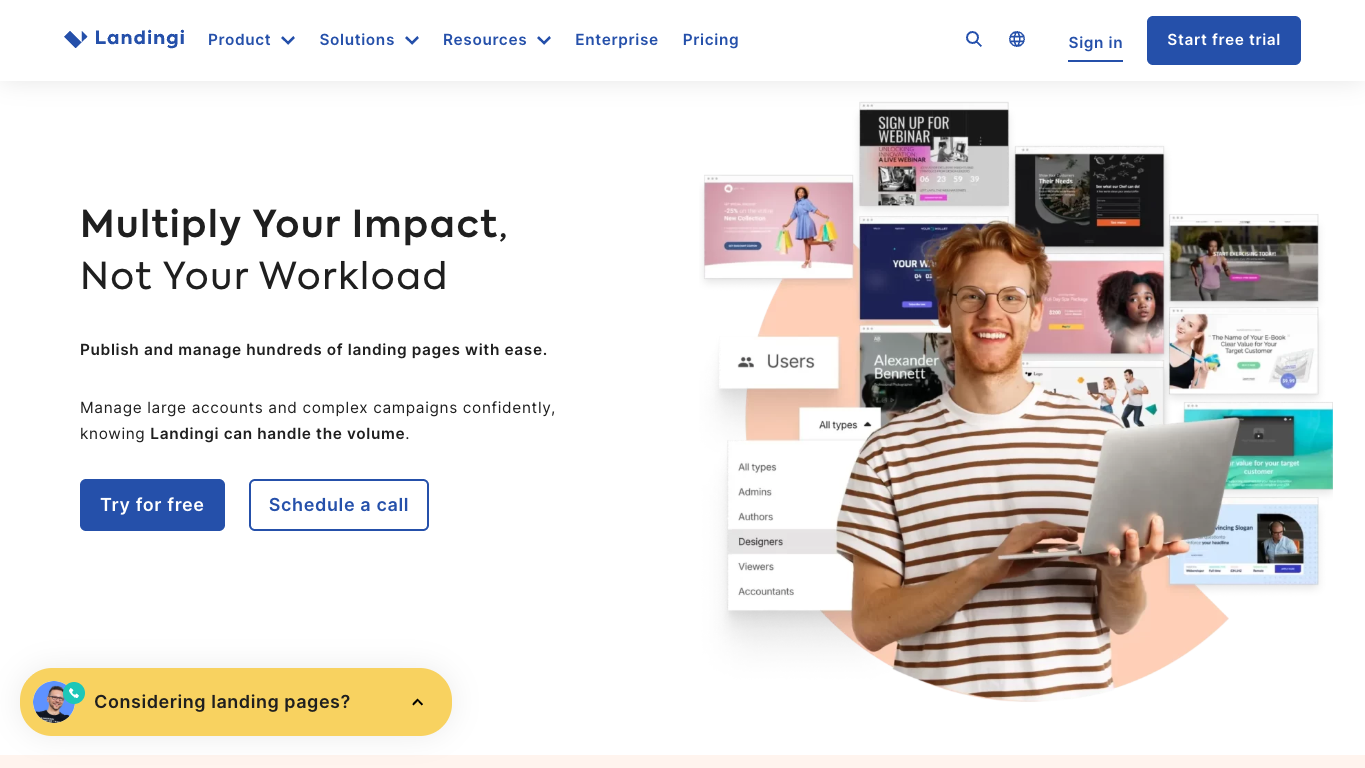
4. Landingi: Best for template-led production across client accounts
Landingi helps your team reuse page layouts and sections across client campaigns. Its higher agency tiers suit work such as producing similar pages for different offers or locations.
What do you get with Landingi?
- More than 400 customizable templates for landing pages, pop-ups, and sections, plus a drag-and-drop builder, give your team campaign starting points.
- Smart Sections sync shared elements such as headers, footers, and call-to-action areas across pages, and one-click duplication copies a page you’ve already built.
- Higher-tier programmatic pages let you build one layout and generate pages in bulk, each with unique content based on your data.
- Agency subaccounts give each client a separate account under your main account, with its own permissions, and limit packages keep resource costs predictable on higher agency tiers.
- Agency branding and user controls let you add your logo and manage user access on higher agency tiers.
- Server-side A/B testing and EventTracker, available from roughly $149/mo, help you compare variants and track microconversions, events, and clicks on a visual map.
What are the trade-offs?
- Client subaccounts and agency settings require higher tiers, so the entry price won’t cover that setup.
- The default login can’t be embedded on your agency’s URL and support remains Landingi-branded, leaving parts of the client experience outside your brand.
- Your traffic, domains, and usage package affect what you’ll pay as you add campaigns.
How does Landingi’s pricing work?
Landingi starts at about $29/mo for page building. Testing raises the recurring price to roughly $149/mo, while client subaccounts and agency controls generally require the $299/mo level, depending on the account setup. Larger traffic and account requirements can bring the starting price to about $1,499/mo.
The bottom line
Landingi suits agencies that regularly build similar pages across client accounts and want to reuse layouts and sections. If you promise clients an agency-branded portal, the login and support experience still carry Landingi’s brand, since adding your logo doesn’t cover every place clients see the vendor.
How much white-label control do your clients need?
The brand controls you need depend on where clients encounter the platform. A client who sees finished campaign assets and reports has different requirements from one who logs into a portal you’ve sold under your agency’s brand. Either approach can work.
Which experience are you promising?
For each place below, note who sees it and whether vendor branding conflicts with what you’ve promised the client:
- Live page and domain
- Preview and review experience
- Notifications and reports
- Login and dashboard
- Support interactions
Branding can differ from one part of the product to another. Leadpages covers the live page and domain, since pages on a client’s domain show no Leadpages branding, but its dashboard isn’t white-labeled. Landingi lets you add your agency logo, but its default login can’t sit on your agency’s URL and its support stays Landingi-branded.
If your client only approves the page, a fully branded portal may solve a different problem from the one they’re paying you to handle. If portal access is part of the service, login and support branding become part of the purchase decision.
Write down where your agency’s branding needs to appear. That list shows which package actually covers the service you’ve promised.
What will it cost to serve your client roster?
Agency pricing across these builders turns on the same workload details:
- Active client domains and expected campaign traffic
- Pages and variants your team will manage
- Users and reviewers who need access
- Integrations needed for each client’s tools
- Account controls and the branded surfaces you’ve promised
Add the subscription, usage charges, and any add-ons to the cost of your team’s time building, revising, and reporting. Compare the same workload over matching billing cycles.
A lower tier can cover your traffic and still lack the client accounts or access controls you need.
What will delivery cost your team?
Building a typical client page, creating a variant, and pulling a report each take team time that no price page shows. That time belongs in your fee when you’re pricing recurring landing page and CRO services, so it covers the ongoing work you promise.
Can you explain the test result to your client?
Reporting is part of the service you’re pricing. You need to interpret the test result, explain it to the client, and use it to decide what to change next. Set conversion rate expectations around the campaign’s audience, industry, and channel instead of promising every client the same target.
How Unbounce helps you build and improve client campaigns
The offer changes, the next test needs a variant, and the client wants to know whether the campaign is improving. Your agency needs to make those changes at a cost the client fee can support.
That’s where Unbounce lets your team turn each client change into a live page or a new test.
For agencies running paid campaigns, Unbounce combines AI and drag-and-drop page creation with client management, testing, and visitor routing. Your team can get an approved idea onto a page and keep working on its conversion performance after launch.
With Unbounce, you can:
- Start each client page with a prompt, a template, or a blank page in the hybrid landing page builder, then switch between AI and drag-and-drop editing for each round of revisions.
- Use AI trained on insights from 2.5 billion landing page conversions, so every page you build with AI applies design, copy, and conversion best practices for your client’s industry and conversion goal.
- Build and publish through Claude or ChatGPT with the Unbounce MCP server, using campaign copy or a design as your starting point, then manage those pages through your assistant or in the builder.
- Manage client campaigns from one account and duplicate high-performing pages across clients with control over who can access each client’s work.
- Test offers, forms, and page variants with A/B testing and use the reporting to explain what you’ve learned.
- Route visitors with Smart Traffic to the variant more likely to convert for them.
Bring a typical campaign brief and your client and domain requirements to Unbounce’s sales team, who can help you choose an agency plan for the pages you need to build and the testing you’ll run after launch.
All provider context in this resource is based on information available as of Oct 2026. Product details, pricing and availability may change.
Sources:
- https://instapage.com/plans
- https://instapage.com/en/features/master-accounts
- https://instapage.com/en/products/admap
- https://leadpages.com/pricing
- https://leadpages.com/solutions/agencies
- https://leadpages.com/product/ab-testing
- https://landingi.com/pricing/
- https://landingi.com/solutions/landing-pages-at-scale/
- https://landingi.com/help/agency-faq/
Related articles